41
100-Point Axis Error Compensation F 80/F 81
(Continued)
Selecting the Compensation Table, Entering an Axis Compensation
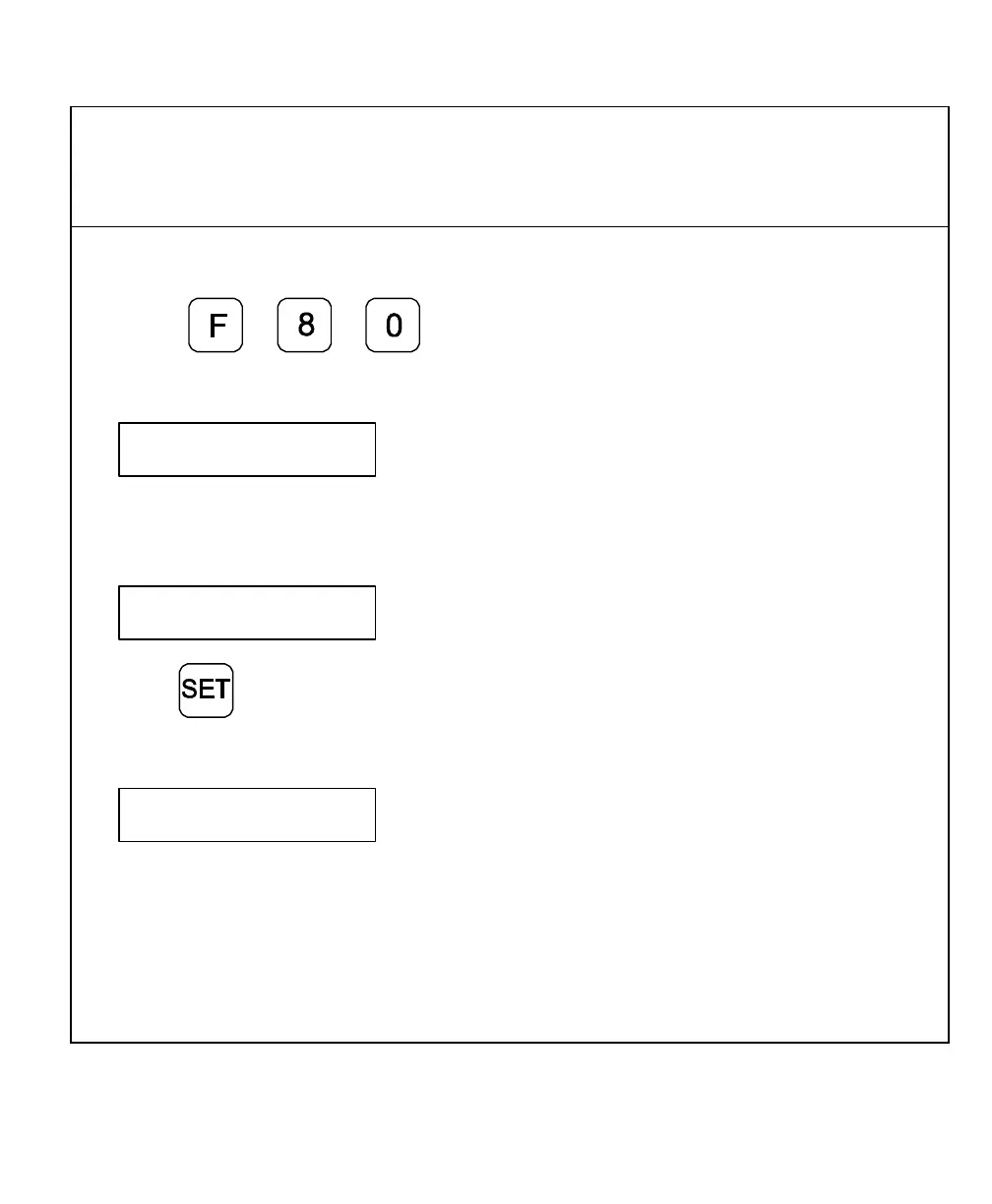
1. Press
The DRO displays the following in the message window:
SEL AXIS
5. Press the desired axis key.
The DRO displays the following in the message window:
AXIS X
6. Press
The DRO displays the following in the message window:
Datum X
Datum point for the axis to be corrected. Here you enter the start point at
which the axis with error is to be corrected. This point indicates the
distance to the zero position for the “Reference Display”.



 To Next Page