42
100-Point Axis Error Compensation F 80/F 81
(Continued)
Selecting the Compensation Table, Entering an Axis Compensation (Continued)
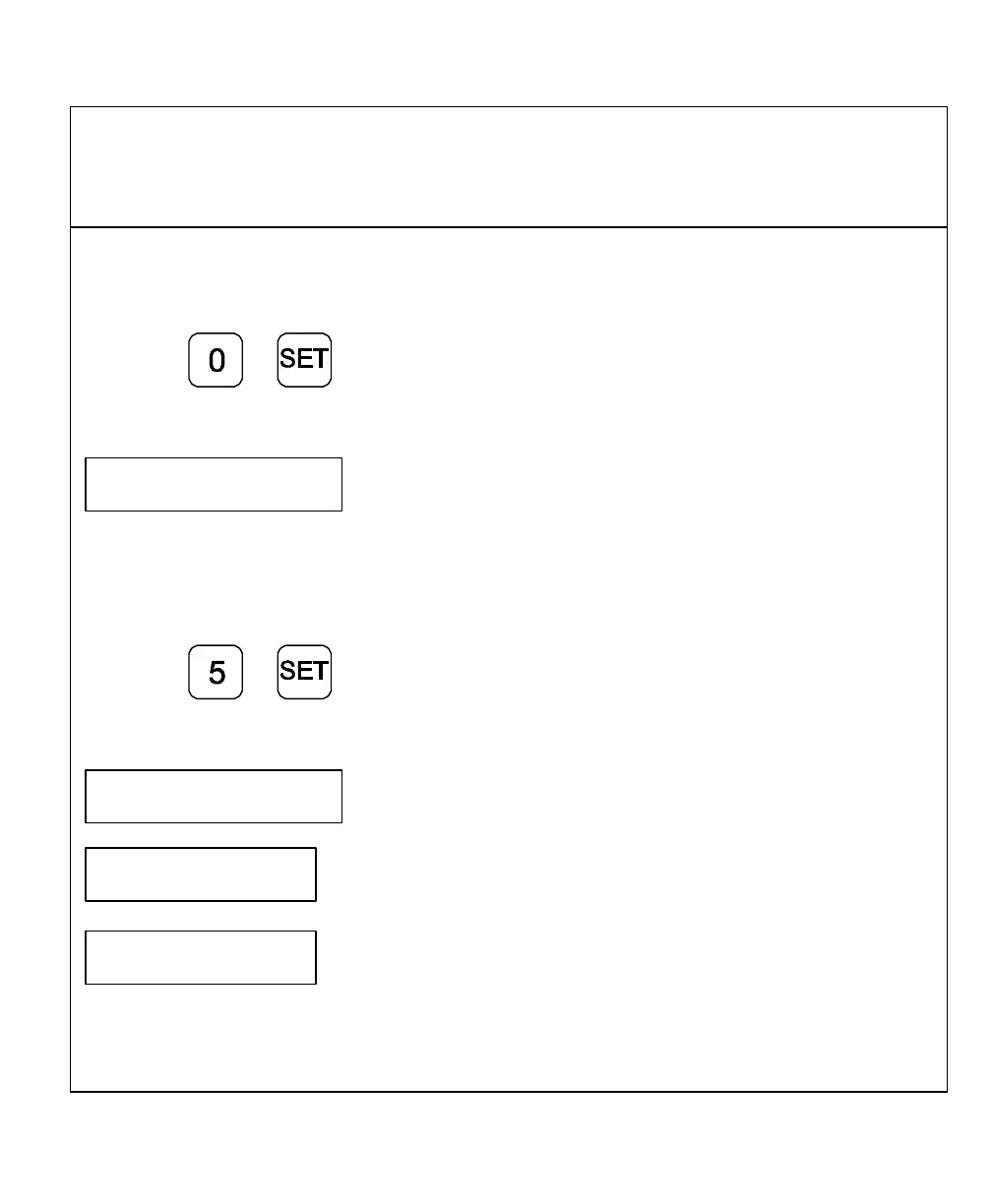
Enter, for example: 0 mm
Press
The DRO displays the following in the message window:
SPacing X
Enter the spacing between the compensation points.
Factory setting: 10 mm
Enter, for example: 5 mm
Press
The DRO displays the following in the message window:
X NO. oo
. 0.000
X-axis display shows compensation point no. 0
0.000
Y-axis display shows compensation value no. 0
NOTE: Compensation point 0 always has the compensation value 0 and cannot be
changed.



 To Next Page