43
100-Point Axis Error Compensation F 80/F 81
(Continued)
Selecting the Compensation Table, Entering an Axis Compensation (Continued)
Press
The DRO displays the following in the message window:
X NO. o1
. 5.000
X-axis display shows compensation point no. 1
- - - - - - - - -
Y-axis display shows compensation value no. 0
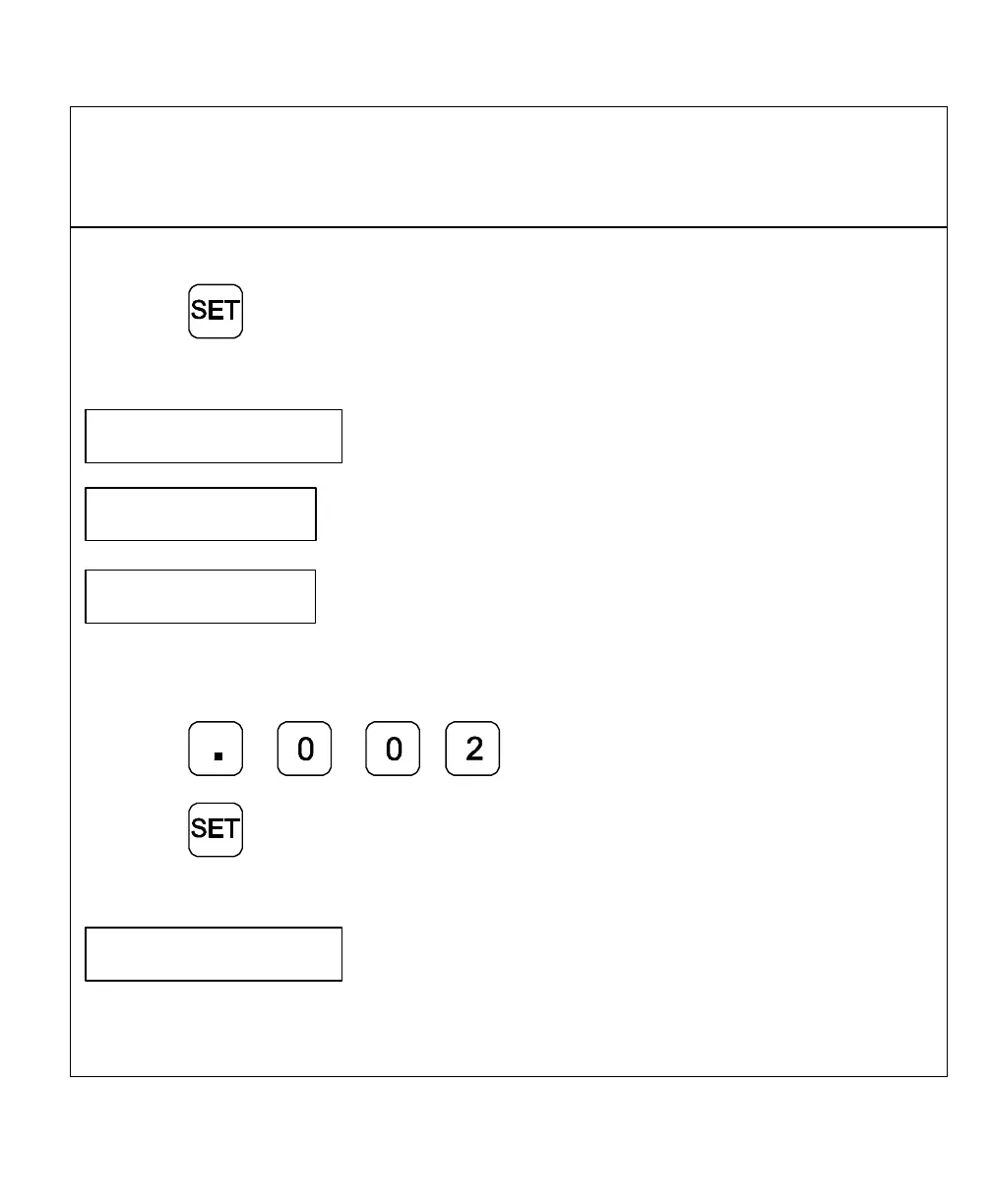
Enter the associated compensation value for point no. 1 and confirm with SET.
For example: 0.002 mm
Press
Press
The DRO displays the following in the message window:
X NO. o2
Repeat this procedure for all further compensation points (no. 2 – no. 99).



 To Next Page