118
Tool Offset Key (900, Lathe Mode Only) (Continued)
Modify Tool Offset – F 35
Modify Tool Offset (F 35) allows you to modify the Z-axis tool-offset value for all tools
without reentering values. If you place a new part with a different length in the chuck,
you must modify all the Z-axis tool offsets in the tool table. .
NOTE: To modify the tool offset, a tool number must be activated.
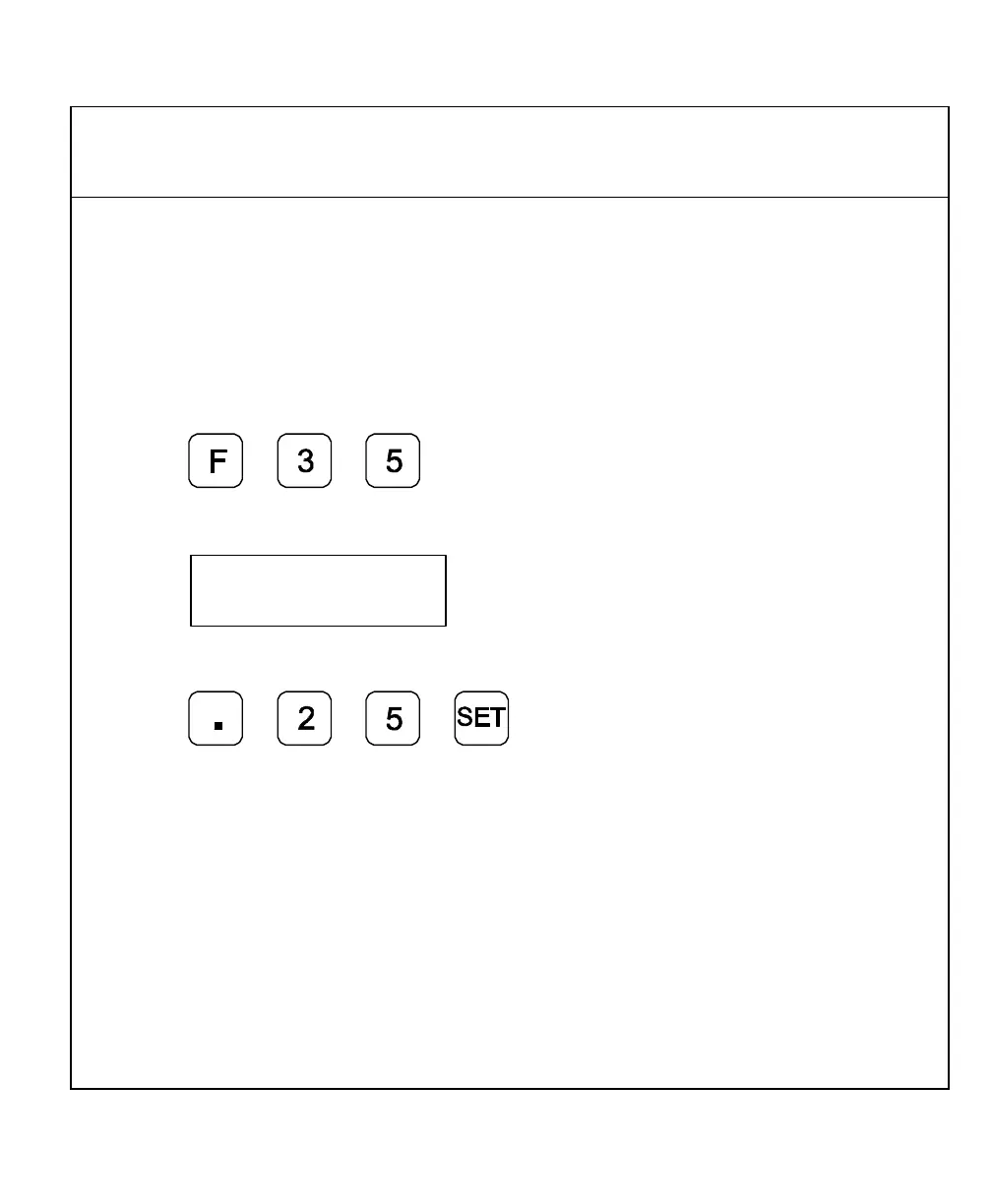
Example: To modify the Z offset to .25 in. (6.35 mm):
1. Press
The DRO displays the following in the message window:
2. Press the axis key for the Z-axis.
3. Press to activate the feature.



 To Next Page