49
Approaching Zero – F 06
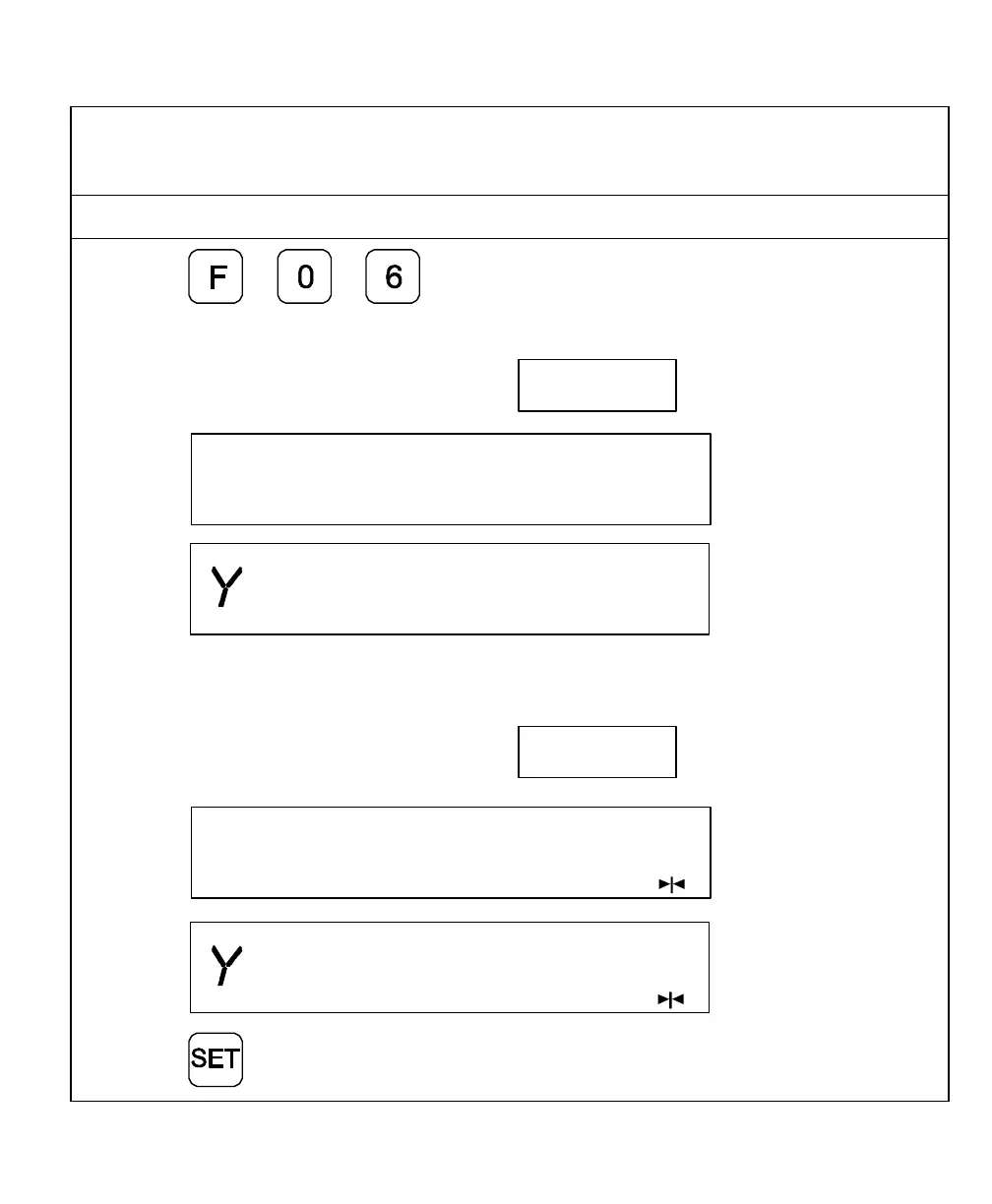
F 06 indicates when an axis is within a set range and approaching zero, or at zero.
1. Press to select the feature.
The DRO displays the following in the message window and axis displays:
X f 06
Apz set
2. Press the desired axis key(s) to select the axes.
The DRO displays the approaching zero indicator(s) on the selected axis display(s).
X f 06
Apz set
3. Press to activate the feature.



 To Next Page