50
Approaching Zero – F 06 (Continued)
To turn the approaching zero indicator OFF:
1. Press to select the feature.
2. Press the desired axis key to deselect the axis.
3. Press
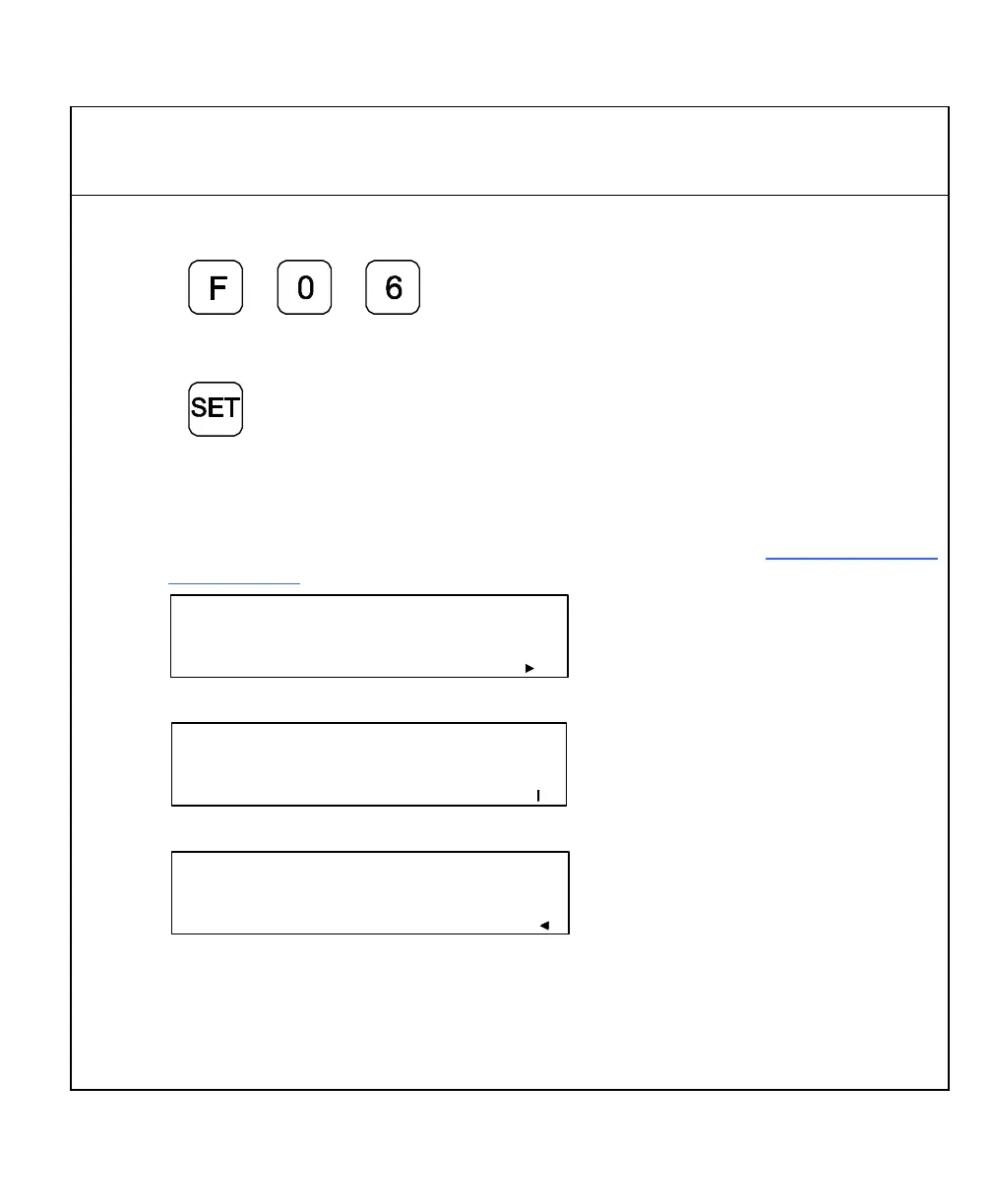
NOTE: The following example shows an axis with an approaching zero position
tolerance set to .5. The symbols in the lower right corner of the display indicate
the axis is approaching zero, at zero, or past zero. The arrows indicate the
direction of travel toward zero only if you preset a range using Approaching Zero
Range – F 07.
Approaching zero.
At zero.
X -
Past zero.



 To Next Page