33
Centering Key
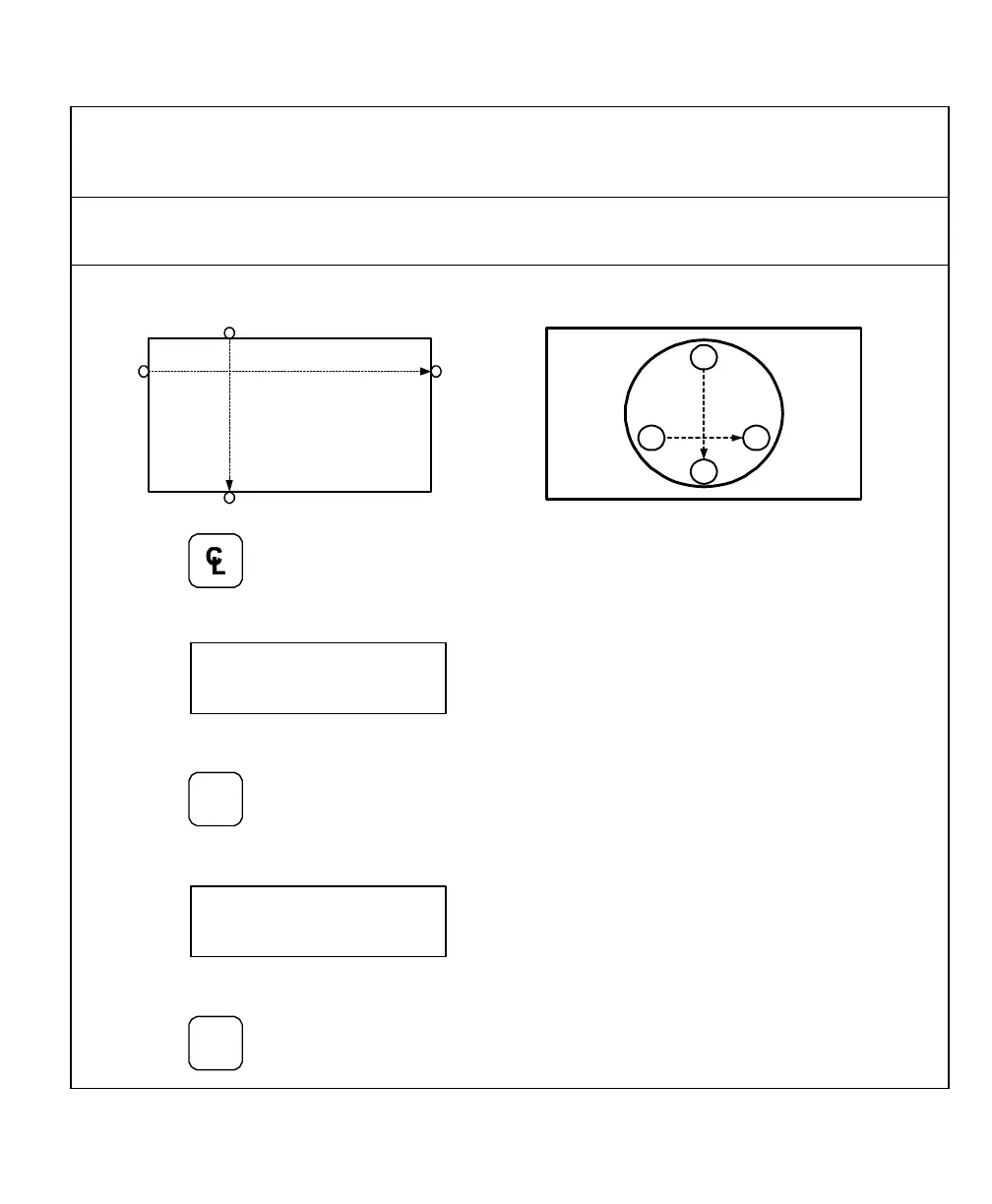
The Centering Key allows you to center the tool on the centerline of the workpiece, or on
a specific position on the workpiece.
Example: To center the tool on the centerline of the workpiece:
Position 1 Position 2
Position 3
Position 4
Position 1 Position 2
Position 3
Position 4
1. Press to activate the feature.
The DRO displays the following in the message window:
2. Move the tool to position 1.
3. Press
The DRO displays the following in the message window:
4. Move the tool to position 2.
5. Press



 To Next Page