34
Centering Key (Continued)
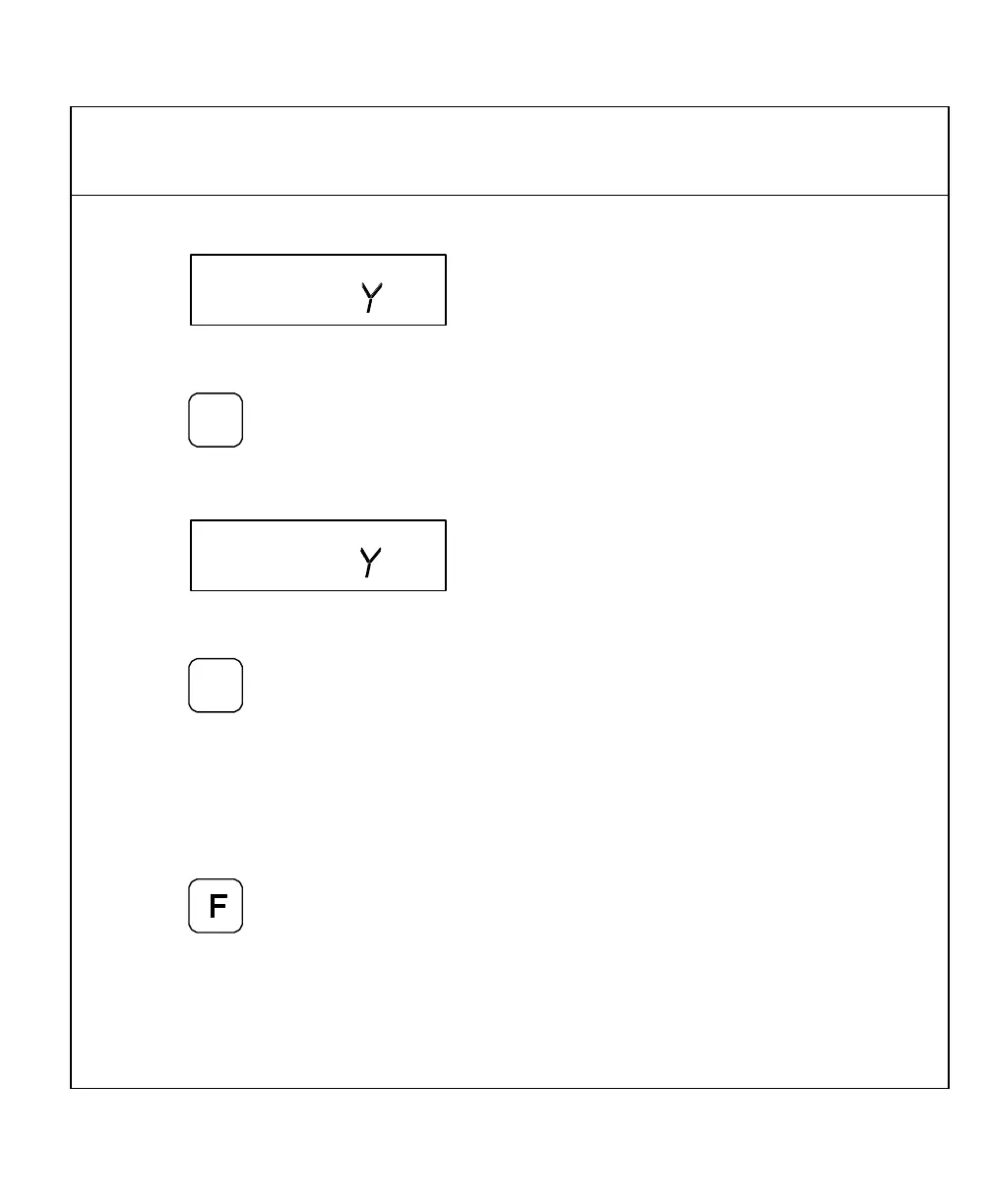
The DRO displays the following in the message window:
6. Move the tool to position 3.
7. Press
The DRO displays the following in the message window:
8. Move the tool to position 4.
9. Press
10. Move both axes until the displays indicate 0 (zero).
This is the centerline of the workpiece.
To exit the centering feature:
11. Press
NOTE: To center the tool on the centerline of the X-axis only, skip the steps for the
Y-axis entries. To center the tool on the centerline of the Y-axis only, press
the Y-axis key after you press the centering key.



 To Next Page