148
Remote Operation (With I/O Option Only)
You can remotely operate the DRO from an IBM-compatible computer running a terminal
program via the RS-232 Interface connection. The baud rate, parity, and data bit settings
of the DRO and the terminal (or computer) must agree, and RS-232 must be ON. After
you activate the RS-232 link, you can operate the DRO by pressing the computer
keyboard.
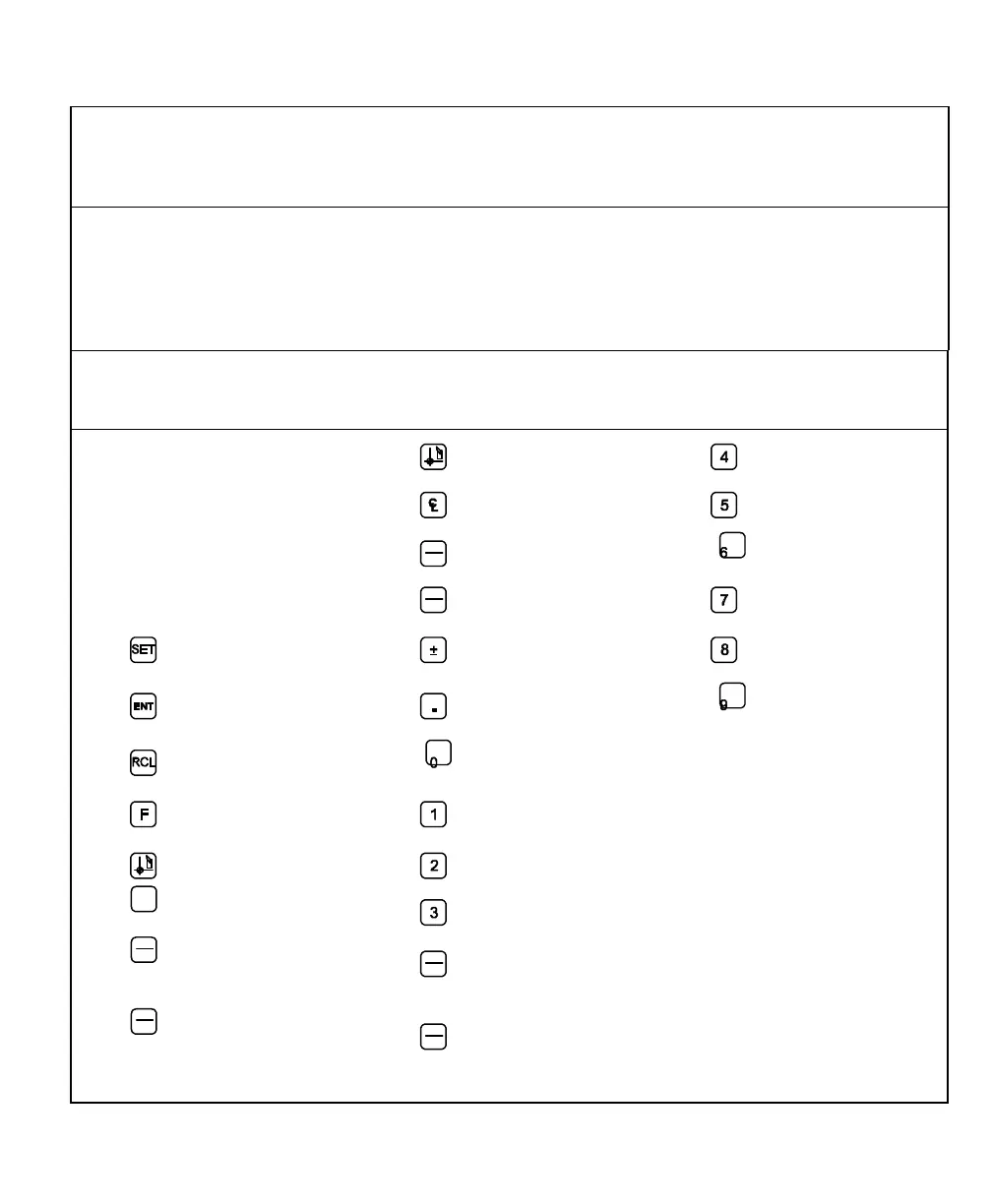
DRO Keypad
Computer
Keyboard
Equivalent
DRO Keypad
Computer
Keyboard
Equivalent
DRO Keypad
Computer
Keyboard
Equivalent
Axis Key 1
X
T
4
Axis Key 2
Y
C
5
Axis Key 3
Z
INCR
I
6
Axis Key 4
W
MM
INCH
M
7
S
-
8
E
.
9
R
0
Reset all Axes
P
F
1
XON
J
D
2
XOFF
N
A
3
INCR
(Absolute)
G90
INCR
(Incremental)
G91
MM
INCH
(Inch)
G70
MM
INCH
(Metric)
G71



 To Next Page