149
Send Program to External Device
(With I/O Option Only) – F 60
F 60 allows you to send a p
rogram to an external device (such as a PC or disk drive) using
the RS-232 port.
NOTE: The RS-232 port must be toggled ON using RS-232 ON/OFF – F 28.
To send a program to an external device:
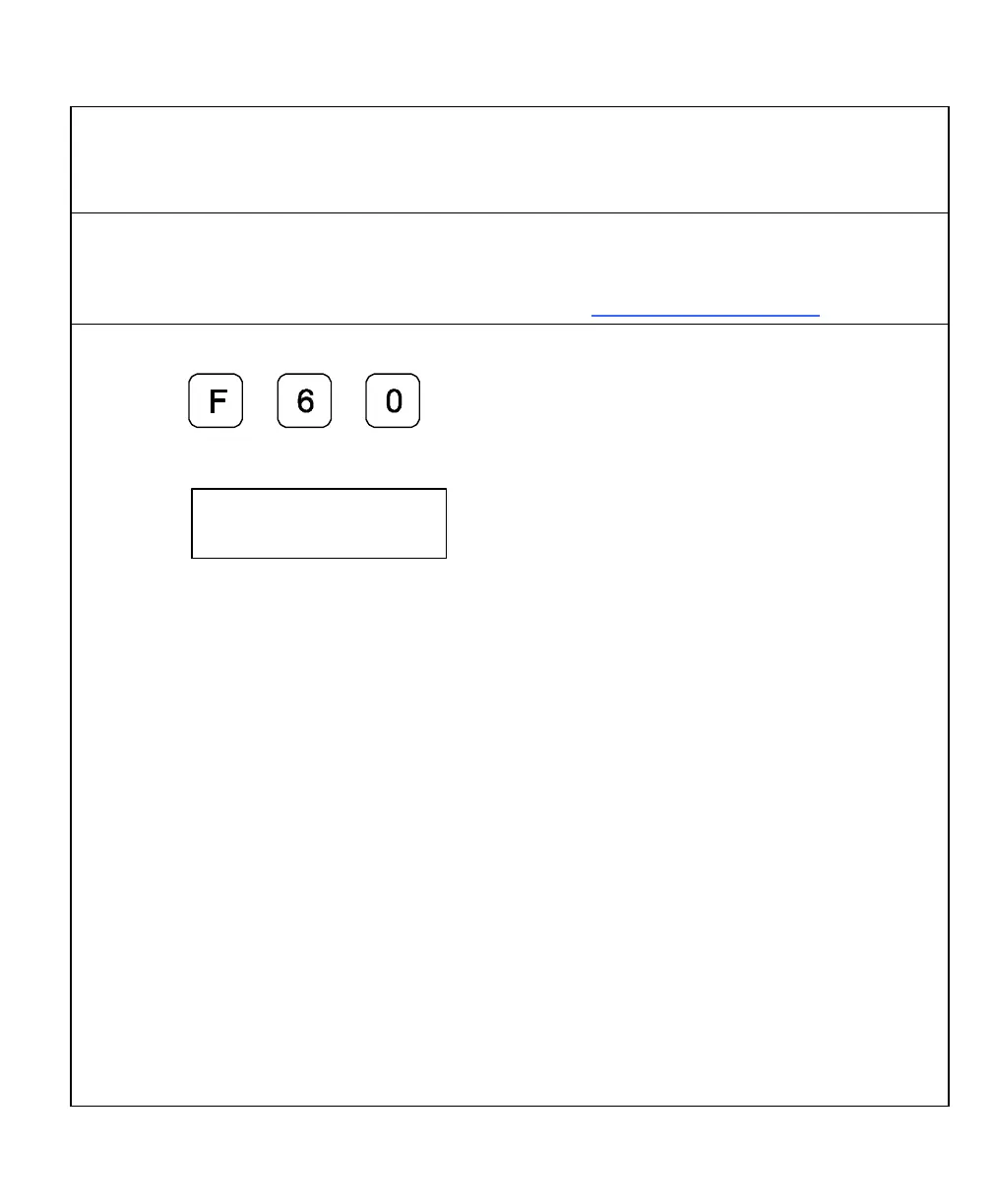
1. Press
The DRO displays the following in the message window:
Example: Output Format
*
001 00 A N N +00001.000 –00001.000 +00002.000 –00005.000
002 01 I N N +00010.500 –00030.880 +00062.440 –00020.500
003 01 A N N +00030.000 –00020.200 -00005.020 +00030.000
004 00 A 2 N
005 00 A N 1
*
* Beginning of Program (Hex 2A)
001 Line Number 3 Characters – 000-500
00 Tool (Lathe)/Datum (Mill) Number 2 Characters – 00-99
A Absolute/Incremental Mode 1 Character – A or I
N Number of Bolt-Hole Pattern 1 Character – 0-9 or N
N Number of Linear-Hole Pattern 1 Character – 0-9 or N (No)
Axis Value 1 ±, 10 Characters, Decimal Point
Axis Value 2 ±, 10 Characters, Decimal Point
Axis Value 3 (3-axis DRO Only) ±, 10 Characters, Decimal Point
Axis Value 4 (4-axis DRO Only) ±, 10 Characters, Decimal Point
* End of Program (Hex 2A)
Terminate every output line with LF (line feed).
Separate every data block in a line with a Space (Hex 20).



 To Next Page