51
Approaching Zero Range – F 07
F 07 allows you to set the range for approaching zero indication in one or more axes.
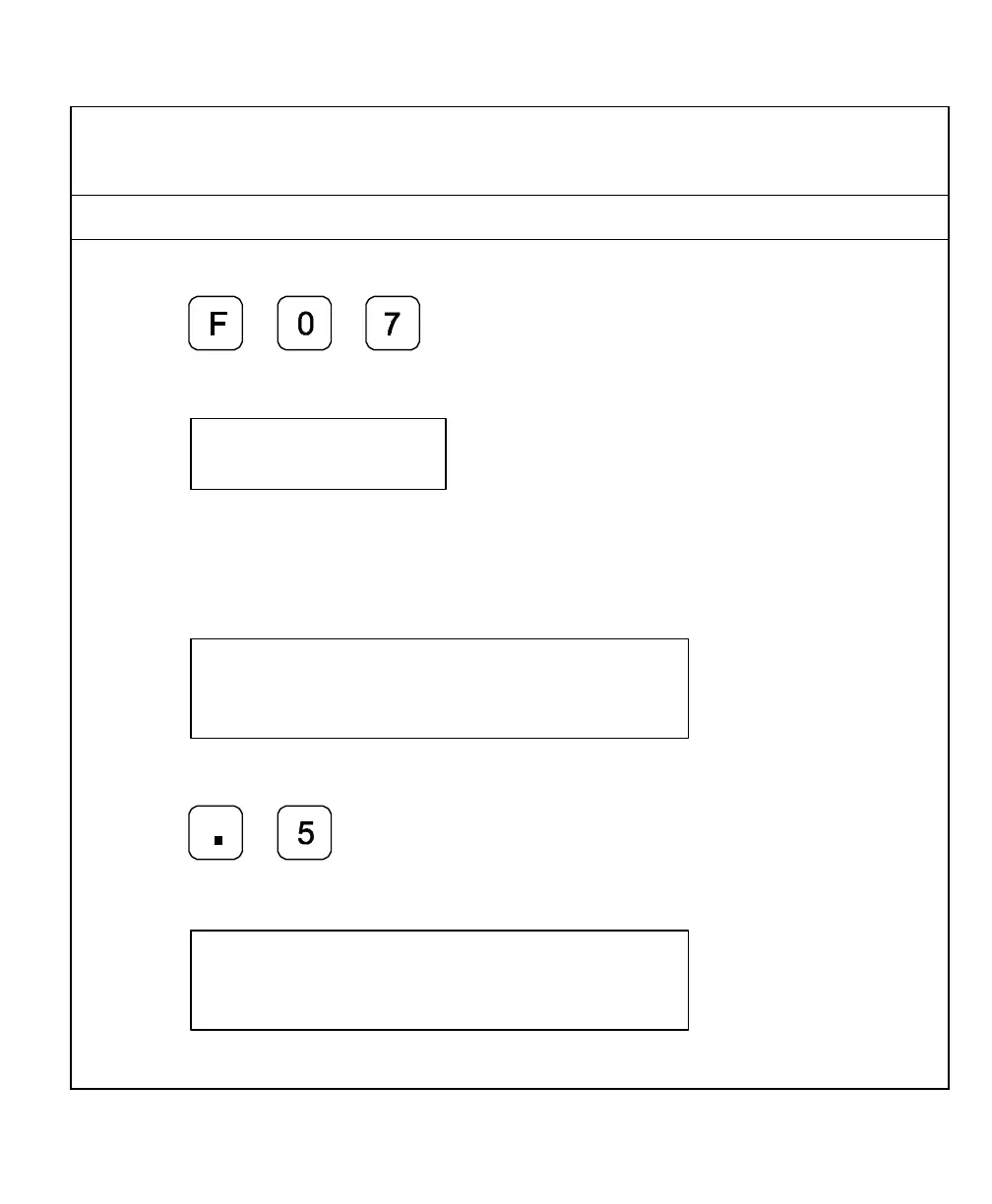
Example: To set the range for the X-axis to .5:
1. Press to select the feature.
The DRO displays the following in the message window:
The axis displays indicate the current approaching zero range.
2. Press axis 1 key to select the axis.
The DRO displays the following in the axis display:
The X is blinking.
3. Press
The DRO displays the following in the axis display:



 To Next Page