115
Tool Offset Key (900, Lathe Mode Only)
The Tool Offset Key allows you to preset X and Z offsets for each tool into a tool table
(maximum 99). This feature requires an interchangeable tool system.
NOTE: Before entering a tool offset, establish a machine home position using
Absolute Zero Set – F 01 or activate EverTrack
TM
Mode – F 02.
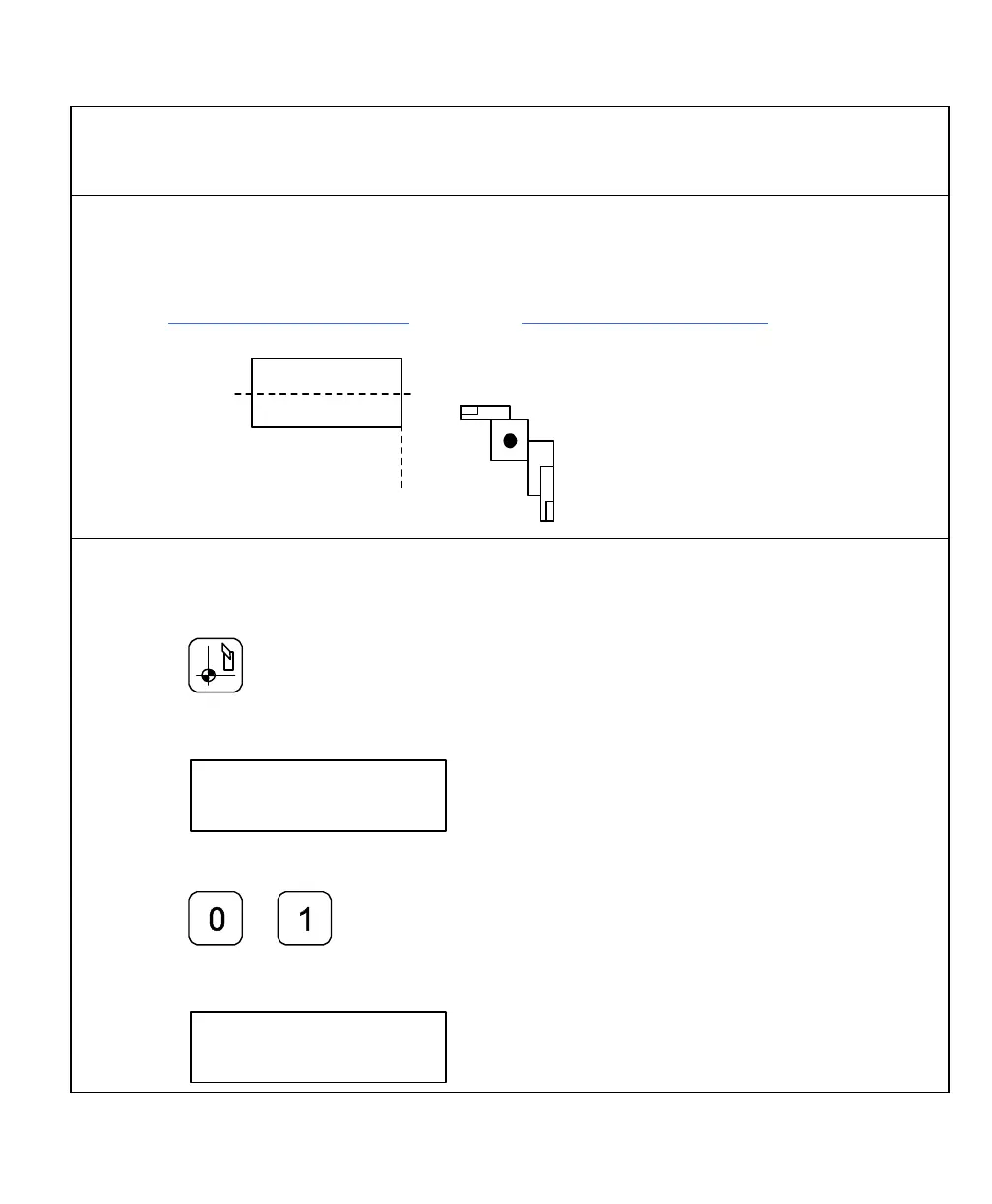
Workpiece
Tool Number 1
Tool Number 2
Tool Holder at
Home Position
Z
X
Enter Tool Offset
Example: To enter an offset for a tool:
1. Press
The DRO displays the following in the message window:
To select the tool number – for example, tool number 1:
2. Press
The DRO displays the following in the message window:



 To Next Page