66
Parameter Settings – F 20 (Continued)
Inch Linear Encoders (BT or JB Linear Encoders)
If you have performed steps 1 through 4 in the Setting Up Encoder Parameters section
and selected Inch Linear Encoder, the DRO prompts for the encoder resolution and
direction of positive travel in the message window:
Res --
The axis designation (in this example, X
) is blinking, indicating that you can enter a value.
The default value for the encoder resolution is .0001 in. (display resolution is in ten
thousands of an inch). The encoder resolution value must be set for the linear encoder
type you are using.
NOTE: If you do not know the encoder resolution for the linear encoder(s) you are
using, call ANILAM at the number listed on page 1.
Setting Encoder Resolution
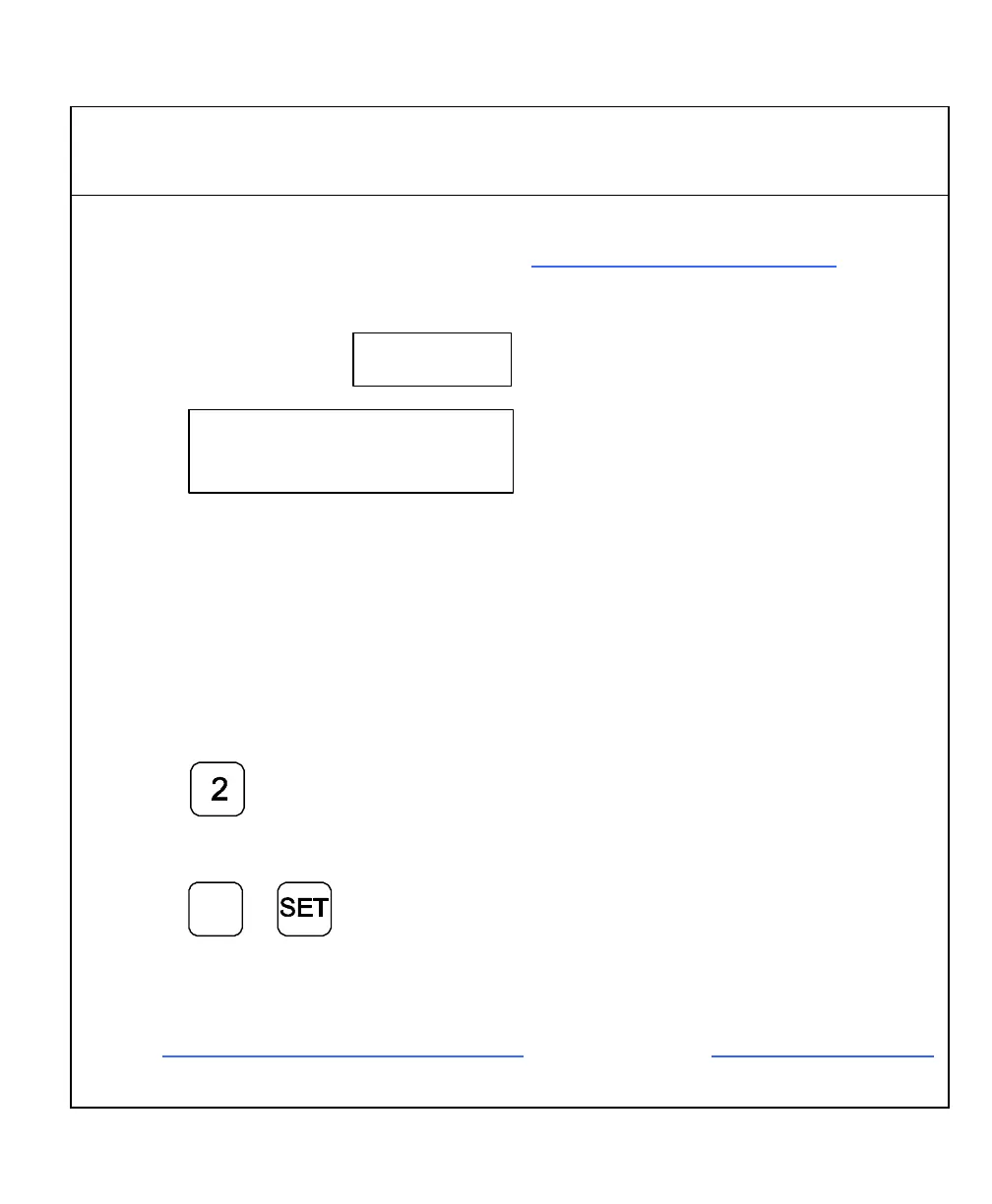
If you need to change the encoder resolution setting – for example, .0002 in.:
1. Press
If you need to change the direction of positive travel:
2. Press
+
_
to change the direction of
positive travel and to set the
encoder resolution.
3. For the remainder of the inch linear encoder parameter setup procedures, proceed
with Setting Display Resolution (MM Mode) after step 7 of the Metric Linear Encoders
section.



 To Next Page