65
Parameter Settings – F 20 (Continued)
To change the Resolution Setting:
2. Press to select the desired display
resolution in INCH Mode.
Setting EverTrack
TM
Mode
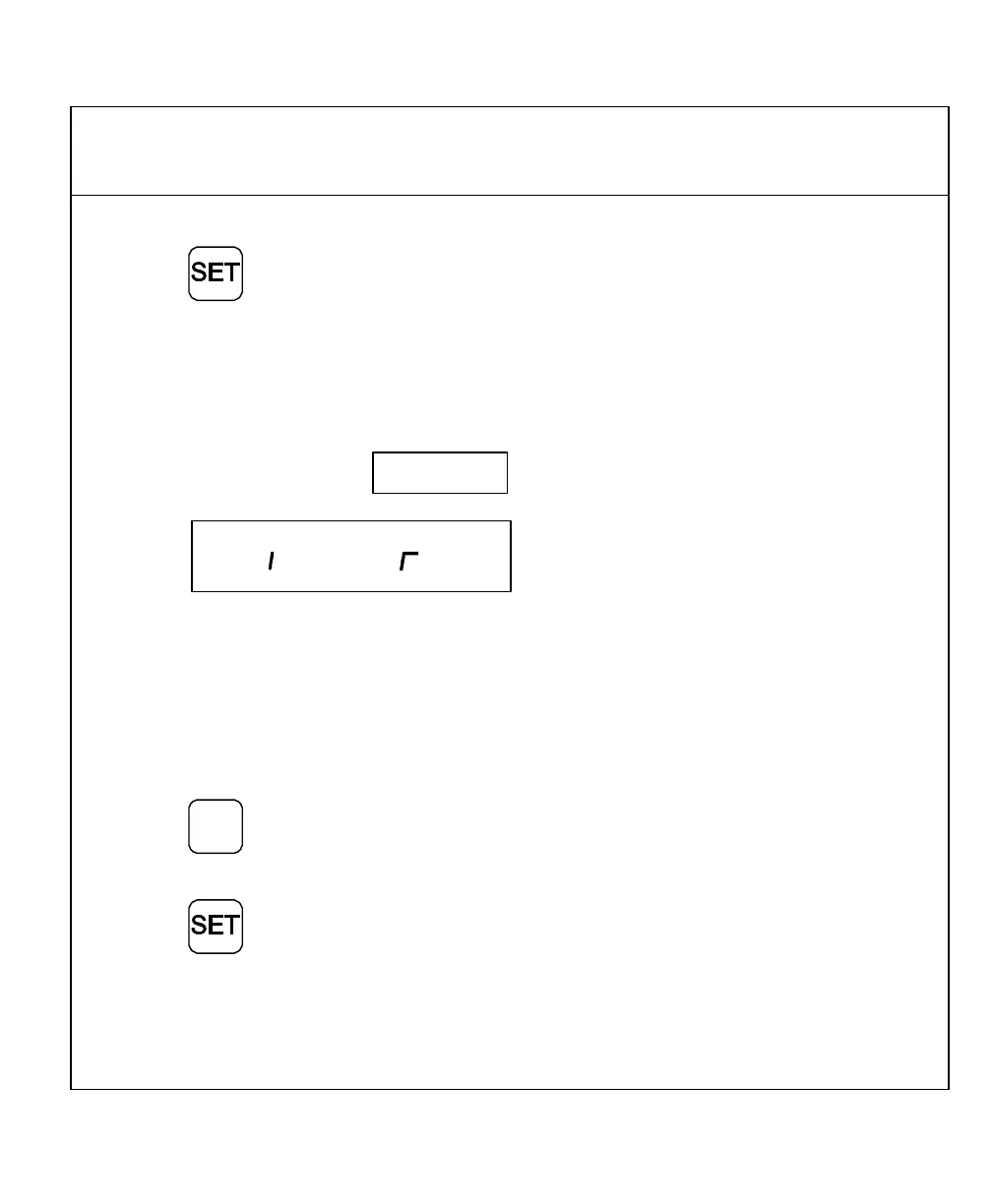
The DRO prompts for the EverTrack
TM
Mode in the message window and displays the
default EverTrack
TM
Mode in the axis display:
E--trac set
ABS INCH
The available settings are:
Setting Linear Encoder
i20 r05 RBS-05T and RBM-05T
i20 r1 RBS-1T and RBM-1T
i20 r5 RBS-5T and RBM-5T (default)
no E-trac All other linear encoders
1. Press
+
_
repeatedly to scroll through
the options.
2. Press to set the option and exit.



 To Next Page