25
EverTrack
TM
Mode – F 02
F 02 allows you to permanently store a part zero position (machine home, tool-change
position, or datum). This allows you to return to a specific location on a workpiece such
as when power fails before the work is complete.
NOTE: This feature works ONLY with RBS-T and RBM-T linear encoders, which
contain absolute reference marks. If your application uses linear encoders
without absolute reference marks, disable EverTrack
TM
Mode (NO E-TRAC) using
Parameter Settings – F 20.
EverTrack
TM
Mode can be set either one axis at a time or all axes at a time. If you have a
three-axis application but require fewer than three axes, we recommend that you set the
part zero positions one axis at a time.
Setting a Part Zero - One Axis
To set up a part zero position for one axis:
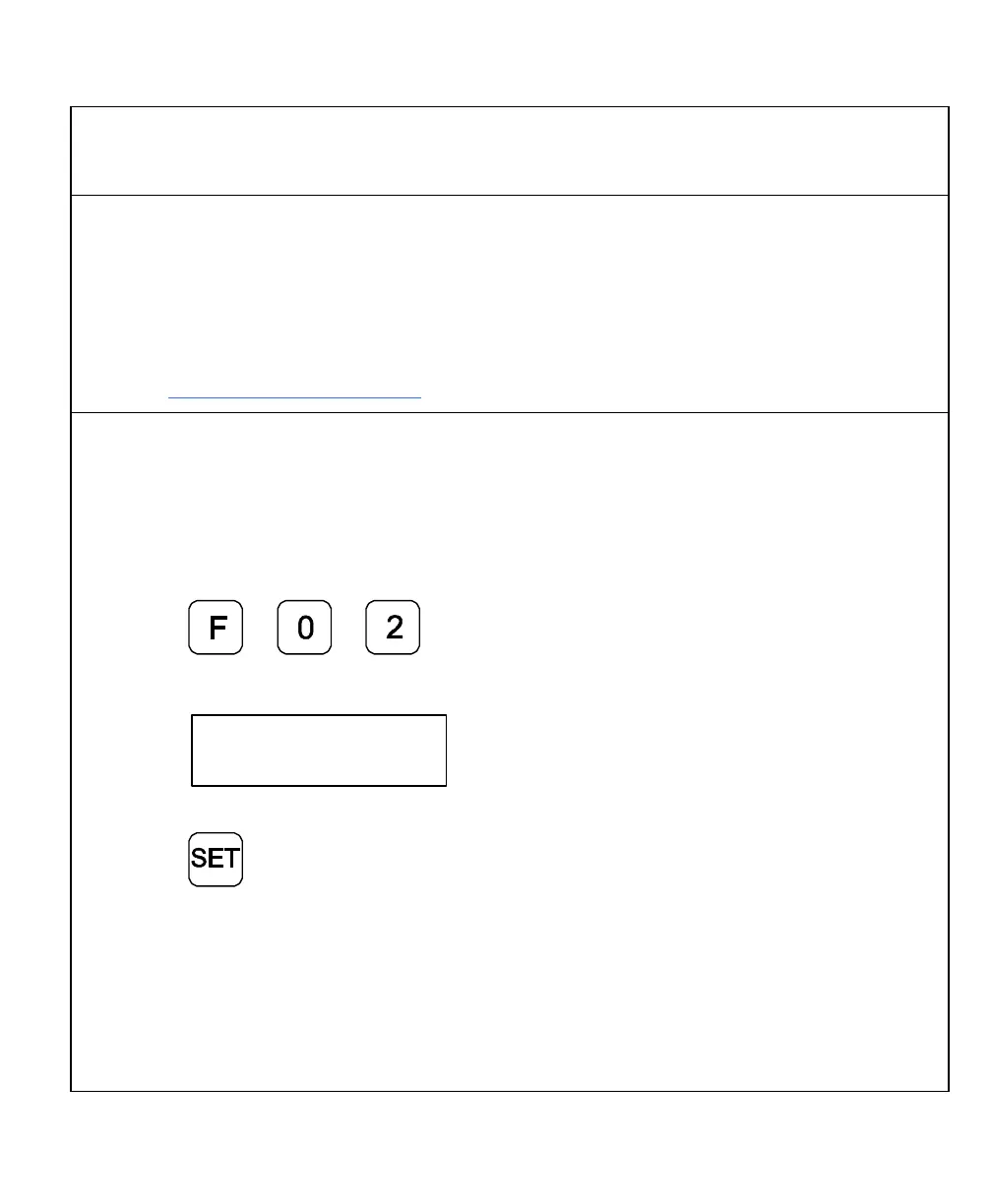
1. Press to select the feature.
The DRO displays the following in the message window:
2. Press the desired axis key.
3. Press
The axis display resets to zero and the Reference Indicator (RI) begins to blink.
CAUTION: During the following step, do not change the machine axis travel direction.
This will cause an error.
4. Move the machine axis approximately 1 in. (25.4 mm) in one direction until the RI
stops blinking and the display starts to count.



 To Next Page