26
EverTrack
TM
Mode – F 02 (Continued)
5. Move the machine axis to the part zero position.
6. Press
This will be the absolute part zero position.
CAUTION: If you require a temporary datum while in EverTrack
TM
Mode, we
recommend you exit the feature before you set the temporary datum.
To exit EverTrack
TM
Mode:
7. Press
8. Press
The DRO turns off the RI and stores the absolute part zero position. Now you can
perform an absolute reset (Axis key + SET key) on an axis or an absolute reset (F 01).
Setting a Part Zero – All Axes
To set up a part zero position for all axes:
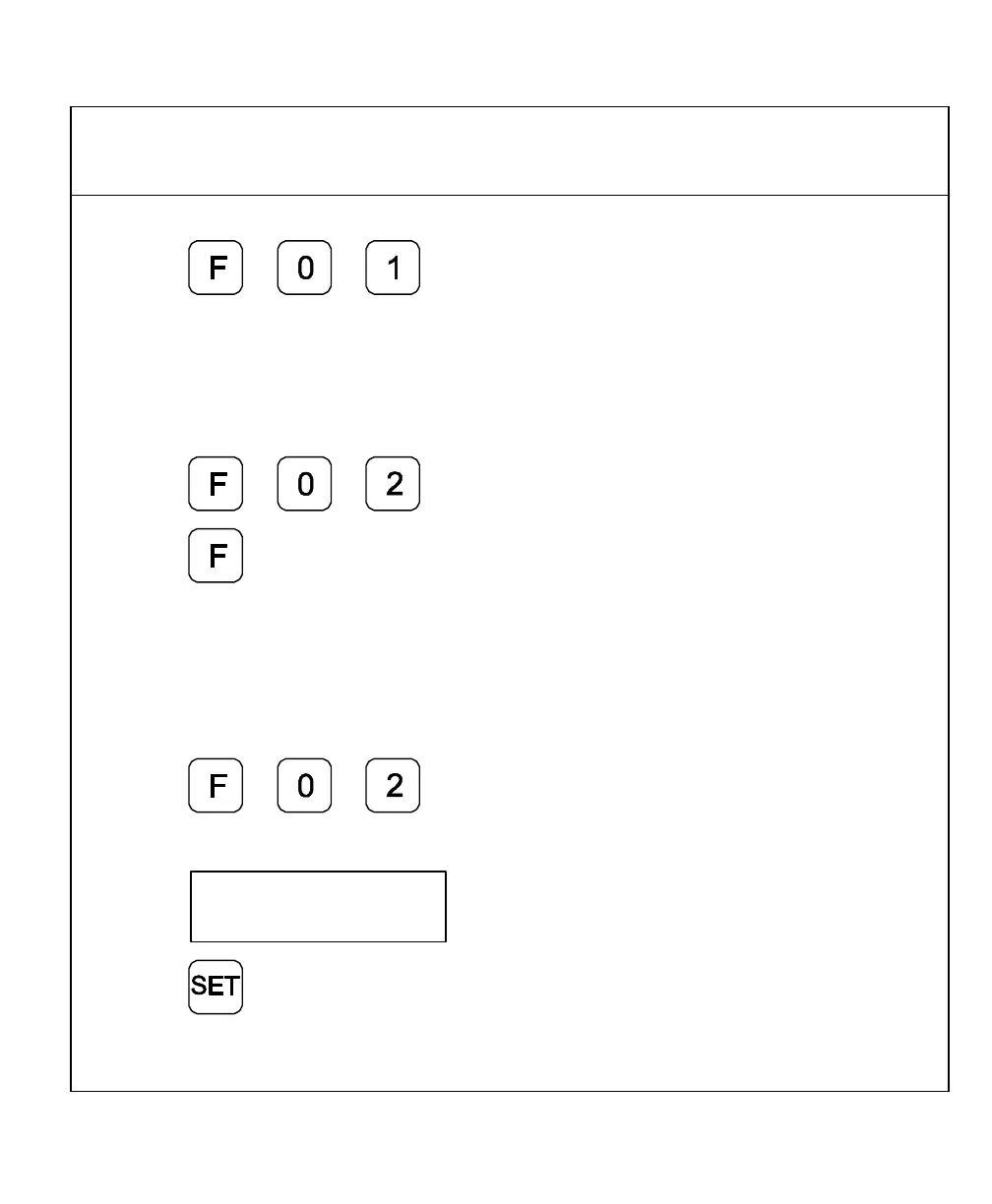
1. Press to select the feature.
The DRO displays the following in the message window:
2. Press
The axis displays reset to zero and the RIs begin to blink for each axis.



 To Next Page