143
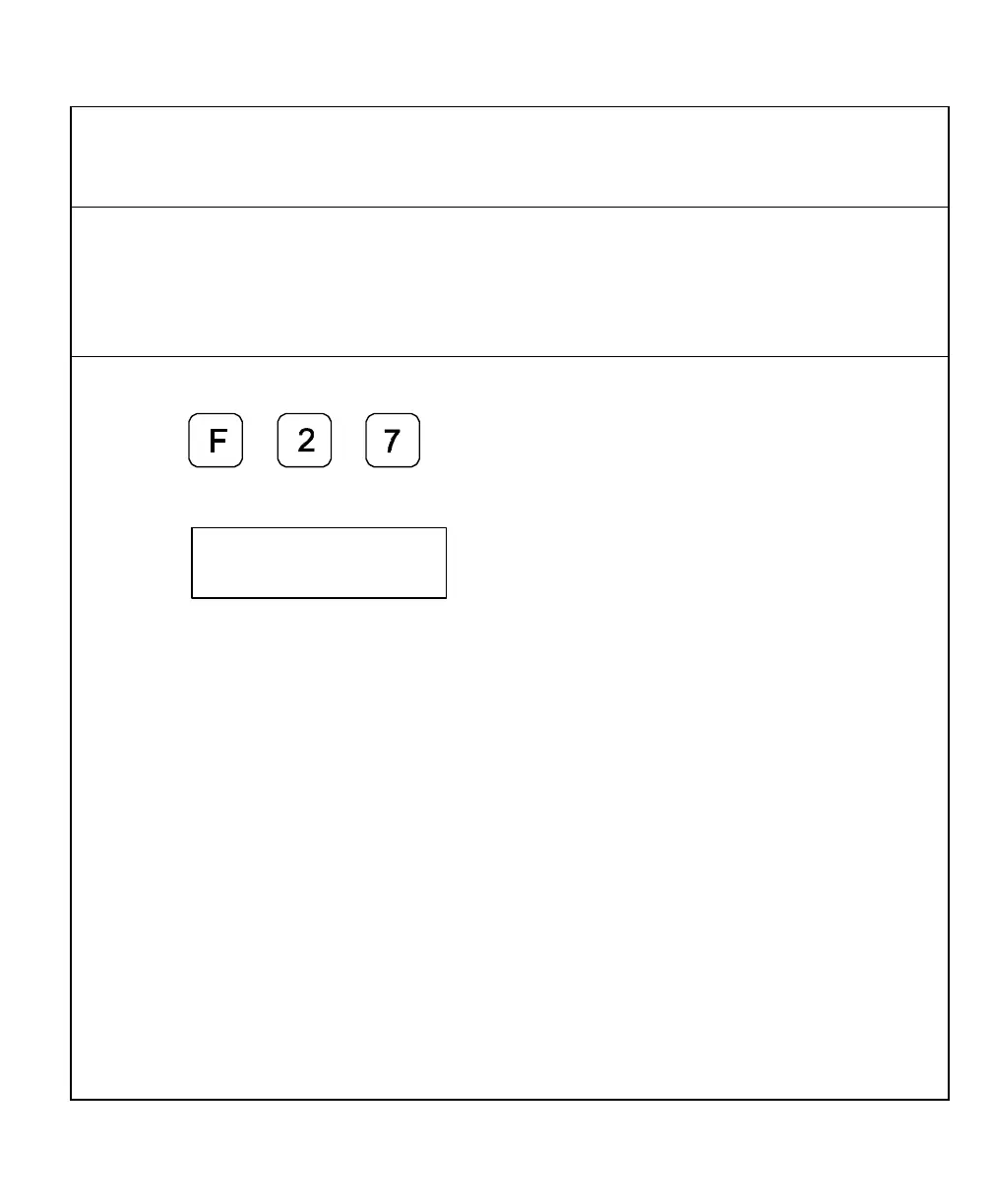
RS-232 Setup (With I/O Option Only) – F 27
F 27 allows you to set up the following parameters for the RS-232 port:
q Baud Rate
q Parity
q Data Bits
q Printer or Computer Output
To set up RS-232 port parameters:
1. Press
The DRO displays the following in the message window:
The available baud rates are:
RS-232 Baud Rates
300 (default), 600, 1200, 2400,
4800, 9600, 19200, 38400



 To Next Page