21
Axis Reset Only – F 16
F 16 is useful for quick positioning. Press the axis key once to zero the display in either
ABS or INCR Mode.
Example 1: Set one axis as Axis Reset Only – for example, X-axis:
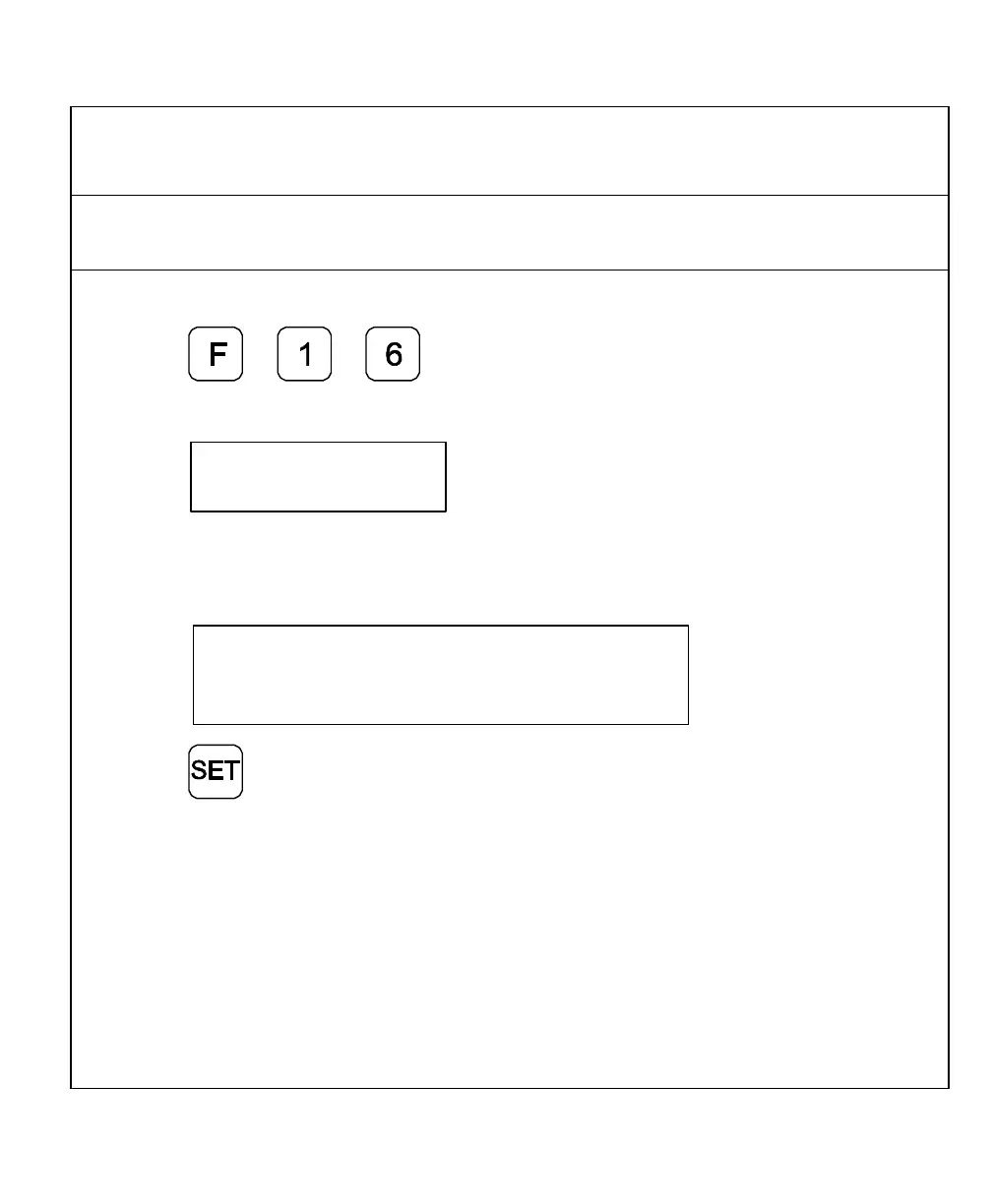
1. Press to select the feature.
The DRO displays the following in the message window:
2. Press the desired axis key to toggle axis reset only
ON (or OFF).
The DRO turns ON the RST symbol in the axis display:
RST
3. Press to set the feature.
4. Press the X-axis key to zero the axis display in either ABS or INCR Mode.
NOTE: Perform the same procedure to turn OFF Axis Reset Only.



 To Next Page