22
Axis Reset Only – F 16 (Continued)
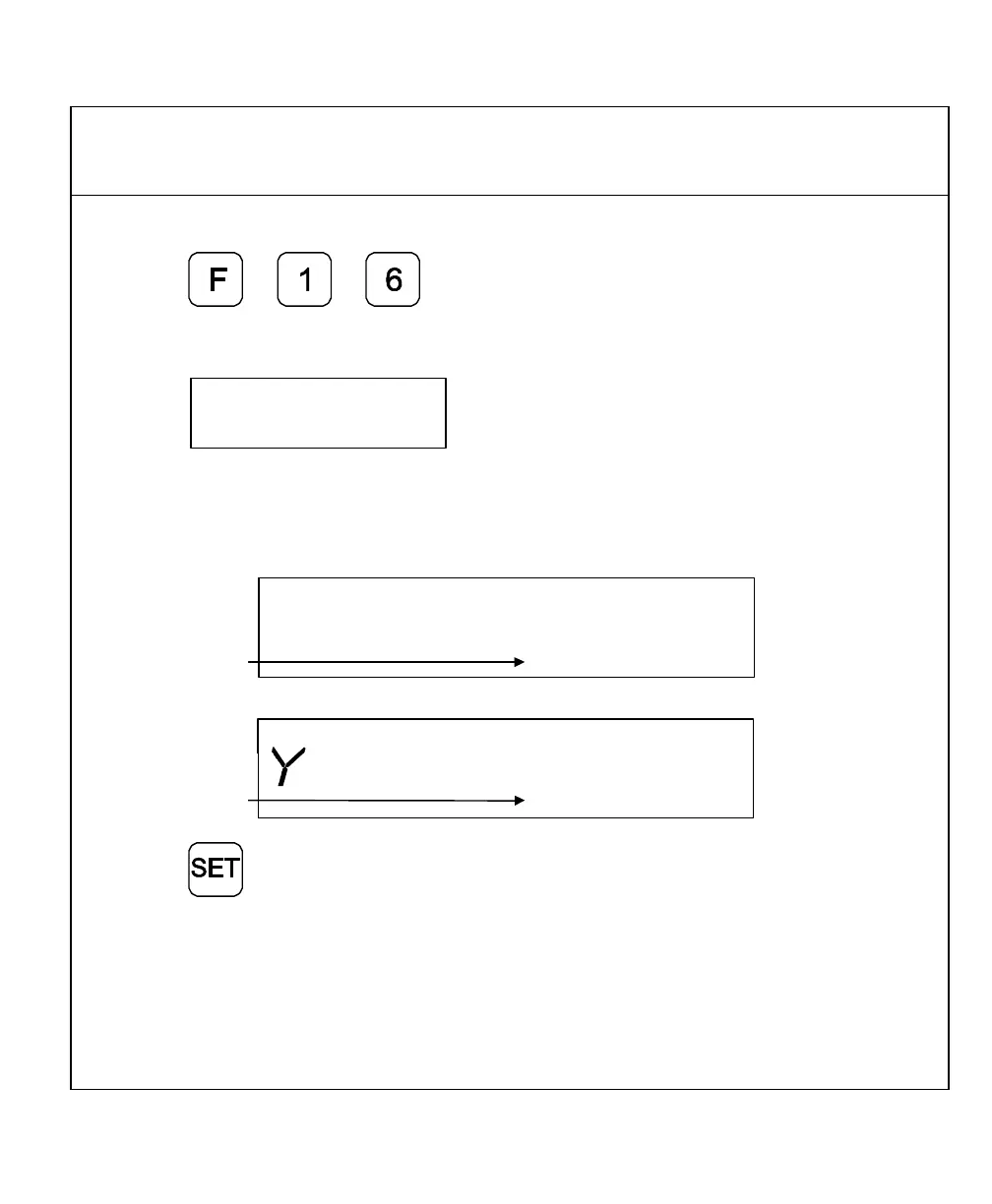
Example 2: Set two or more axes as Axis Reset Only – for example, X-axis and Y-axis:
1. Press to select the feature.
The DRO displays the following in the message window:
2. Press the desired axis key to toggle Axis Reset Only
ON (or OFF).
The DRO turns ON the RST symbol in the axis displays.
Axis Reset Only
Indicator
RST
RST
Axis Reset Only
Indicator
3. Press to set the feature.
4. Press the X-axis key to zero the axis display in either ABS or INCR Mode.
NOTE: Perform the same procedure to turn OFF Axis Reset Only.



 To Next Page