45
100-Point Axis Error Compensation F 80/F 81
(Continued)
Deleting a Compensation Value Table
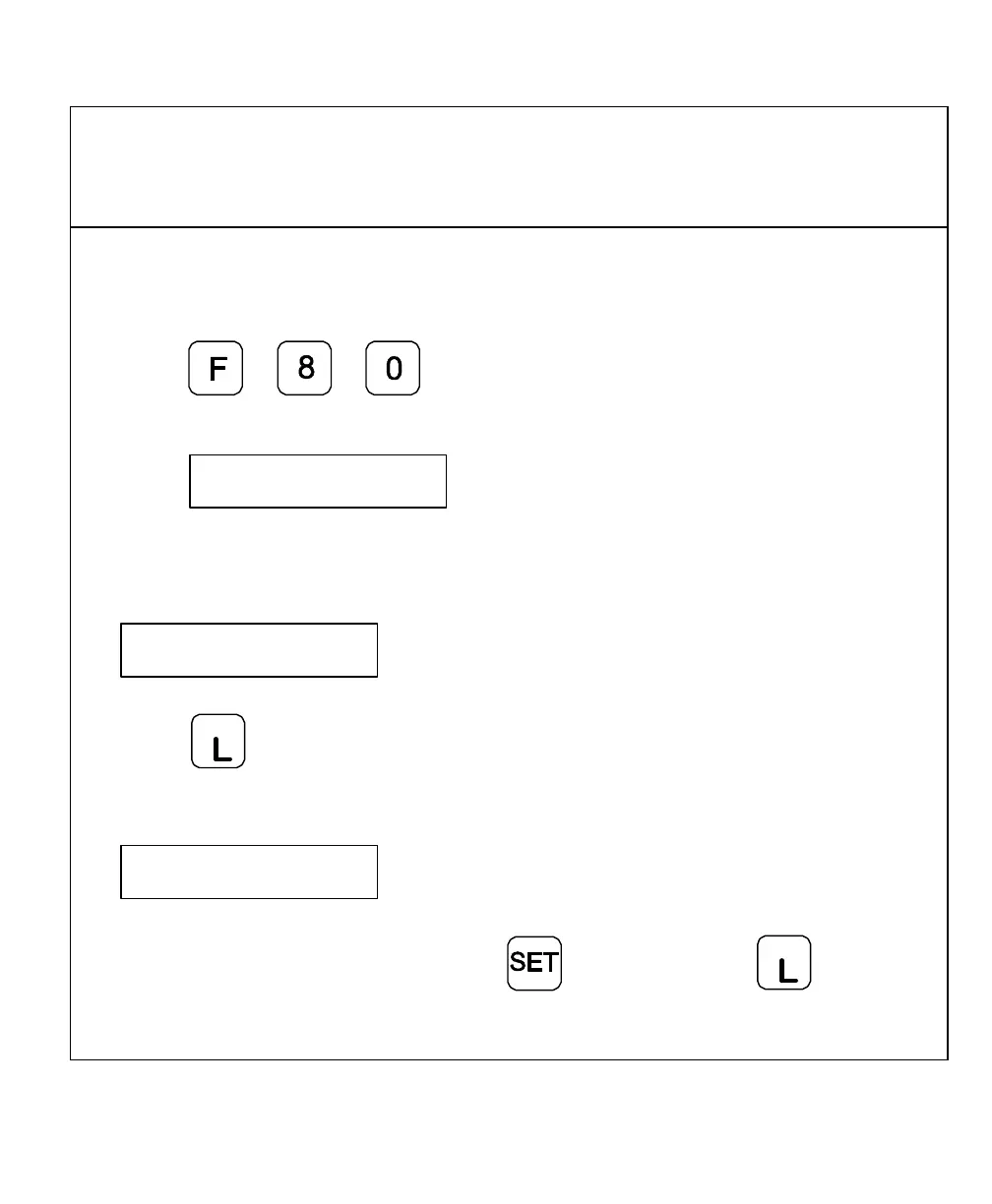
To delete a compensation value table:
1. Press
The DRO displays the following in the message window:
SEL AXIS
2. Select the table for the specified axis with the axis key.
The DRO displays the following in the message window:
AXIS X
3. Press
c
The DRO displays the following in the message window:
DELETE X
Delete the compensation value table with key, or cancel with
c
key.



 To Next Page