36
Radius/Diameter per Axis – F 05 (Continued)
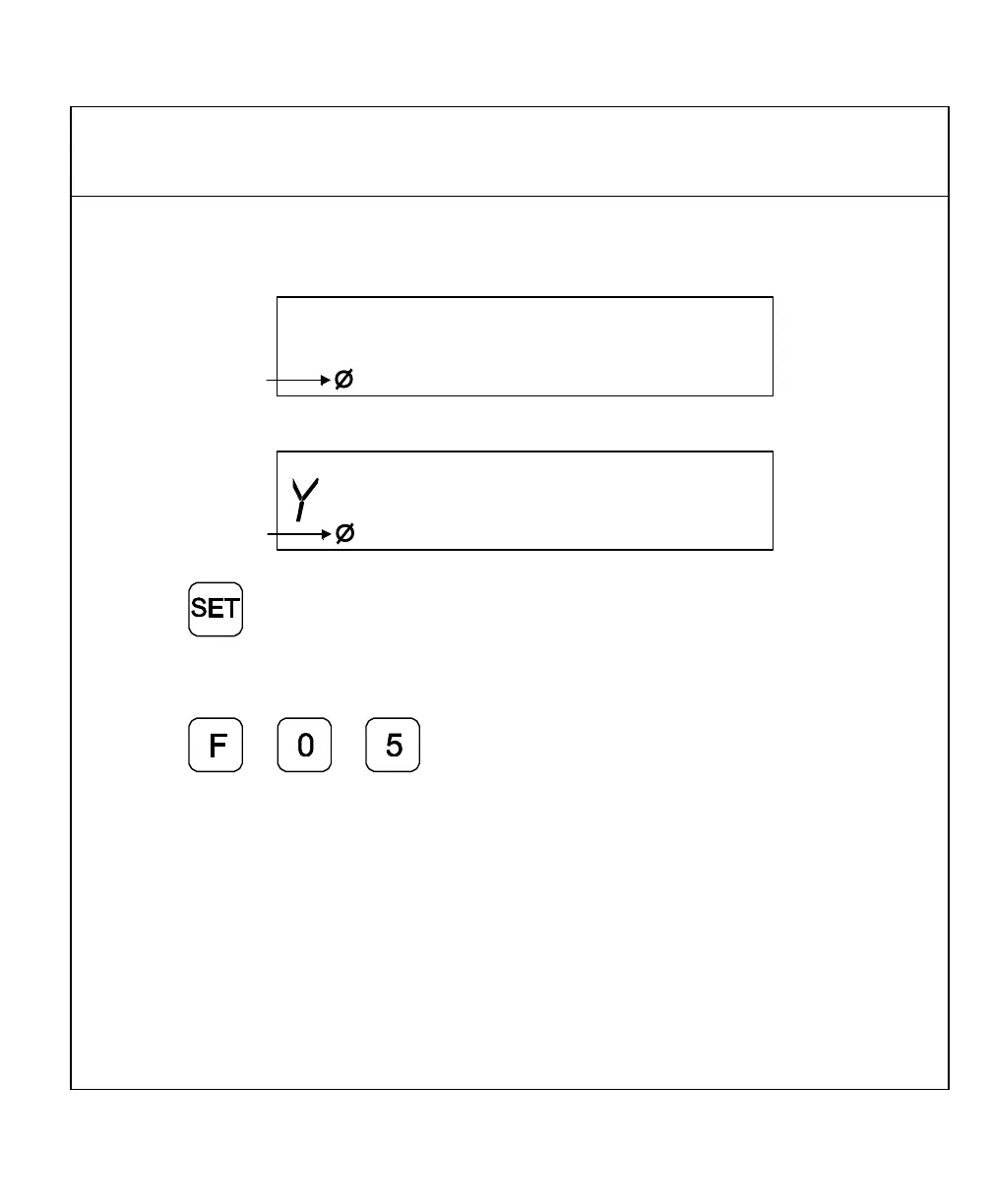
2. Press the desired axis key(s) to select the axes.
The DRO displays the radius-diameter mode indicator in the selected axis displays.
X f 05
3. Press to activate the feature.
To turn Diameter Mode OFF:
1. Press
2. Press the axis key(s).
The DRO turns OFF the radius-diameter mode indicator symbol(s), indicating the radius-
diameter mode is turned off.



 To Next Page