132
Electronic Notepad (Continued)
Clearing the Electronic Notepad
You can clear all 500 lines (including bolt-hole and linear-hole patterns) from the
Electronic Notepad before you enter new information.
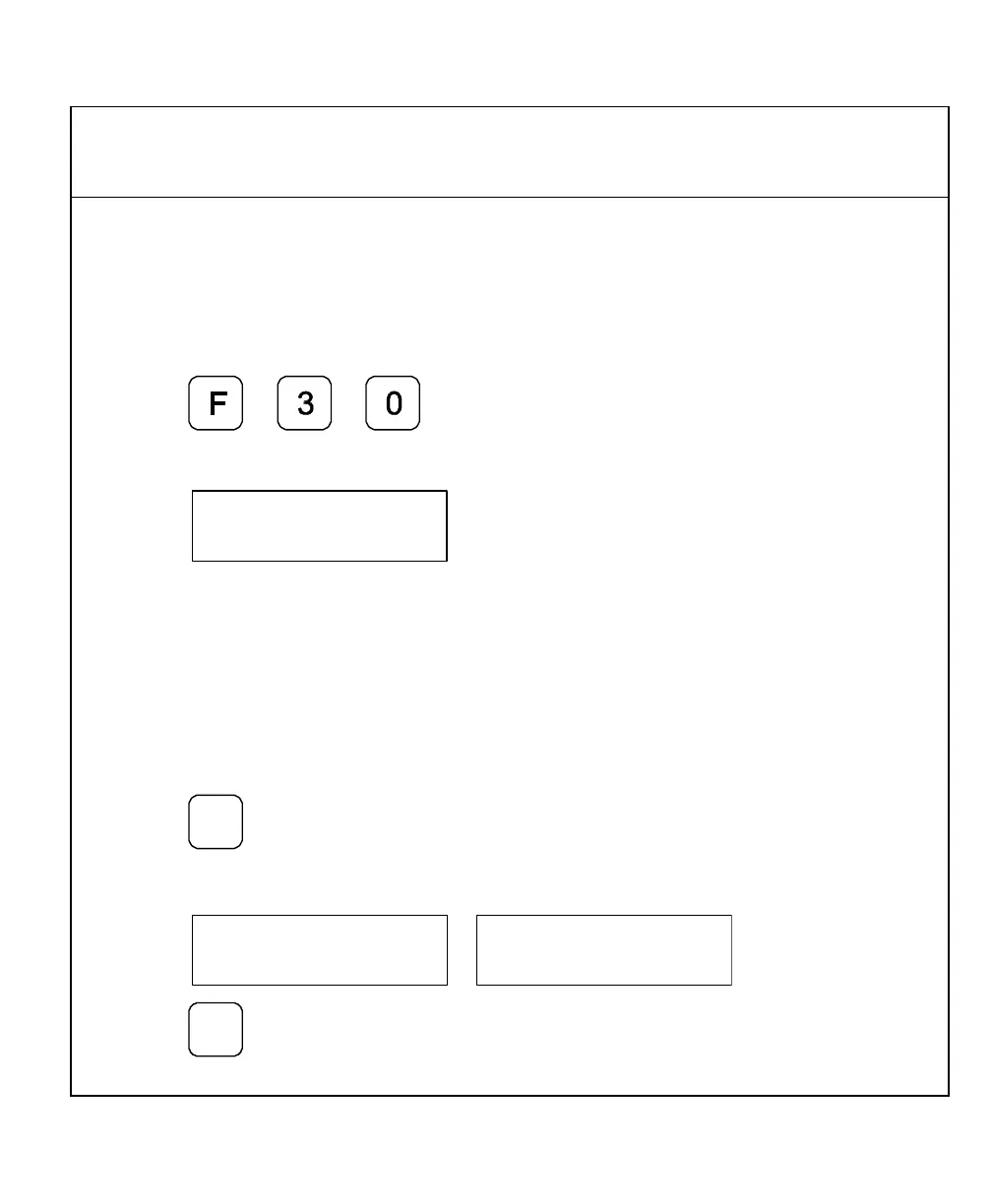
To clear information from the Electronic Notepad:
1. Press
The DRO momentarily displays the following in the message window:
The DRO clears the message window, axis displays, and all 500 Electronic Notepad
lines.
Inserting/Deleting a Line
You can insert a line of information in the Electronic Notepad or delete a line of
information from the Electronic Notepad.
To insert or delete a line from the Electronic Notepad:
1. Press
for approximately 2 seconds.
The DRO displays one of the following in the message window:
2. Press
+
_
to toggle between Delete
and Insert.



 To Next Page