140
Approaching Zero Output Axis Select
(900 With I/O Option Only) – F 14
F 14 allows you to specify which axis the DRO will use for approaching zero (APZ
When the selected axis is within the range preset using Approaching Zero Range – F 07,
the DRO turns on the output.
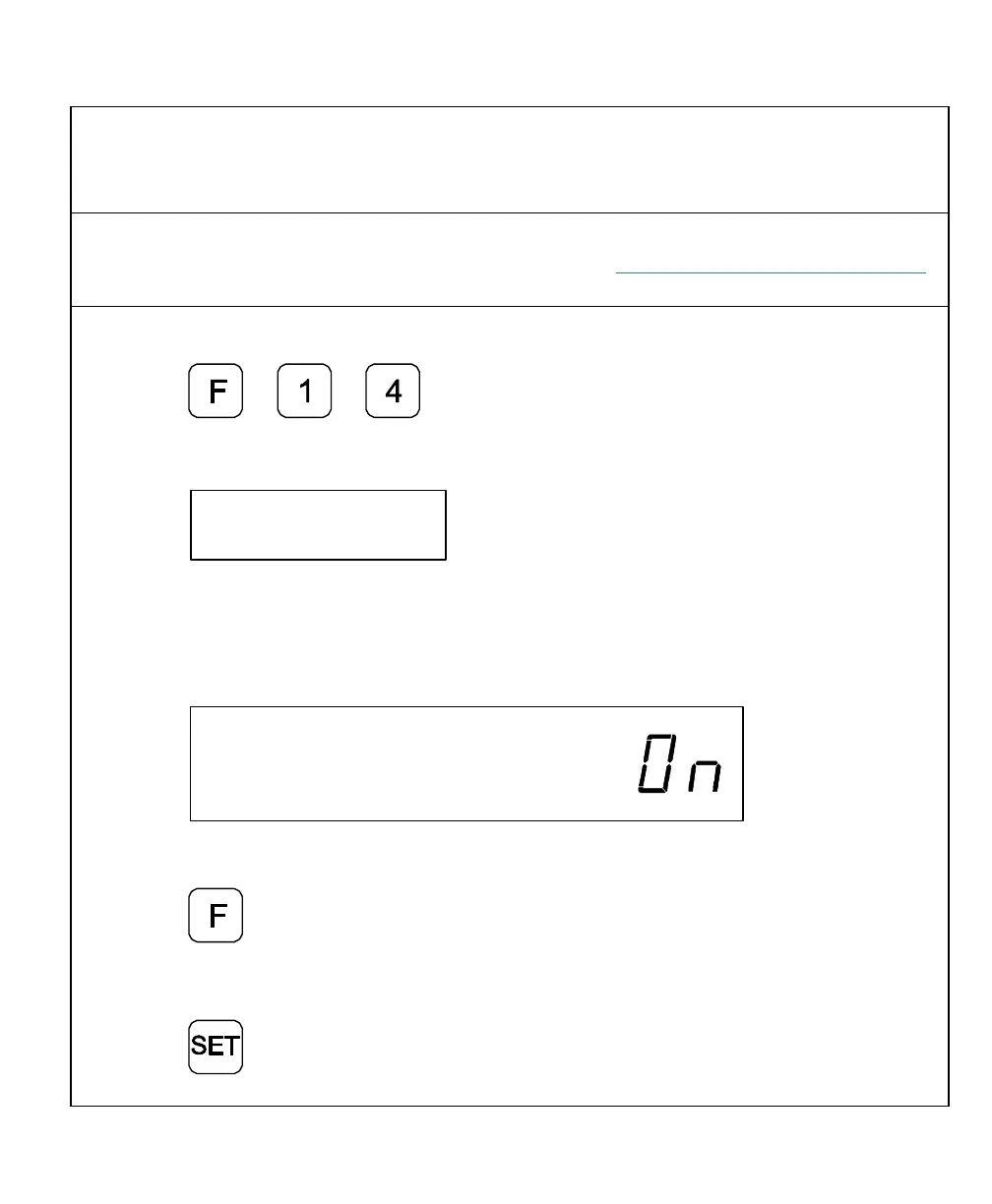
To specify the axis for APZ output:
1. Press
The DRO displays the following in the message window:
NOTE: You can select only one axis for APZ output.
2. Press the desired axis key to toggle the axis ON.
The DRO displays the following in the selected axis display:
To exit without specifying the axis for APZ output:
3. Press
To set the axis for APZ output:
4. Press



 To Next Page