79
Advanced (ADV) Functions Key (Continued)
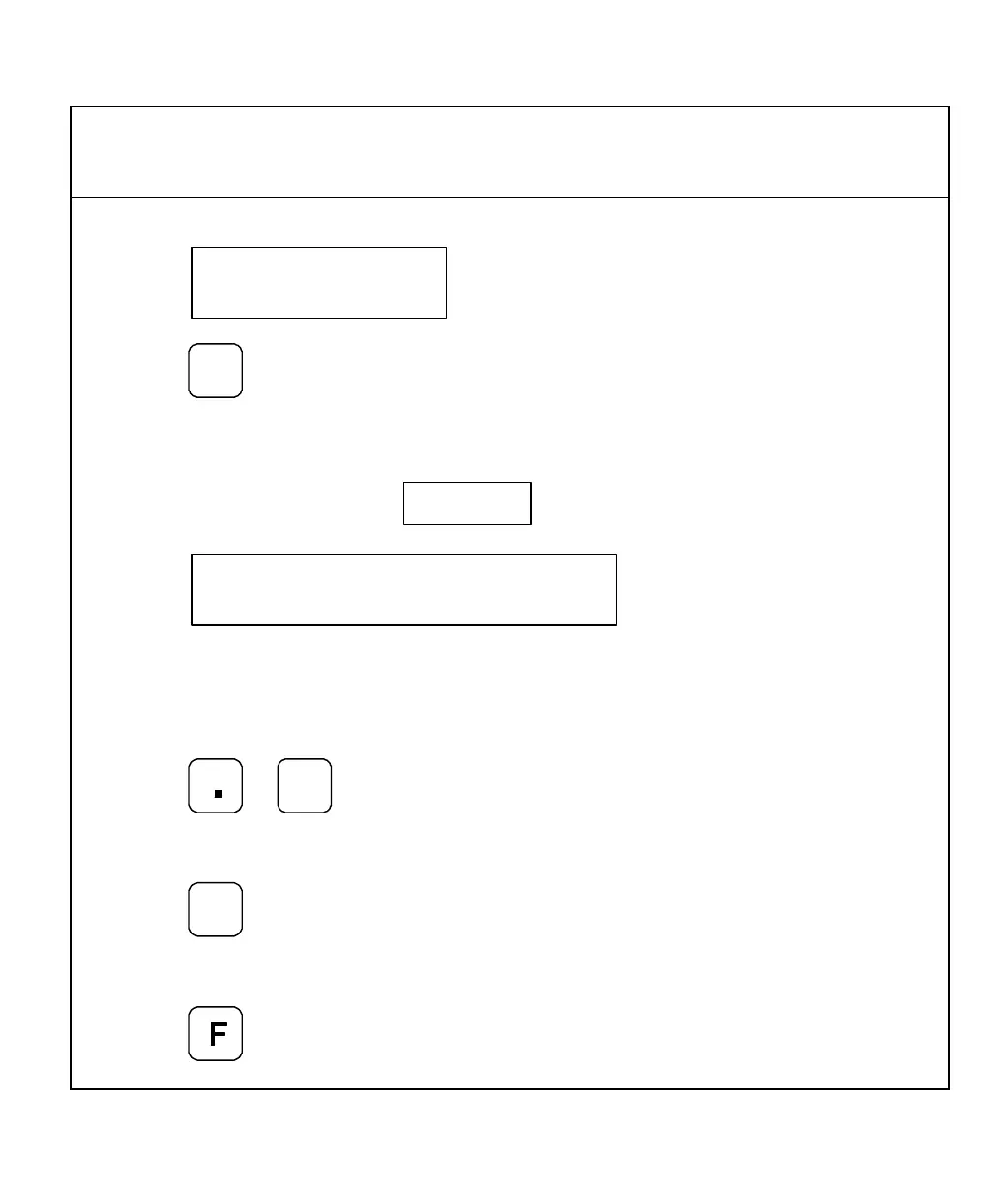
The DRO displays the following in the message window:
2. Press
+
_
repeatedly to scroll through
the feature list.
The DRO displays the following in the message window and axis display 1:
Each time you press the plus/minus key, the DRO displays the next feature code in axis
display 1 and the feature name in the message window.
To reverse the scrolling direction:
3. Press
+
_
To activate a displayed feature:
4. Press
To exit the Help function:
5. Press



 To Next Page