6-39
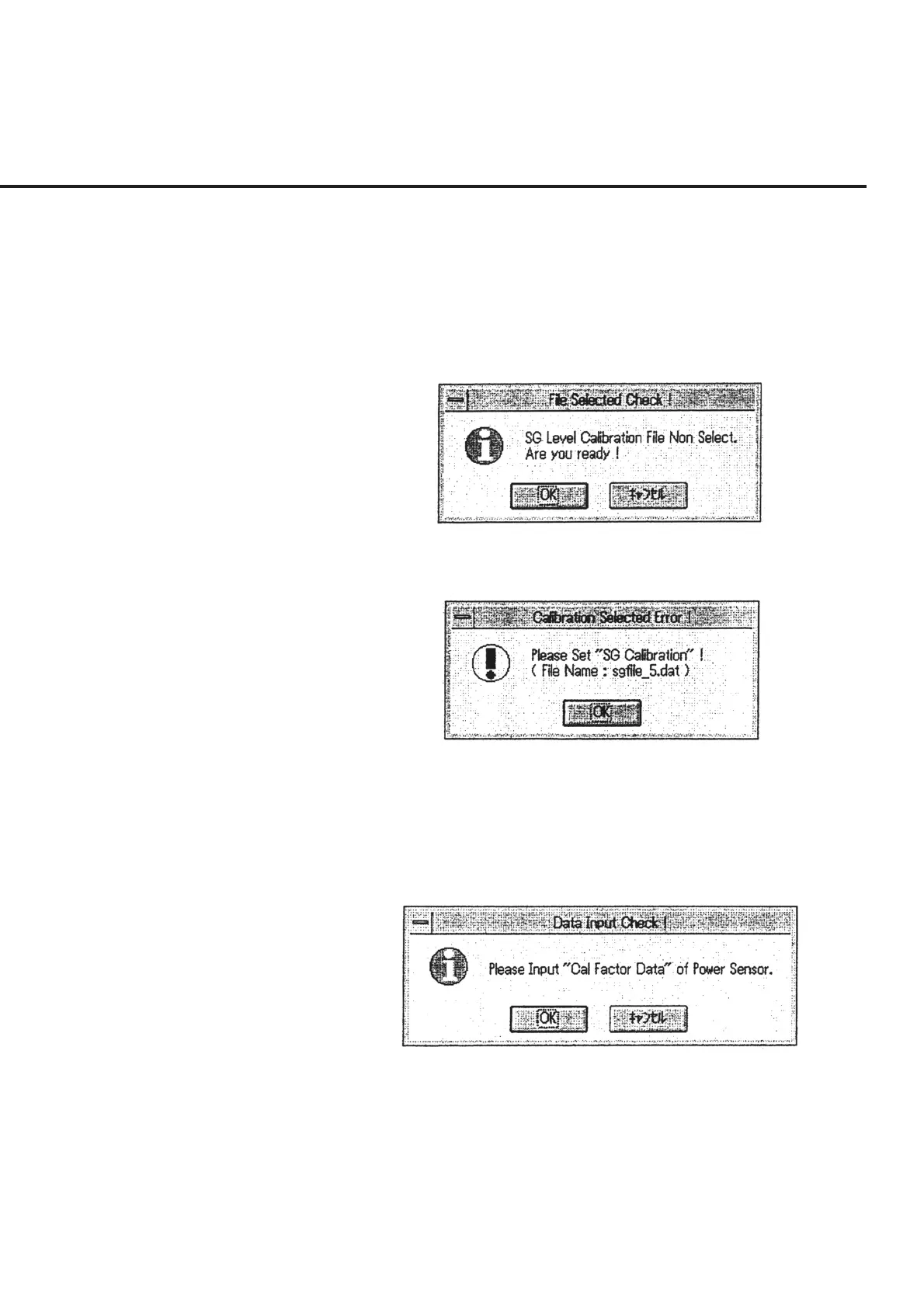
(3) Check the items selected and click the “Start” button of section [7]. When no
items are selected for calibration, a confirmation message as shown in Fig. 6-32
appears. Select “OK” to start measurement without performing the signal gen-
erator calibration. On the other hand, when items displayed in gray are found in
section [9], an error message as shown in Fig. 6-33 appears (as no relevant cali-
bration data exists). Check that no items are displayed in gray before selecting
the “Start” button of section [7].
Fig. 6-32 Message Requesting Confirmation of Absence of Calibration
Data Selection
Fig. 6-33 Calibration Data Selection Error Message
(4) When calibration of the signal generator is selected in (2), a message requesting
confirmation of the input of the power sensor Cal factor as shown in Fig. 6-34
appears. Select the power sensor and input Cal factor in the manner described in
6.6.10 “Inputting Power Sensor Cal Factor.”
Fig. 6-34 Cal Factor Input Confirmation Message
6.7 Program Operations



 To Next Page