Chapter 6 PATTERN SETTINGS
343
(6)
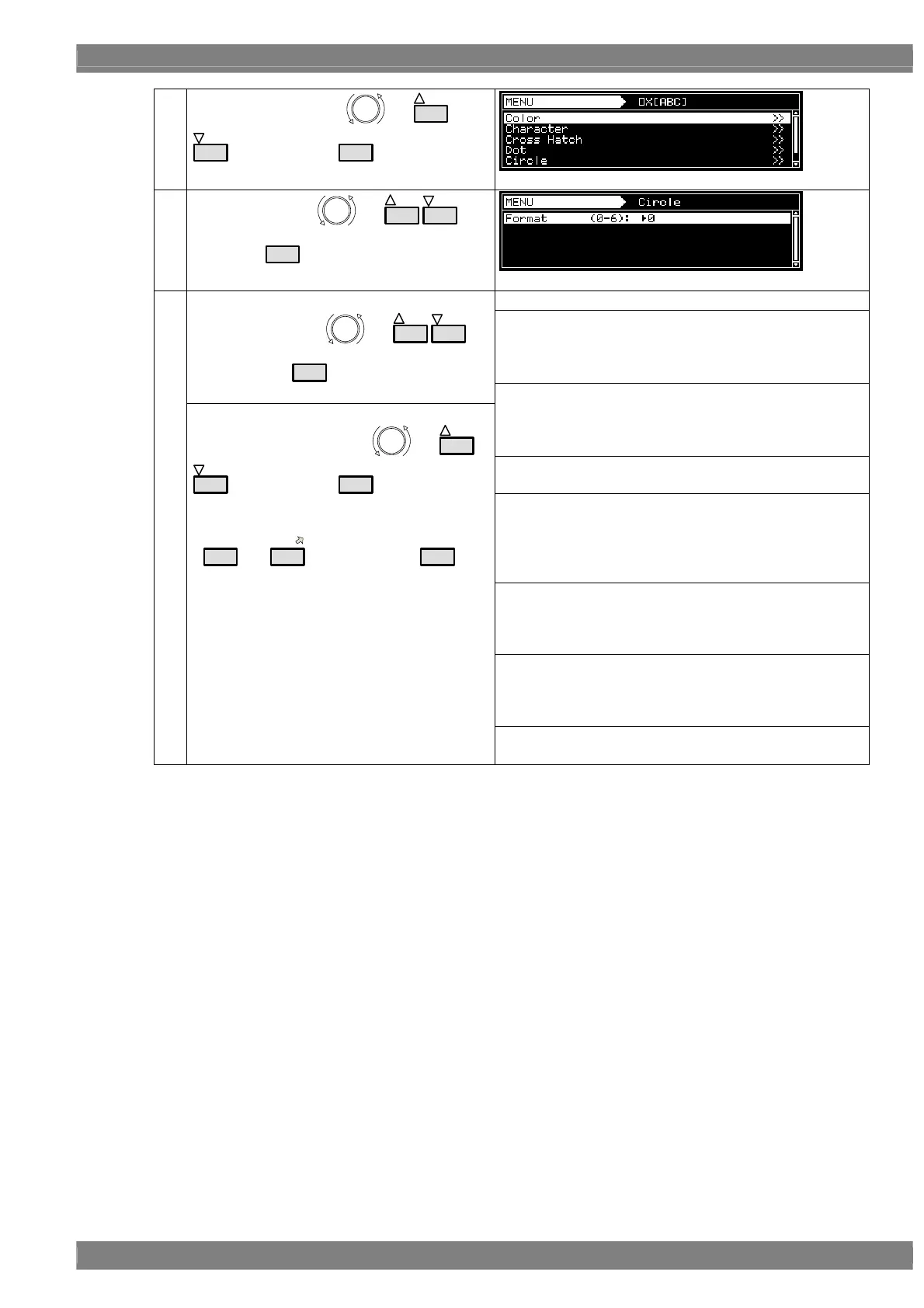
Select × [ABC] using
or
INC
DEC
, and then press
SET
.
(7)
Select Circle using
or
INC
DEC
, and
then press
SET
.
Select the shapes of the circles from the options below.
Format 0
• Single circle
• Center: 1/2H, 1/2V
• Radius: 1/3V
<Setting the items>
Select Format using or
INC
DEC
,
and then press
SET
.
Format 1
• Concentric circles 1
• Center: 1/2H, 1/2V
• Radius (from the center): 1/6V, 1/3V, 1/2V, 1/2H
Format 2
• Format 1 + (circles with radius 1/6V × 4)
Format 3
• Concentric circles 2
• Center: 1/2H, 1/2V
• Radius (from the center): One circle added inside the
1/6V, 1/3V and 1/2 circles, 1/2 radius added
Format 4
• Consecutive circles with radius 1/6V
• Top/bottom and left/right symmetry with center (1/2H,
1/2V) as the reference
Format 5
• Single filled-in circle
• Center: 1/2H, 1/2V
• Radius: 1/3V
(8)
<Setting the parameters>
Select the parameters using or
INC
DEC
, and then press
SET
.
Alternatively:
Select the parameters using the number keys
(
0/STATUS
to
9/F
), and then press
SET
.
Format 6
• Filled-in circles with radius 1/6V × 5



 To Next Page