Chapter 9 VG-870/871 SYSTEM SETTINGS
415
9.1.9 DDC clock setting
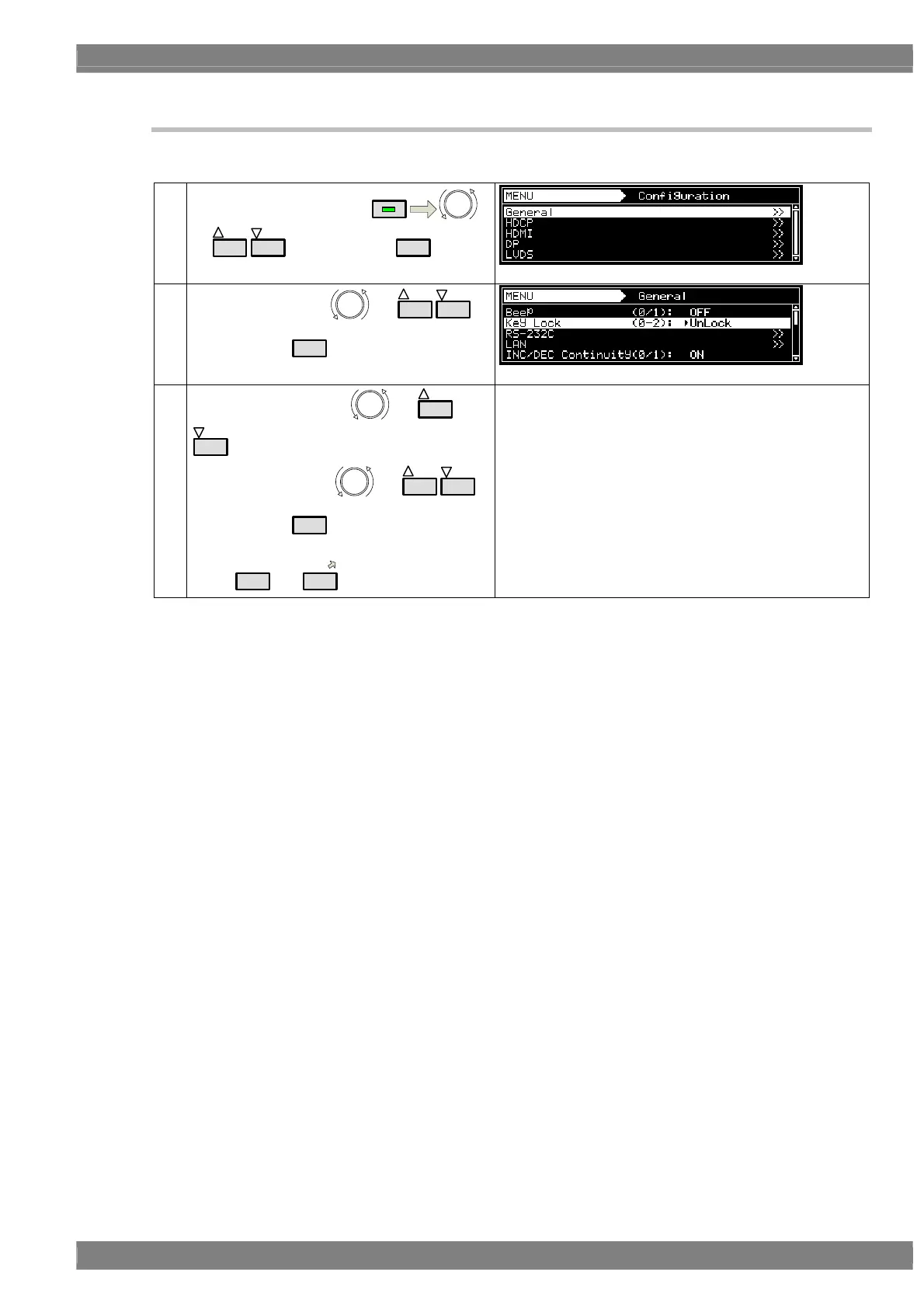
The DDC clock can be set.
(1)
Select Configuration using
MENU
or
INC
DEC
, and then press
SET
.
(2)
Select General using
or
INC
DEC
,
and then press
SET
.
(3)
Select DDC Clock using
or
INC
DEC
.
Select the value using or
INC
DEC
,
and then press
SET
.
Alternatively, select the value using the number
keys (
0/STATUS
to
9/F
).
Select 20, 40, 60, 80 or 100 kHz.
The factory setting is 100 kHz.



 To Next Page