Chapter 3 TIMING DATA SETTINGS
37
3.2.7 Concerning EQP-Fp and EQP-Bp
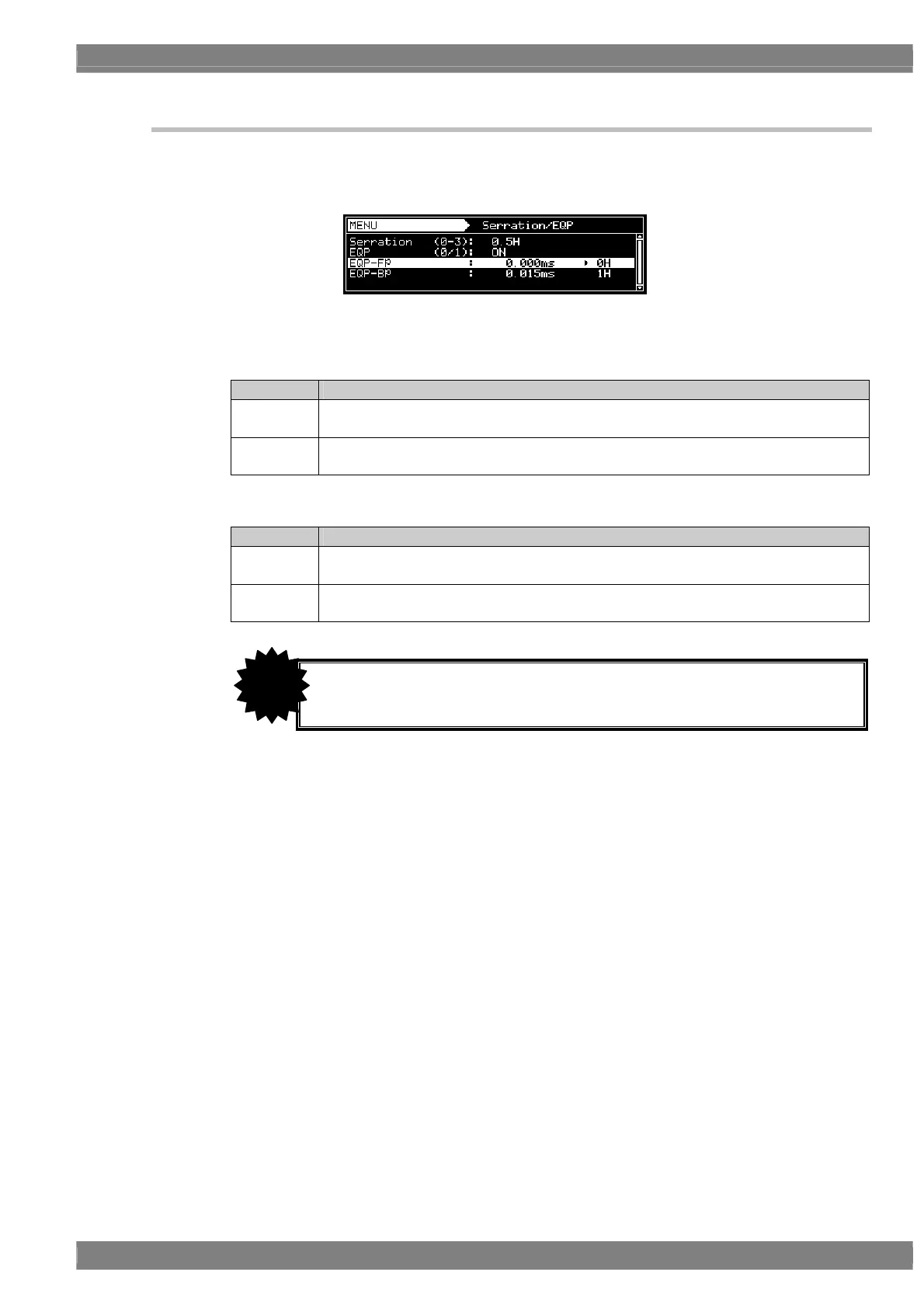
Equalizing pulses (EQP-Fp and EQP-Bp) can be selected on the V-Timing [MENU] screen, and various
parameters can be set. The correspondences between the settings and operations are described using
the table below.
EQP-Fp/EQP-Bp setting procedure
<For progressive scanning>
Setting item Details of setting
EQPfp This sets the equalizing pulse inside the front porch.
Setting range: 0.000 to 999.999 [ms], 0 to 99 [H]
EQPbp This sets the equalizing pulse inside the back porch.
Setting range: 0.000 to 999.999 [ms], 0 to 99 [H]
<For interlaced scanning>
Setting item Details of setting
EQP-Fp1
(EQP-Fp2)
This sets the equalizing pulse inside the front porch.
Setting range: 0.000 to 999.999 [ms], 0.0 to 99.0 [H] (in 0.5H increments)
EQP-Bp1
(EQP-Bp2)
This sets the equalizing pulse inside the back porch.
Setting range: 0.000 to 999.999 [ms], 0.0 to 99.0 [H] (in 0.5H increments)
• Set EQP-Fp within the range of [(EQP-Fp +1H) ≤ Hfrontp] for tri-level sync
signal outputs in the interlaced scanning mode.
CAUTION



 To Next Page