54
4.1.10 Setting the audio level (temporary settings)
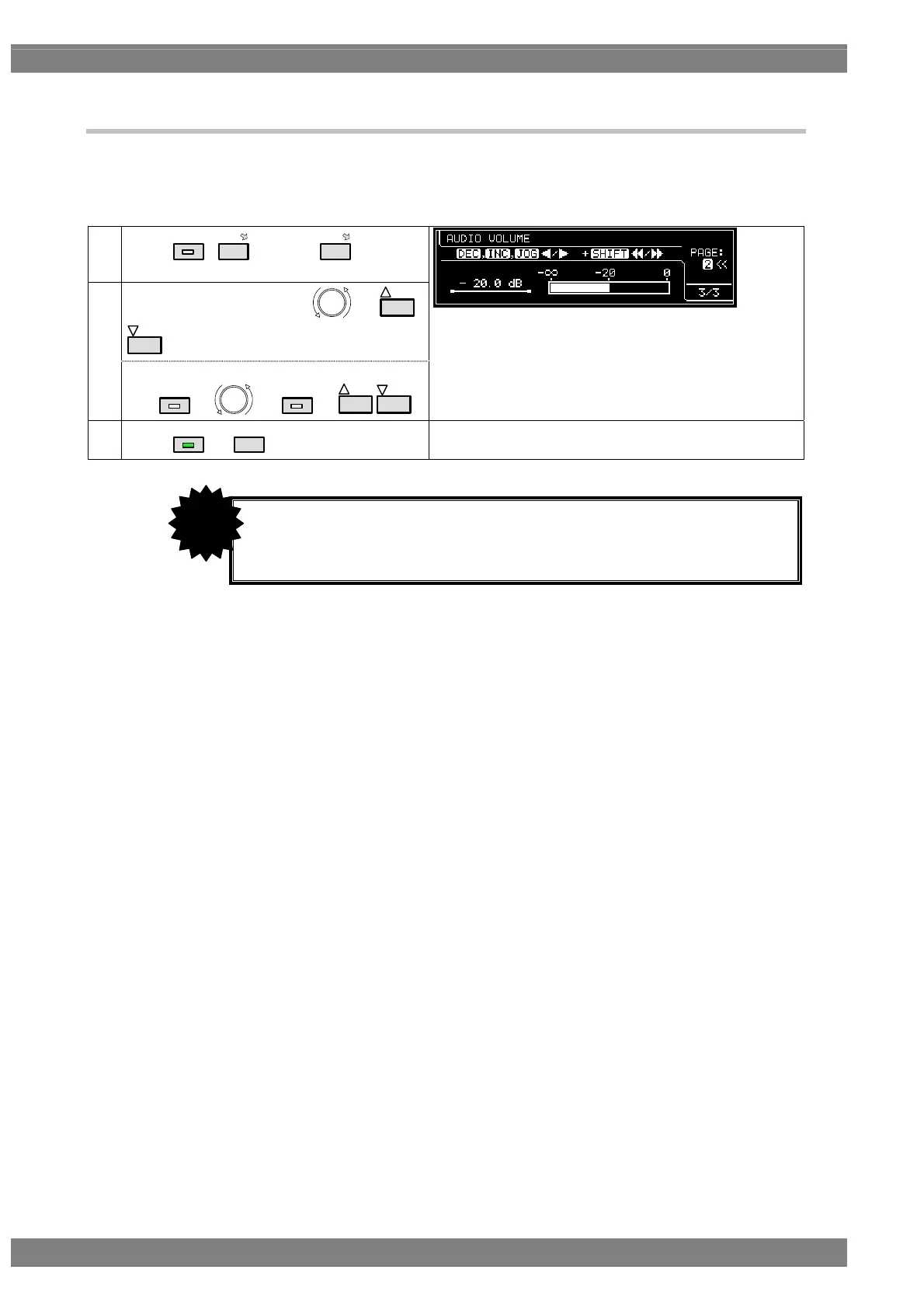
In this section, the audio output level is set.
The level which was set in “4.15.2 Analog audio signals” for analog audio or which was set using <Internal PCM
setting parameters> in “4.2.5 Embedded audio, high bit rate audio (option)” for HDMI is 0 dB.
(1)
Select
LEVEL
,
3
and then
3
(PAGE: 3 of 3)
Change the audio level using or
INC
DEC
.
(2)
<When increasing the setting speed>
Use
SHIFT
+ or
SHIFT
+
INC
DEC
.
(3)
Select
LEVEL
or
ESC
.
Display returns to the initial screen.
• The values set here are not saved as program data.
• When they are used with HDMI, select Internal PCM as the Digital Audio >
Source setting.
CAUTION



 To Next Page