370
6.13.10 Subtitle
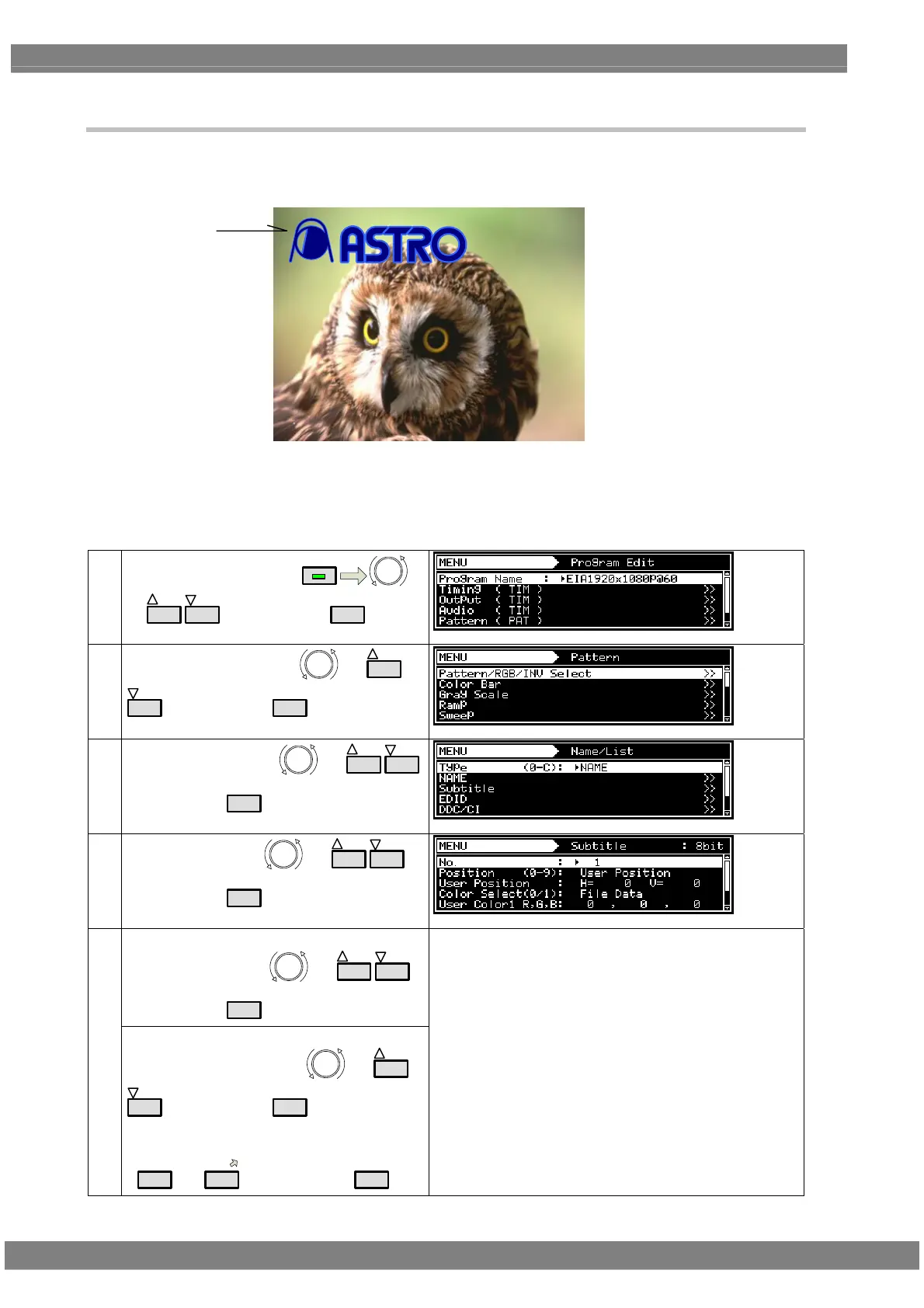
The image patterns (*) created by the user are displayed.
Scrolling is possible using the action settings. (Refer to “7.5 Subtitle scrolling.”)
* Unlike the images in “6.9 Image/OPT,” the images which can be displayed here are subject to
restrictions on the number of colors and other aspects.
They are created and registered using the Windows software program (SP-8870) which is provided
with the VG generator. For details, refer to the operating instructions of the SP-8870.
The procedure for setting the parameters is outlined below.
(1)
Select Program Edit using
MENU
or
INC
DEC
, and then press
SET
.
(2)
Select Pattern (PAT) using
or
INC
DEC
, and then press
SET
.
(3)
Select Name/List using
or
INC
DEC
,
and then press
SET
.
(4)
Select Subtitle using
or
INC
DEC
,
and then press
SET
.
<Selecting the items>
Select the items using
or
INC
DEC
,
and then press
SET
.
(5)
<Setting the parameters>
Select the parameters using
or
INC
DEC
, and then press
SET
.
Alternatively:
Select the parameters using the number keys
(
0/STATUS
to
9/F
), and then press
SET
.
For details on the parameters, refer to <Table of subtitle
setting items>.
Subtitle



 To Next Page