46
Set the aspect ratio.
H The aspect ratio is set in the horizontal direction.
Setting range: 0 to 255
V The aspect ratio is set in the vertical direction.
Setting range: 0 to 255
(7)
<Inputting the parameters>
Select the parameters using
or
INC
DEC
, and then press
SET
.
Select the numerical value using
or
INC
DEC
, and then press
SET
.
Alternatively:
Select the parameters using the number keys
(
0/STATUS
to
9/F
), and then press
SET
.
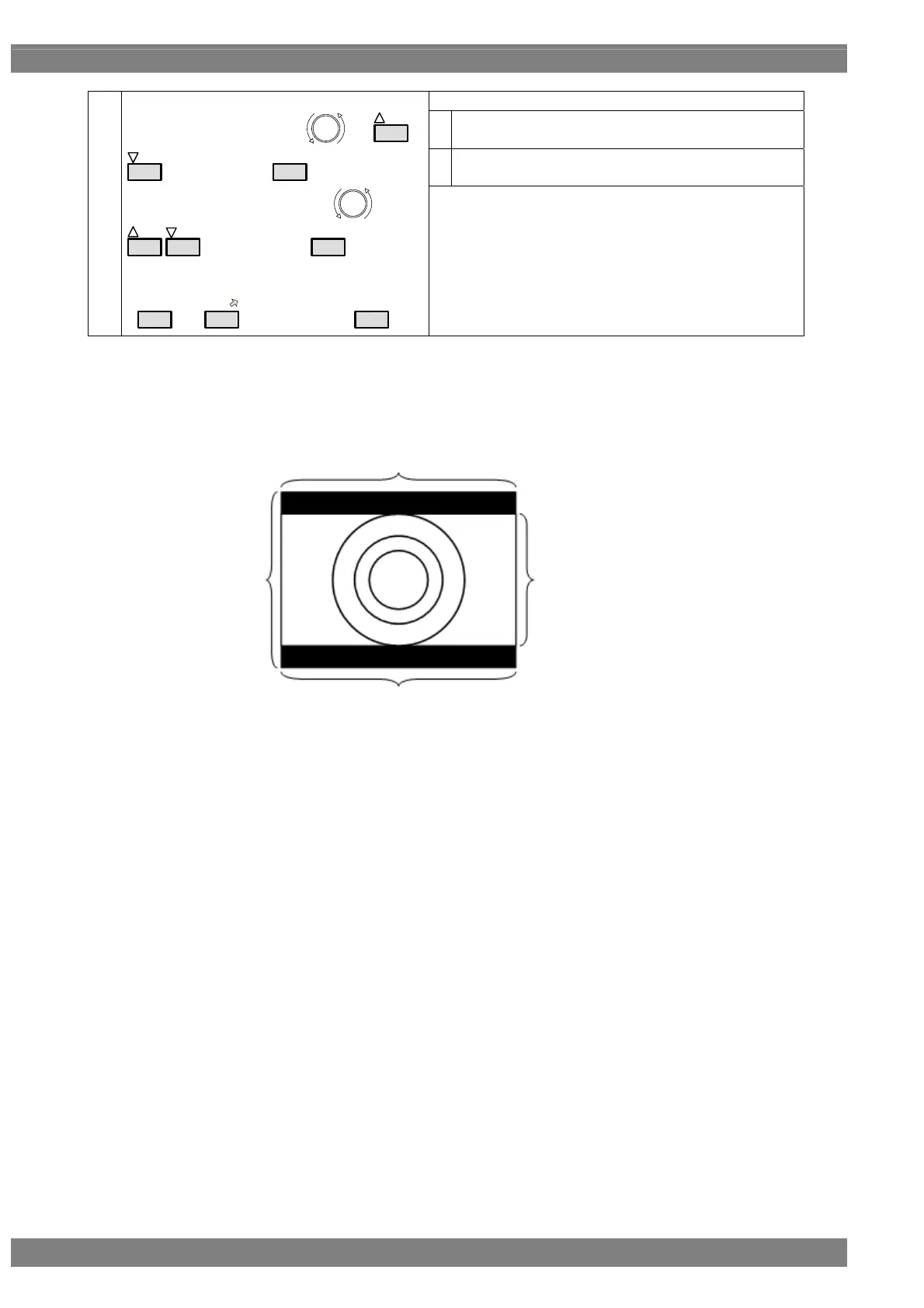
* Although images are normally output with the 4:3 aspect ratio, the images which are output
when 4:3 letter box has been selected will be in the 16:9 aspect ratio. For this reason, the top
and bottom of the images are filled in with black and output.
When 4:3 letter box has been selected as the aspect ratio, the images output will appear as
shown below.
4: Normal output
16: When letter box is selected
9: When letter box is selected 3: Normal output



 To Next Page