Mattress Connection Troubleshooting
132 Progressa+ Bed Instructions for Use (216321 REV 2)
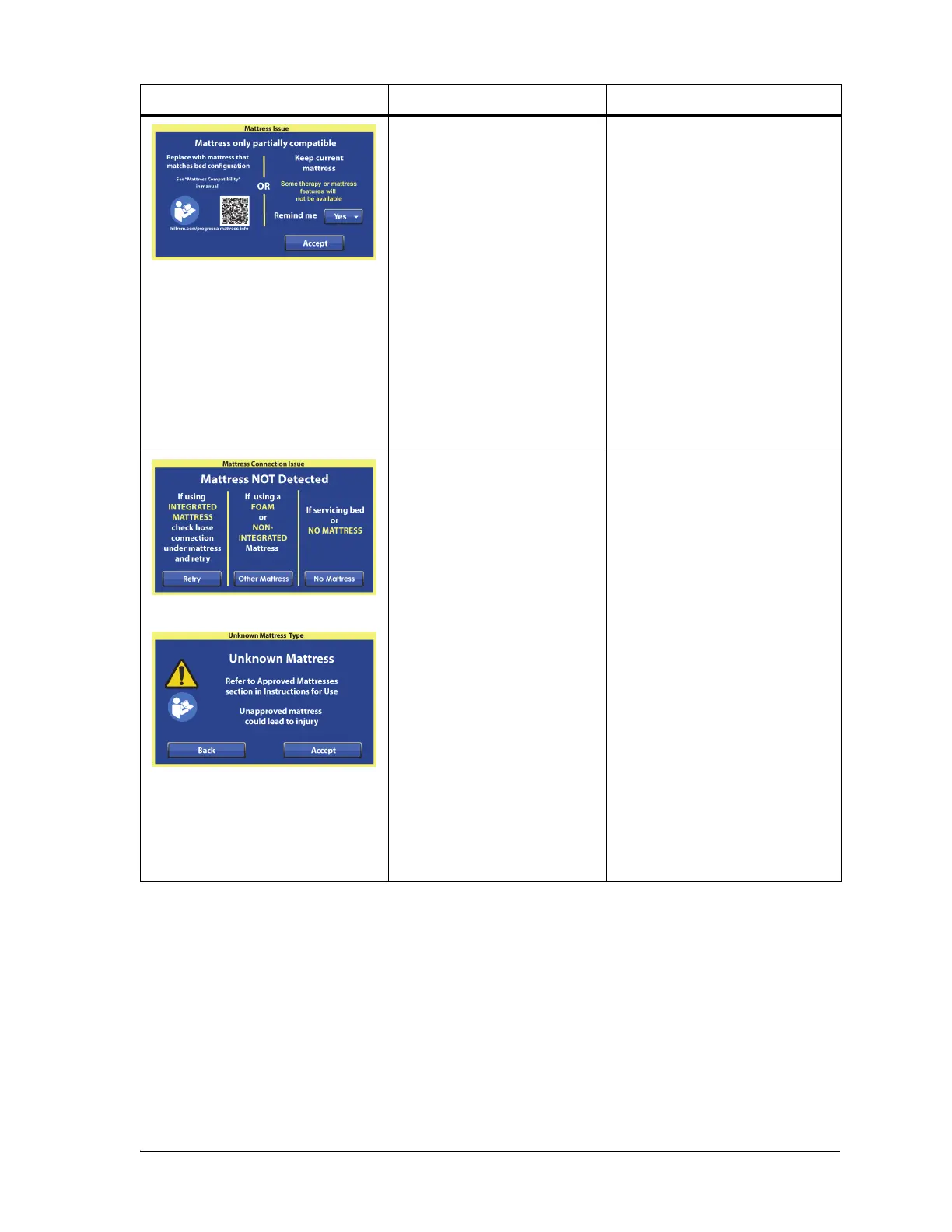
Mattress Issue—Some
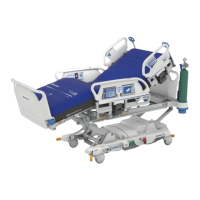
Progressa+ air mattresses
operate on multiple types of
Progressa+ bed frames.
However, all of the mattress
functions may not be
available.
For example—
A Progressa+ Accelerate
mattress will connect to a
Progressa+ Advance bed
frame, but the Graphical
Caregiver Interface (GCI) will
not display the pulmonary
features (Rotation and P&V)
on the menu.
Do as applicable:
• Replace the mattress with
the correct mattress. See
“Surface (mattress) and Bed
Frame Compatibility” on
page 125.
Or,
• To use the current mattress,
select No by Remind Me.
This prevents the message
from showing each time the
bed with the current
mattress is plugged in. Then
press Accept.
Mattress Connection Issue—
The bed frame does not
detect the mattress.
If you use an integrated air
mattress, the mattress hose
under the mattress may not
be connected to the bed.
Do as applicable:
• If an integrated air mattress
is installed, make sure the
hose on the underside of the
mattress is fully connected
to the bed frame. After the
connection is made, press
Retry on the screen and
follow the on-screen
directions.
• If a foam mattress or a non-
integrated mattress is
installed, press Other
Mattress on the screen.
Press Accept on the
following screen, if using an
approved mattress.
• If the mattress was removed
or disconnected, press No
Mattress on the screen to
clear the error screen.
Message Problem Solution







 To Next Page