Graphical Caregiver Interface (GCI) Controls
Progressa+ Bed Instructions for Use (216321 REV 2) 29
To Store
Warning—Only store the pendant on the footboard or on the upper part of the intermediate siderail as
shown. Do not store the pendant in these locations. To do so could cause patient injury or equipment
damage:
• on the patient side of the siderails or footboard (except when the bed is in transport)
• under the surface
•on the lower part of the siderail
• on the patient restraint and drainage bag holders
Push straight down on the pendant until the mount clip engages on the top of the intermediate siderail
or the footboard.
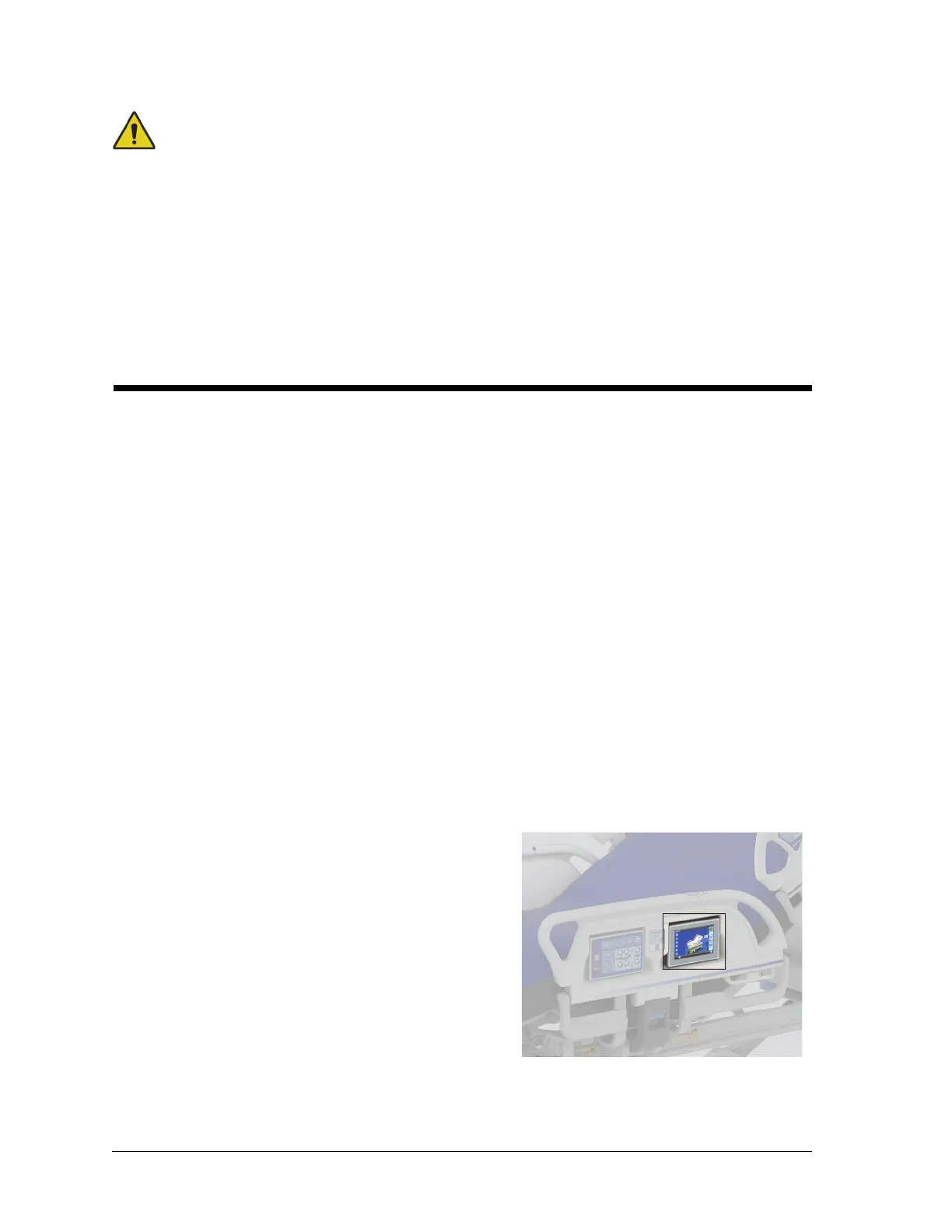
GRAPHICAL CAREGIVER INTERFACE (GCI) CONTROLS
The GCI screen is located on the intermediate siderail next to the caregiver control panel.
Through the GCI screen, you can—
• View helpful information for the bed functions.
• Set Bed Exit and Head Angle Alert.
•Zero the scale.
• Weigh the patient.
• Adjust the Progressa+ air surface settings:
– P-Max/Max-Inflate, Turn Assist
– Alternating Low Pressure (ALP) (option)
–Seat Deflate
–Opti-Rest
– Patient Comfort (option)
• Set Rotation and Percussion and Vibration therapies (only on the Accelerate Surface).
Not all indicators and controls are available on all beds.
To Activate
•Touch the screen.













 To Next Page