Graphical Caregiver Interface (GCI) Controls
38 Progressa+ Bed Instructions for Use (216321 REV 2)
SCALE
There are two scale systems available for the bed, Scale System A or Scale System B (NAWI Compliant EN
45501). The controls for the scale systems are under the Scale menu control.
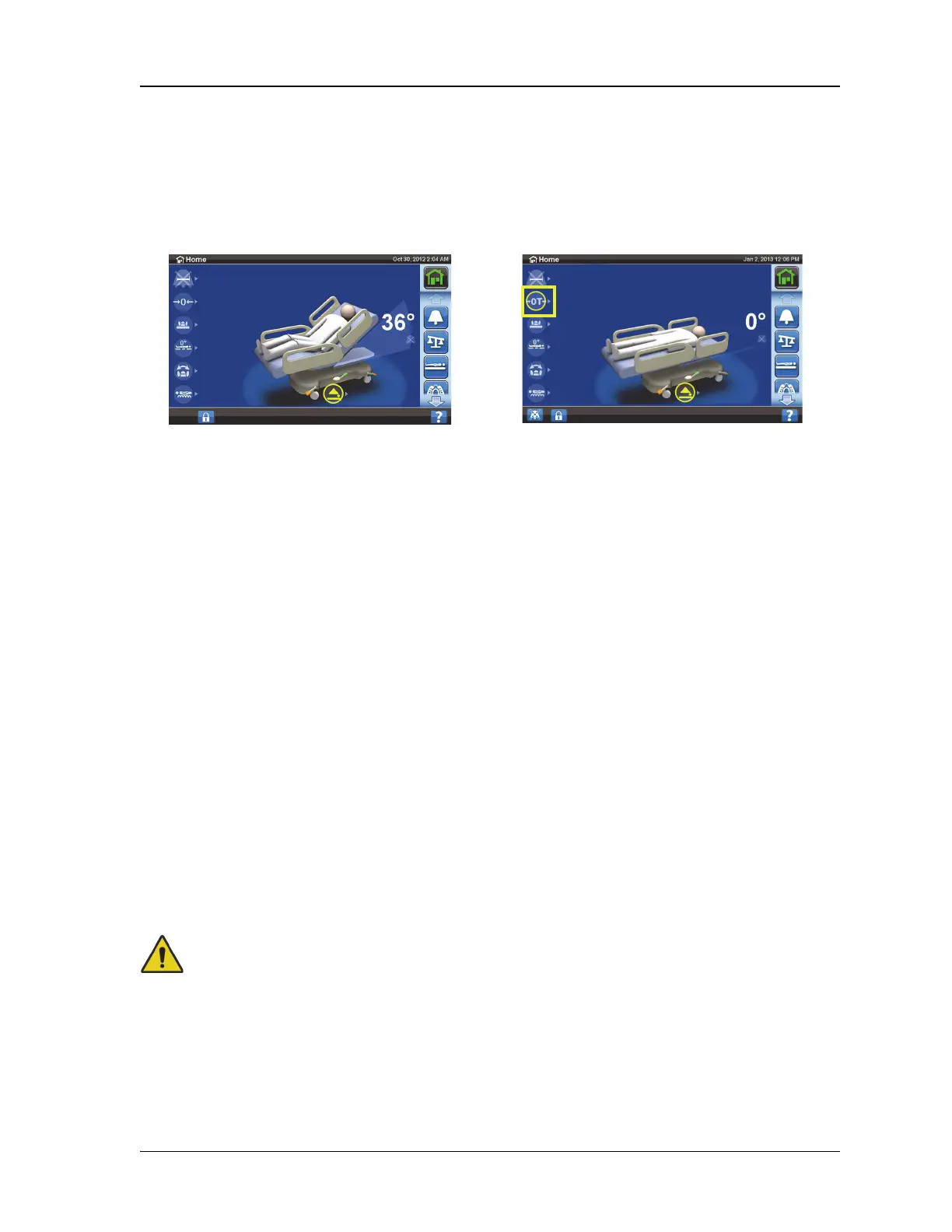
Refer to the images and page numbers shown below to determine which instructions apply to your
scale system:
Scale “A”
Through the Scale menu control you can do these:
• Zero the Scale for the same patient (does not clear history)
• New Patient (clears history, zeroes scale, erases patient history, turns off all reminders, returns
the surface to normal (CLP) mode, if applicable)
• Weigh the Patient
• Adjust the weight, add/remove items
• Change from pounds (lbs) to kilograms (kg) (available on some beds)
•Calculate BMI
• View weight history
If the bed has a pendant installed, make sure it is either on the siderail or footboard when you zero the
scale or weigh a patient.
Scale Specifications
Scale accuracy: 2.2 lb (1 kg) or 1% of patient weight, whichever is greater
Scale repeatability: 2.2 lb (1 kg) or 1% of patient weight, whichever is greater
The maximum scale capacity is 551 lb (250 kg); however, the maximum patient weight for the bed is
500 lb (227 kg).
Warning—These warnings apply to both zero the scale and weigh procedures. To help prevent injury
and/or equipment damage, obey these warnings:
• Warning—The scale is very sensitive. Make sure the bed is not touching anything that could
affect the patient weight zeroing or weighing process. Failure to do so could cause an
inaccurate weight reading.
• Warning—Always use the New Patient zero before a patient is admitted into the bed. Failure
to do so may keep old patient data in the bed and cause a risk to the new patient.
Scale A Scale B—NAWI Compliant (EN 45501)
Refer to page 38. Refer to page 45.













 To Next Page