Head and Intermediate Siderails
18 Progressa+ Bed Instructions for Use (216321 REV 2)
Warning—Lock out all articulation controls when traction equipment is installed. Failure to do so could
cause patient injury.
To Lock—press and hold the Lockout control and the function control. Both patient and caregiver
controls are locked out. A single beep sounds and the applicable indicator light comes on to let you
know that the function is locked out.
If the lockout procedure is done incorrectly, the bed will beep three times and the GCI screen will show
the correct procedure.
NOTES:
• The knee lockout will also lock the foot control. The foot Up/Down lockout will lock out the
knee control.
• The bed up down lockout will lock out Trendelenburg and Reverse Trendelenburg.
• Any lockout will also lock out all chair positions and bed flat.
To Unlock—press and hold the Lockout control, then press the function control to unlock. Both patient
and caregiver controls will unlock. A single beep sounds and the applicable indicator light turns off to
let you know that the function is no longer locked.
BED UP/DOWN
Warning—Lowering the bed may cause linens, drainage bags, and other equipment to come in contact
with the floor. Follow facility protocol if they touch the floor.
To Raise or Lower the Bed
To raise—press and hold the Bed Up control until the bed is at the desired height.
To lower—press and hold the Bed Down control until the beds is at the desired height.
While holding the Bed Down control, the bed motion will slow down just before reaching the lowest
position. Continue holding the Bed Down control until the bed stops completely. When the bed reaches
the lowest position, the “Bed Not in Low position indicator” on the intermediate siderail control panel
will go out and the bed position indicator on the home screen of the GCI screen will turn green.
Caution—Make sure there is sufficient headwall clearance when you raise/lower the bed.
Equipment damage could occur.
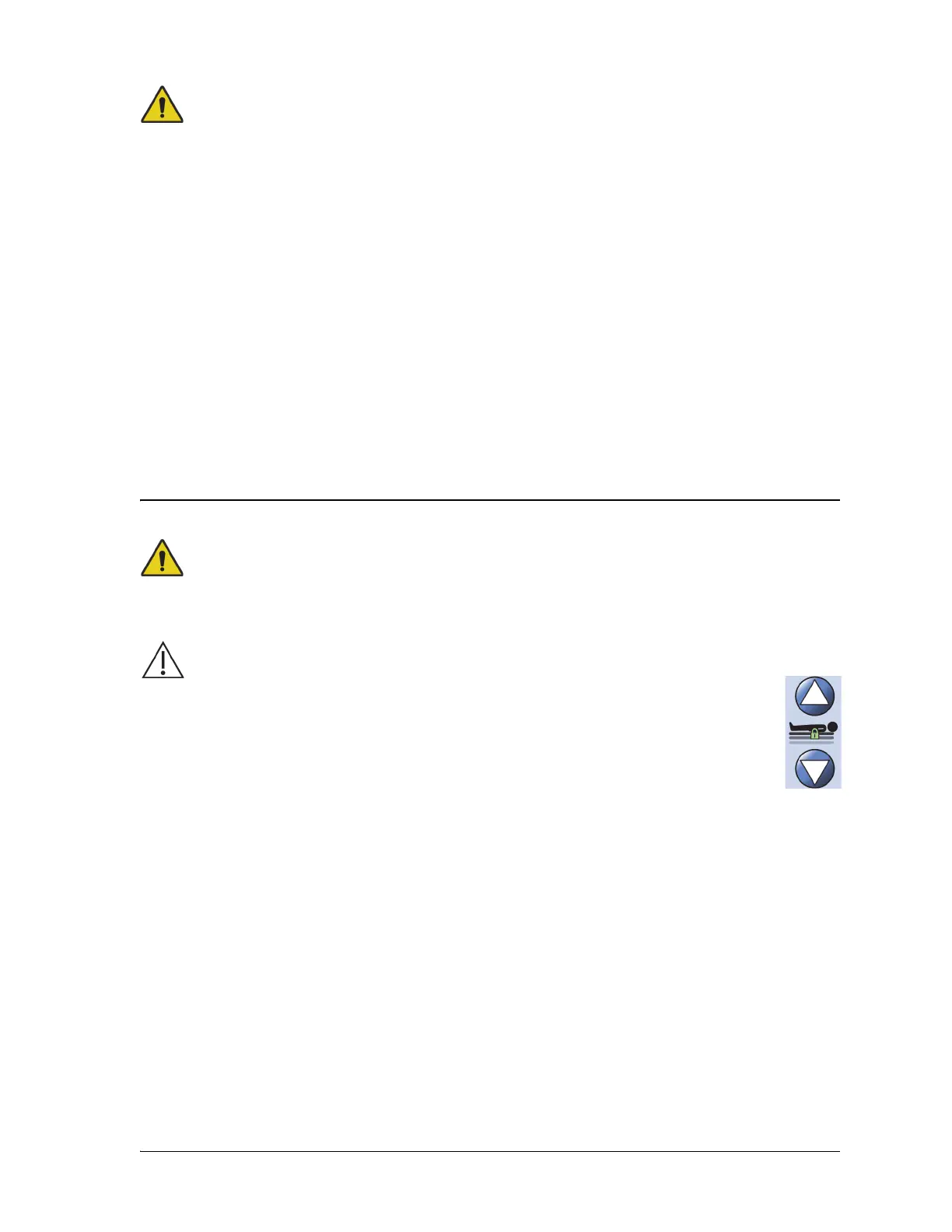
The Bed Up/Down controls are located on the head-end siderails and on the intermediate
siderails. The controls adjust the height of the bed from a low position for patient exit to a
high position for examination. To lock out a control, refer to “Lockout Controls” on page 17.













 To Next Page