Graphical Caregiver Interface (GCI) Controls
30 Progressa+ Bed Instructions for Use (216321 REV 2)
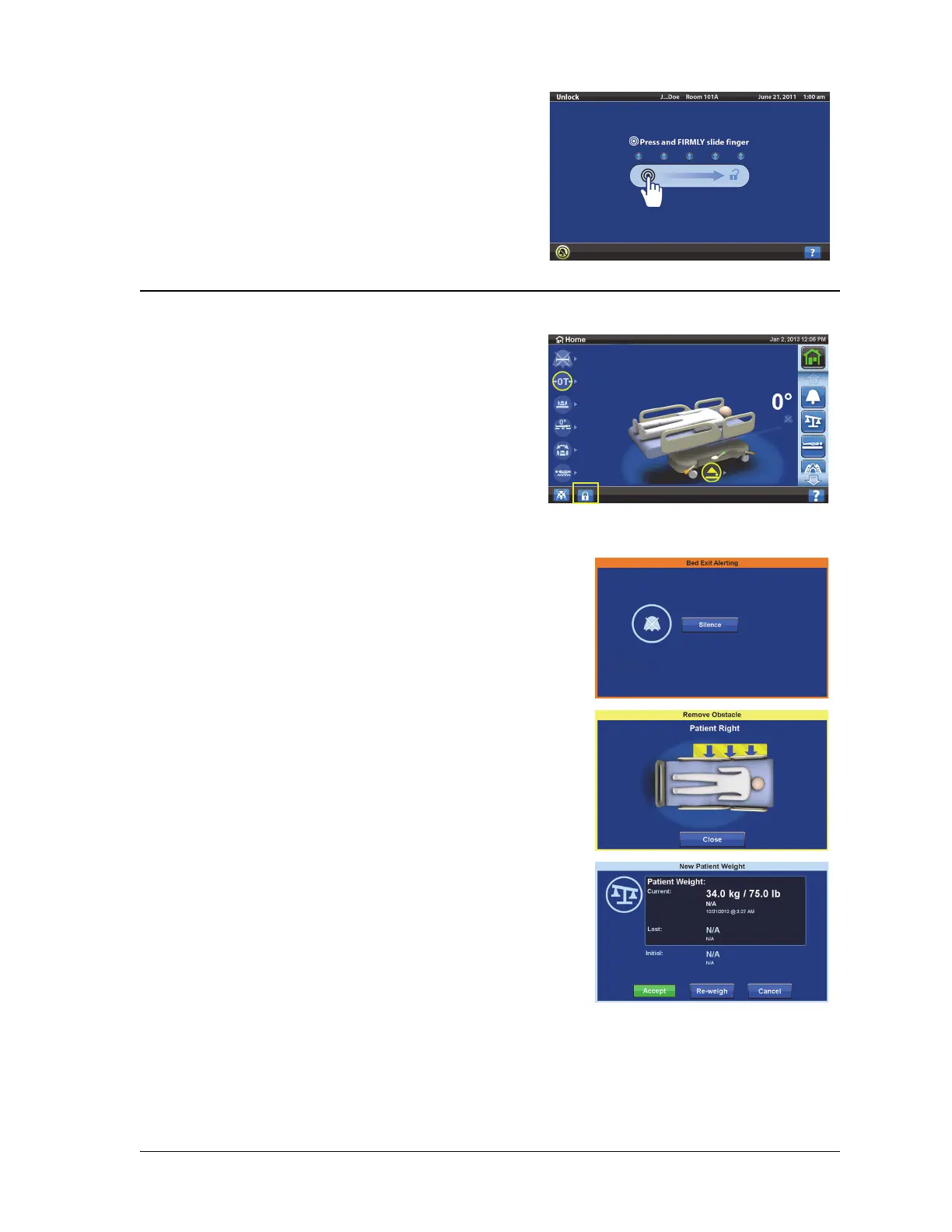
LOCK THE GCI SCREEN
The color on the upper border of the screen indicates these:
• Slide your finger across the screen at the location
shown.
The screen will dim after 1 minute of no activity. After 2
minutes of no activity, the screen will lock. When locked,
the screen information will still be visible but if the screen
is touched the user will need to unlock it again.
At any time the user can hide screen information by
pressing the lock symbol in the lower left hand corner of
the screen. The unlock screen will show until the screen is
active.
•Orange = warning
• Yellow = caution
• Blue = instructions or information













 To Next Page