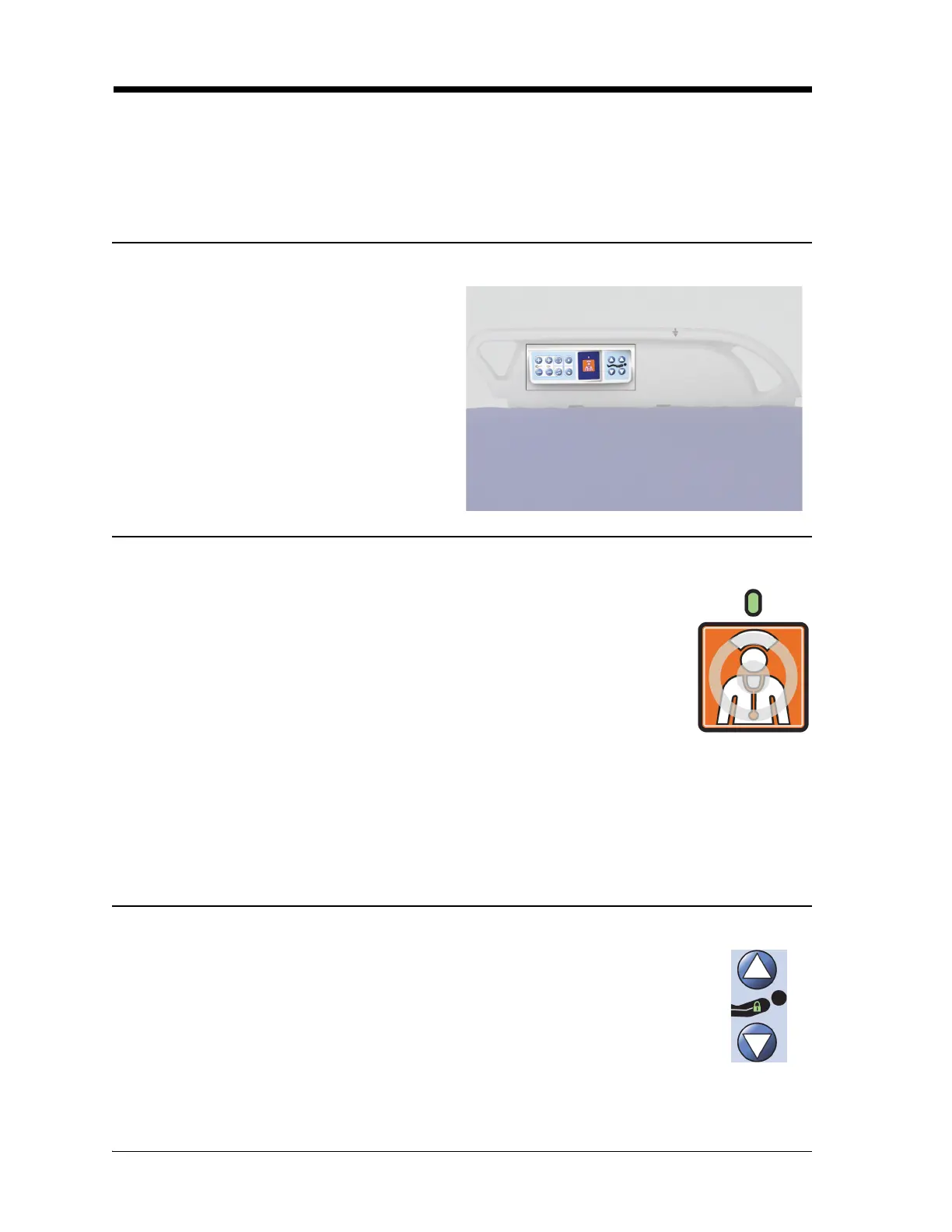
Patient Controls
Progressa+ Bed Instructions for Use (216321 REV 2) 69
PATIENT CONTROLS
This section will describe the controls and features of the bed intended to be used by the patient. Not all
features or controls listed are present on all beds.
When a caregiver locks out a control, the patient control for that feature is also locked out. Refer to
“Lockout Controls” on page 17.
LOCATION
NURSE CALL
HEAD UP/DOWN CONTROL
The patient controls are on the patient side of the
intermediate siderail.
On beds equipped with the Nurse Call option, Nurse Call controls for the patient are
located on the patient side of the intermediate siderails.
When a Nurse Call control is activated, a signal is sent to the nurse’s station. Voice
communication is provided through a speaker/microphone that is on the inside of
both head siderails.
To Activate
Press the Nurse Call control. These will occur:
• The yellow indicator near the Nurse Call control will come on and a single beep will sound to let you
know that the call has been sent.
• When the nurse’s station communication line is open, the indicator turns green. The nurse’s station
is ready for you to speak.
After transport, connect the bed's Nurse Call cord to the facility communication system. Use only
Baxter or Hill-Rom communications cables for proper operation of the Nurse Call system.
The patient can raise or lower the head section by using the Head Up/Down controls.
Operation of this feature is the same as that for the caregiver control previously
described in this manual except head elevation is restricted to a maximum of 55°. The
Auto Contour Feature will also work from the head/up down patient controls.













 To Next Page