Graphical Caregiver Interface (GCI) Controls
Progressa+ Bed Instructions for Use (216321 REV 2) 53
Version
The Version control shows the software version on the bed.
1. Press the Settings menu control.
2. Press Version.
Software Update
To receive software update notifications, the bed needs to be connected to the wireless network, see
“WiFi On/Off” on page 54.
The software can not be updated with a patient on the bed.
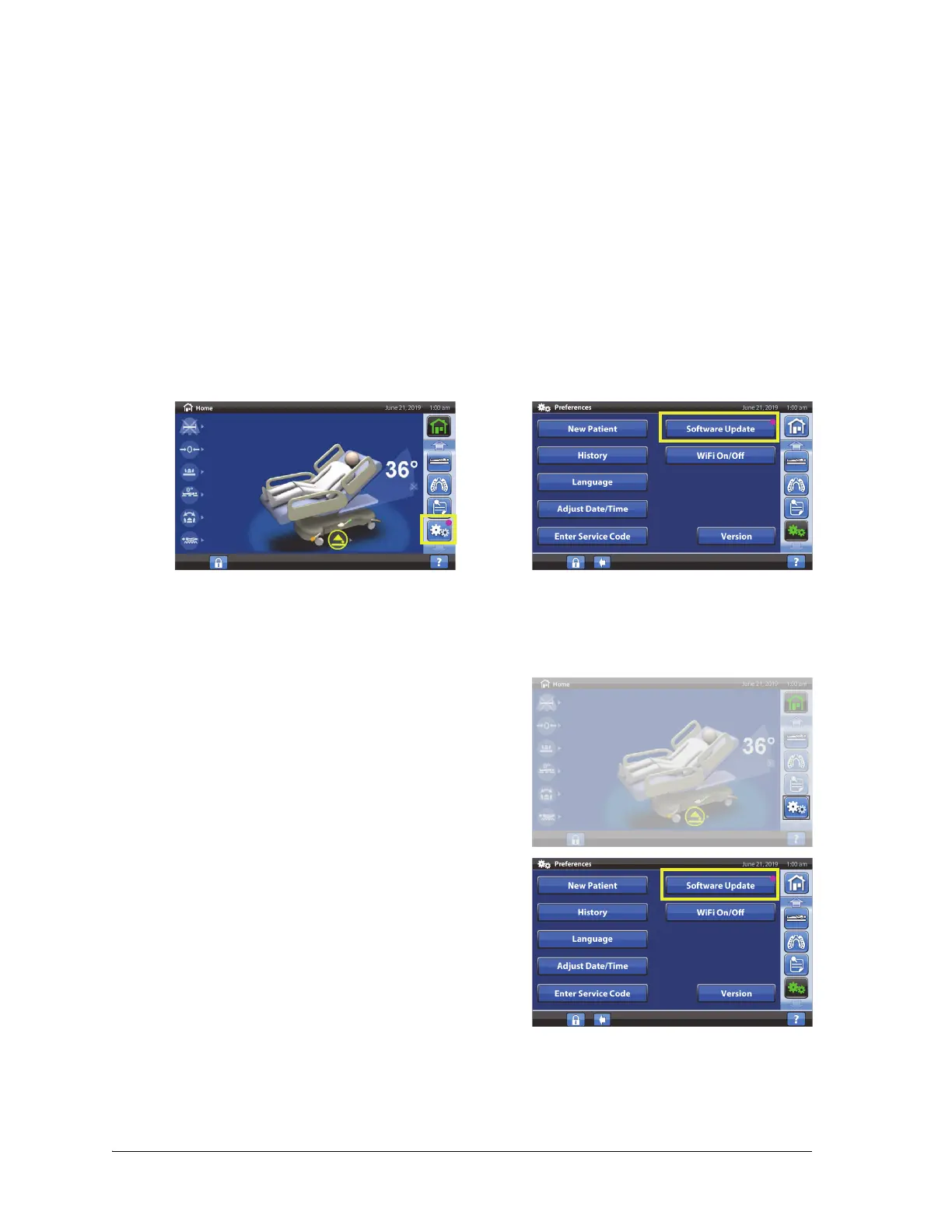
A software update is available for the bed when—
• A purple software update indicator shows on the Settings menu control and the Software
Update control.
Make sure of these:
• There is not a patient on the bed.
• The wireless is on and connected to the wireless network, see “WiFi On/Off” on page 54.
1. Press the Settings control menu.
2. Press Software Update.













 To Next Page