Surface Information
Progressa+ Bed Instructions for Use (216321 REV 2) 63
PROGRESSA+ ACCELERATE SURFACE
The Progressa+ Accelerate Surface features are the same as the Progressa+ Advance Surface, with the
addition of Rotation and Percussion and Vibration. Refer to “Progressa+ Advance Surface” page 57 for
Progressa+ Advance Surface operation.
Contraindication—Use of active air therapy surfaces for patients with unstable spinal cord injury could
cause serious injury to the patient.
Contraindication—Use of continuous lateral rotation therapy is contraindicated for patients with
cervical or skeletal traction.
Warning—To help prevent injury and/or equipment damage, obey these warnings:
• Warning—Use care when you transfer a patient from the bed to another surface.
• Warning—Operating Percussion and Vibration and Rotation Therapy together at higher than
typical settings may cause elevated surface temperatures and patient harm, for example, the
combination of the following control settings:
• Rotation therapy programmed at 100% with a 1 minute center pause time
• Rotation therapy operating continuously
• Percussion and Vibration programmed at a high setting
• Percussion and Vibration operating for 1 hour periods, greater than the rate of 1 hour for
every 5 hours of Rotation therapy operation
• Warning—The patient may move laterally on the surface when rotation is active.
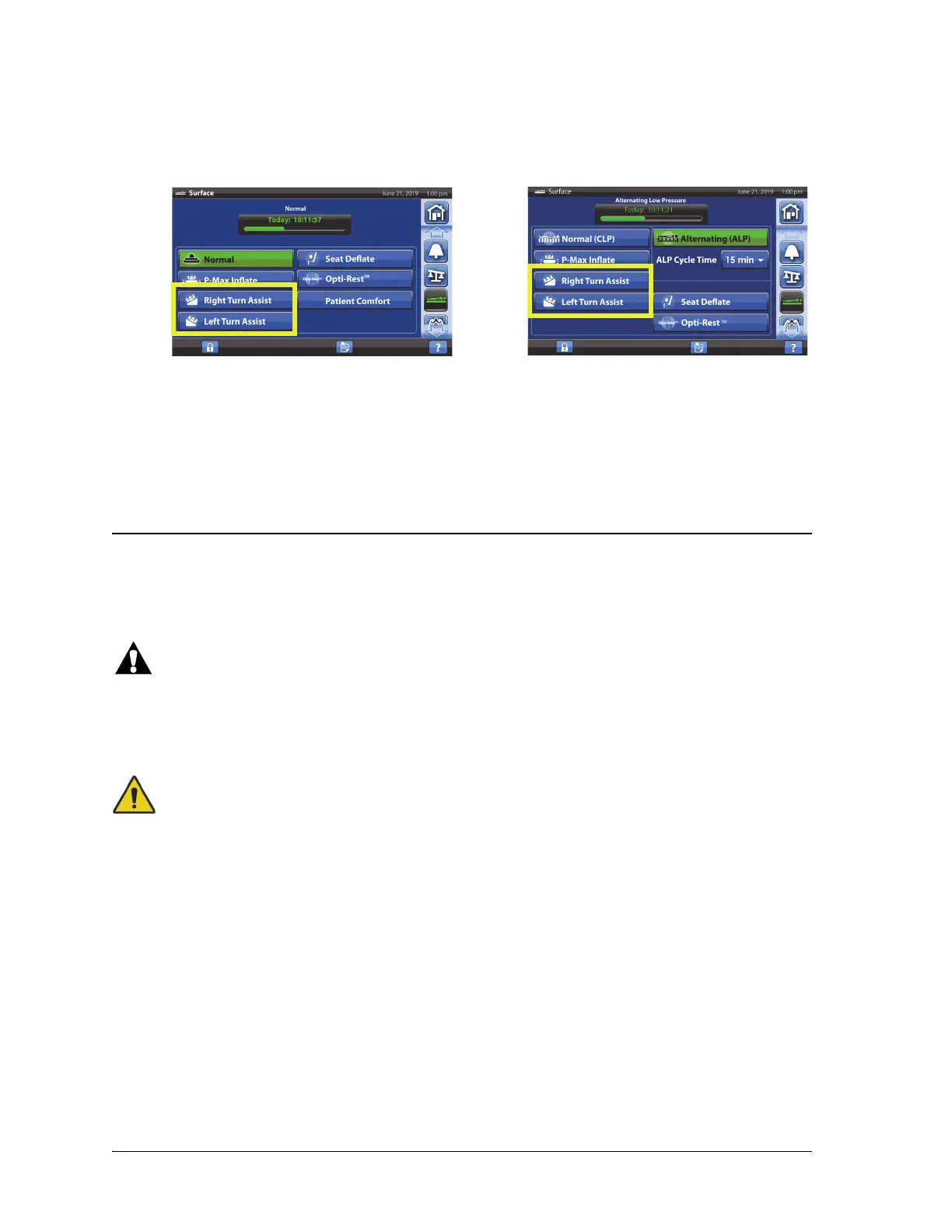
2. Press Right or Left Turn Assist, see below. The control turns green when active.
• To stop Turn Assist, press the Normal/Normal (CLP) control.
• To hold the turn at less than the full angle, press the Stop Turn control while the Turn Assist is
inflating.
Beds without ALP Beds with ALP
After 30 minutes, a repeating triple beep will sound and a screen will appear. The caregiver has the
option of keeping the surface in Turn Assist or let it return to Normal Mode.
If the siderail the patient is turning towards is lowered the turn assist will stop.
To Deactivate
• Press Normal/Normal (CLP).













 To Next Page