Head and Intermediate Siderails
26 Progressa+ Bed Instructions for Use (216321 REV 2)
BED FLAT CONTROL
Bed Flat controls are provided so that a caregiver can easily return the patient deck to the level position
from any articulated position.
3. The individual sections move to the flat position. If the bed is starting in the Chair position, it will
move through the Reclining position on the way to level.
4. When all sections are flat, the bed will stop and an audible alert will sound.
SIDECOM COMMUNICATION SYSTEM
Warning—Failure to connect the SideCom Communication System cable may result in delay of critical
care to the patient.
NURSE CALL
The patient can use the Nurse Call control to call the nurse when the control is lit.
When a Nurse Call control is activated, a signal is sent to the nurse’s station. Voice communication is
provided through a speaker/microphone that is on the inside of both head siderails. See “SideCom
Communication System” on page 26.
To Activate
1. Press and hold the Bed Flat control.
2. The intermediate frame returns to level from the tilted position.
The SideCom Communication System provides a control for Nurse
Call and other entertainment features.
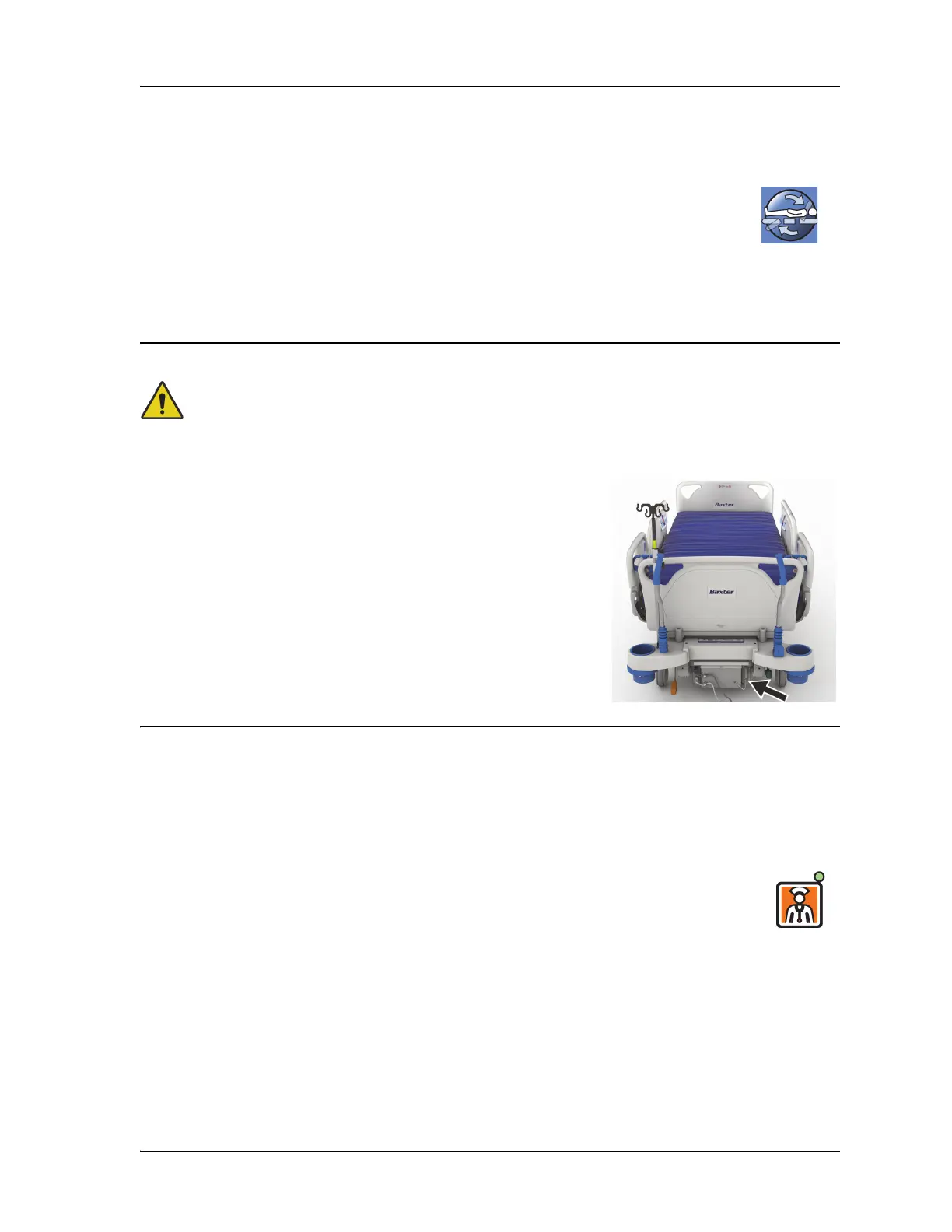
The SideCom Communication System connector is at the head-end
of the bed below the headboard.
To Activate
Press a Nurse Call control. These will occur:
• The amber indicator near the Nurse Call control will illuminate on and single beep
will sound to let you know that the call has been sent.
• When the nurse station communication line is open, the indicator turns green.
The nurse’s station is ready for you to speak.
• Speak into the speaker/microphone located on the inboard side of the head-end
siderails.













 To Next Page