Chapter 6: Running Samples with BD FACSCanto Clinical Software 105
Verifying Report Review
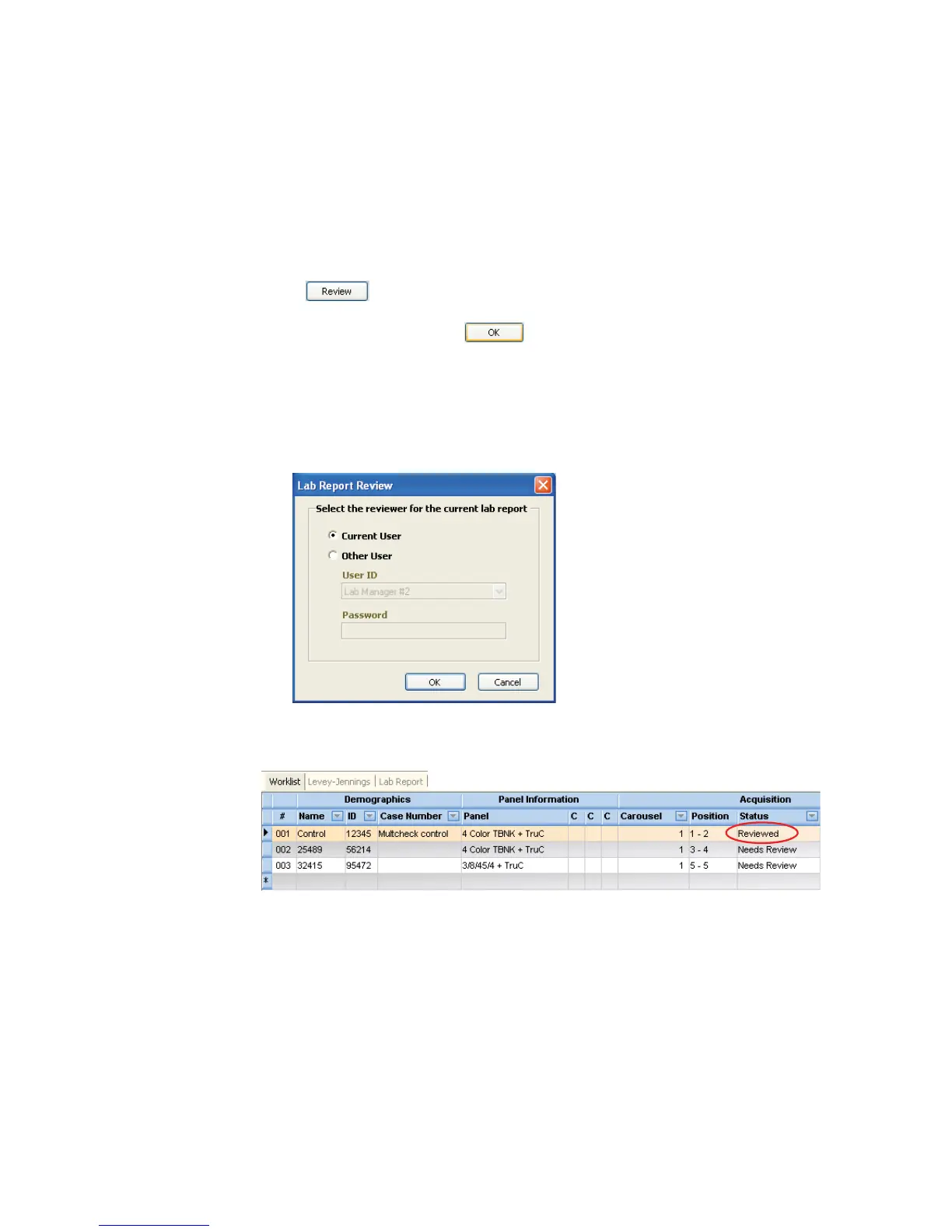
BD FACSCanto clinical software provides an interface where you can append a
virtual signature to reviewed reports.
1 Click at the top of the Lab Report view.
2 Select a reviewer, and click .
• Select Current User for the current, logged-in user.
• Select Other User for a different user. Choose the User ID from the
menu, and enter a password.
The corresponding worklist Status field changes to Reviewed.



 To Next Page