Chapter 7: Running Samples with BD FACSDiva Software 127
Logging Out
Log out when you are finished using BD FACSDiva software, but not ready to
shut down the system.
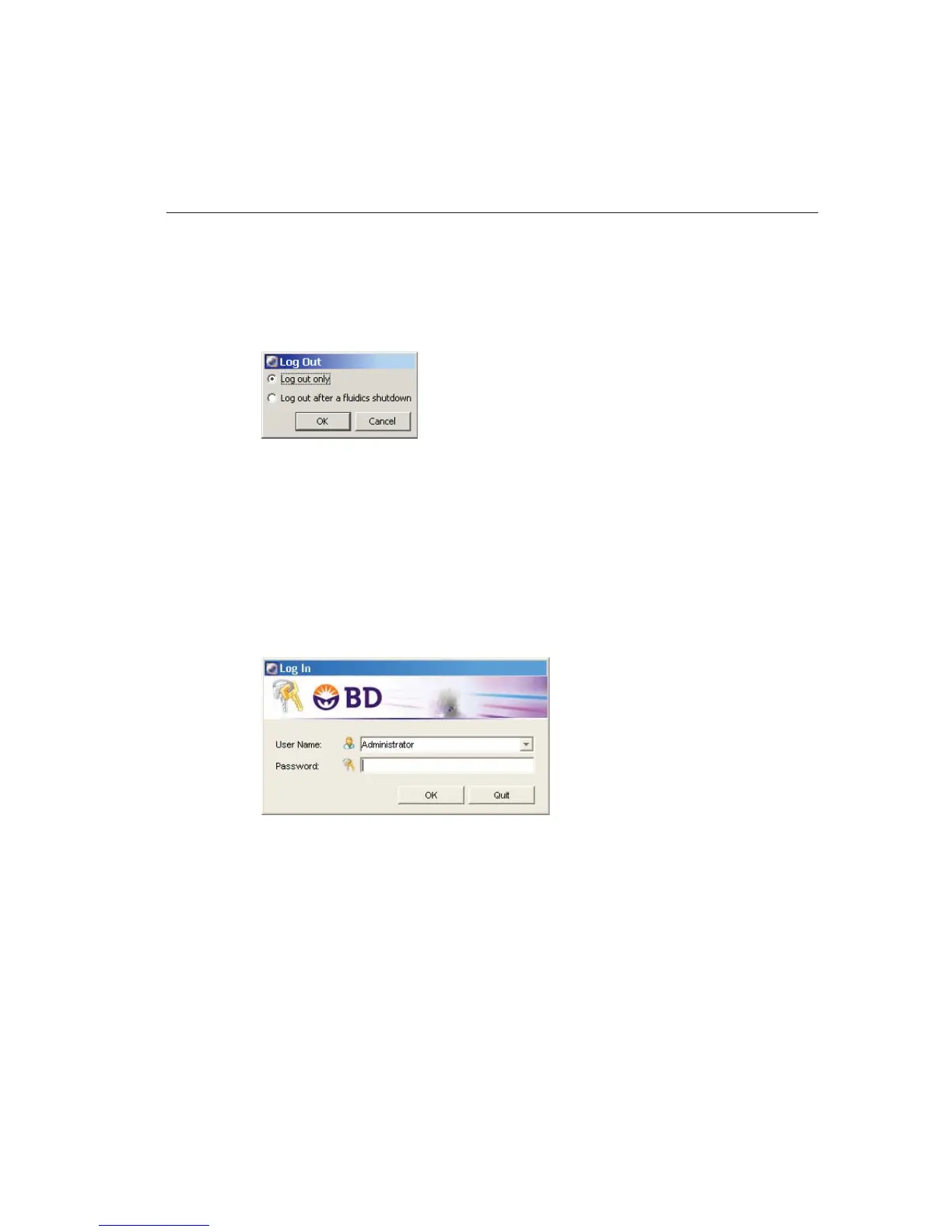
1 Choose File > Log Out.
2 If the system will be used to run samples after you log out, select Log out
only.
NOTICE If you select Log out after a fluidics shutdown, keep in mind
fluidics shutdown can take up to 5 minutes to complete.
The BD FACSDiva workspace is hidden and the Log In dialog appears. The
system is available for the next operator to log in.



 To Next Page