126 BD FACSCanto II Instructions for Use
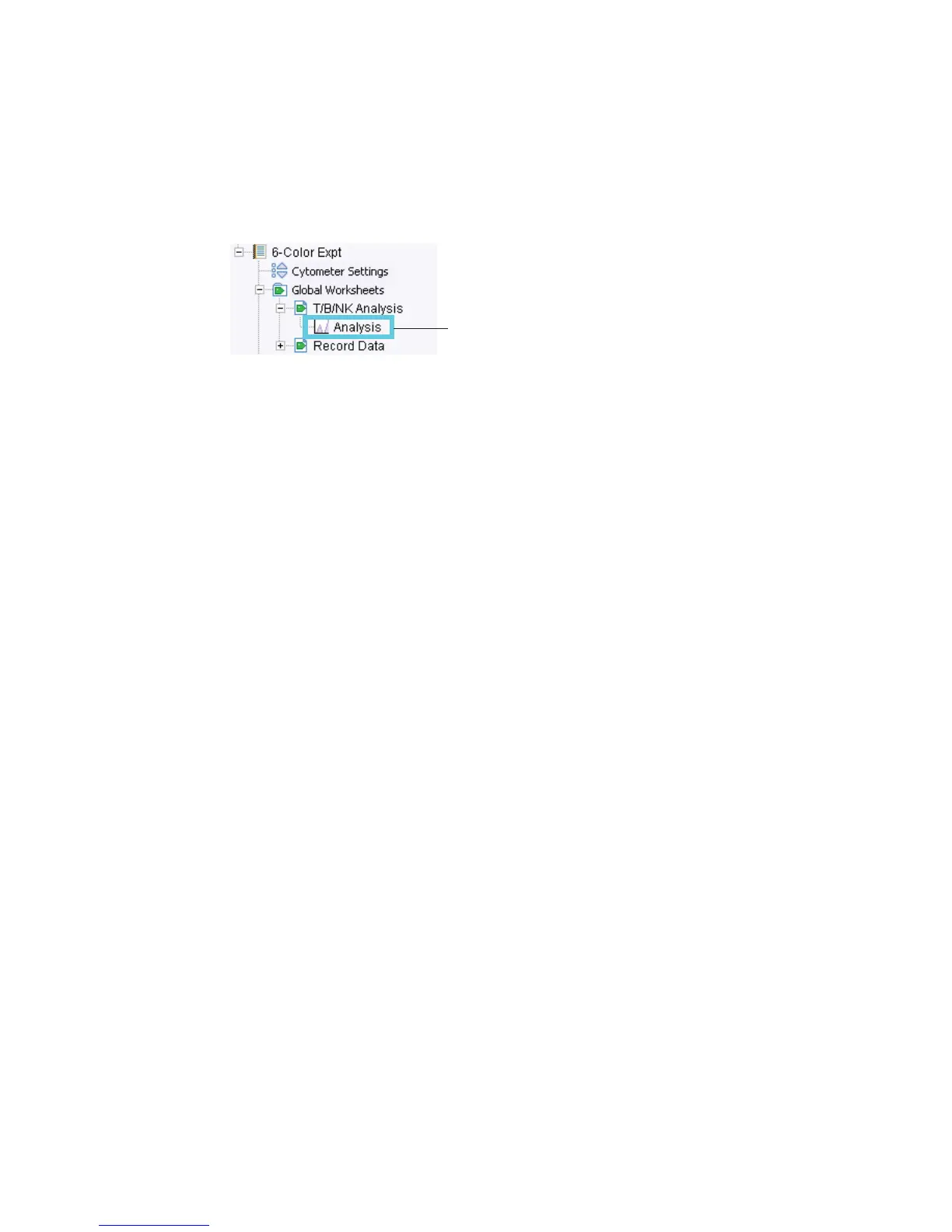
4 In the Browser, right-click the analysis object below the global worksheet
icon and choose Copy.
5 Select the tube in the Browser; right-click the tube icon and choose Paste.
The elements on the global worksheet are copied to the new normal
worksheet. View the analysis by double-clicking the tube in the Browser.
Tip Automatically save a copy of the analysis with each tube by enabling the
Save Analysis After Recording preference before you record data. In this case, the
analysis plots are placed on the normal worksheet that is open at the time of
recording. To control where the plots are placed, create a new normal (tube-
specific) worksheet before data is recorded.
analysis object



 To Next Page