162 BD FACSCanto II Instructions for Use
5 Turn the tabs to hold the filter.
6 Close the side door.
Replacing Fluidics Filters
The fluidics cart should be on during this procedure.
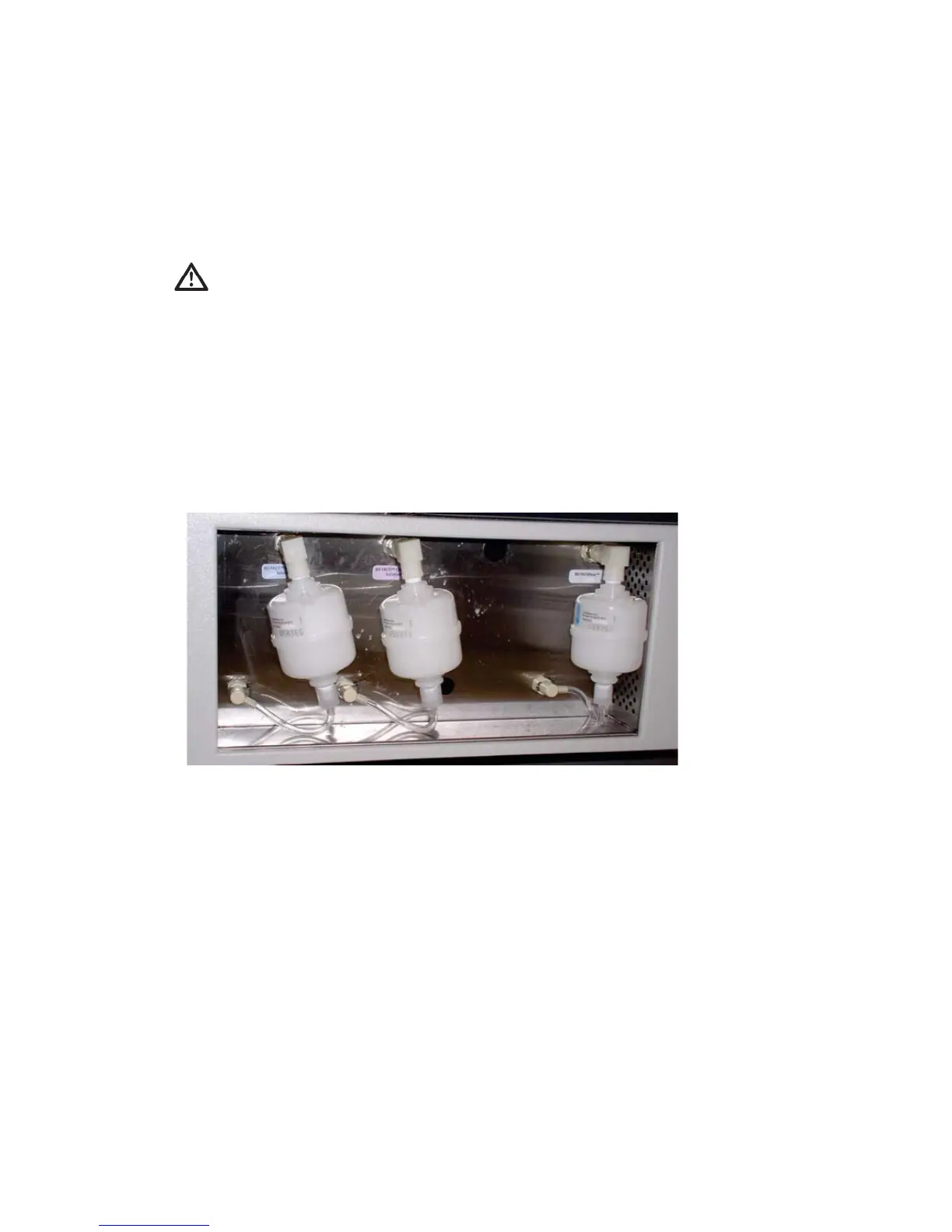
Change the fluid filters when you see increased debris in FSC vs SSC plots, or
every 6 months.
1 Place a few paper towels beneath the filter.
2 Remove the filter by pressing the metal tabs on each quick-disconnect
coupling.
See Figure 10-3 on page 163.
To avoid cytometer damage, do not close the door on any tubing or wires.



 To Next Page