Chapter 6: Running Samples with BD FACSCanto Clinical Software 111
Reviewing a Worklist
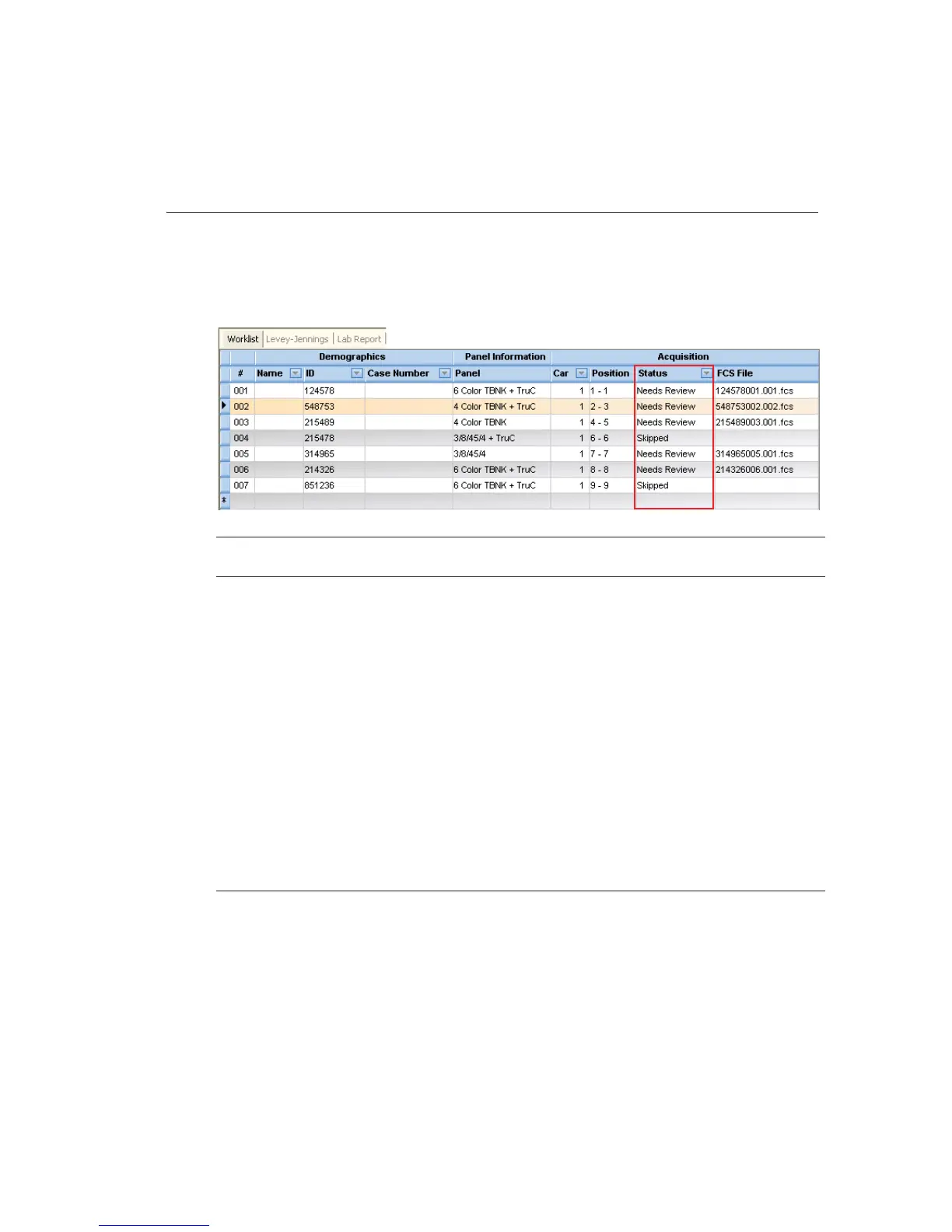
After all samples in a worklist have been processed, inspect the Lab Report for
each sample. You can review Lab Reports after each sample is run, or after an
acquisition worklist is complete. The following table describes Status entries.
To review a Lab Report, do the following.
1 Double-click the Status field for the sample that needs review.
The Lab Report for that sample appears (Figure 6-3 on page 112).
Status Meaning
Ready To Run All columns filled in and sample ready for acquisition
Not Prepped Sample skipped—prep on SPA II unsuccessful
Running Sample currently being acquired
OK Sample successfully acquired and analyzed with no QC messages
Partial A tube belonging to the sample was successfully acquired or analyzed,
while another tube was skipped
Incomplete Not all tubes in a multi-tube panel were recorded
Skipped All tubes belonging to the sample were skipped or aborted by user
Needs Review Results out of alarm range, or a QC message appears on the Lab Report
Reviewed Sample marked as reviewed



 To Next Page