Chapter 8: Using the Loader with BD FACSDiva Software 141
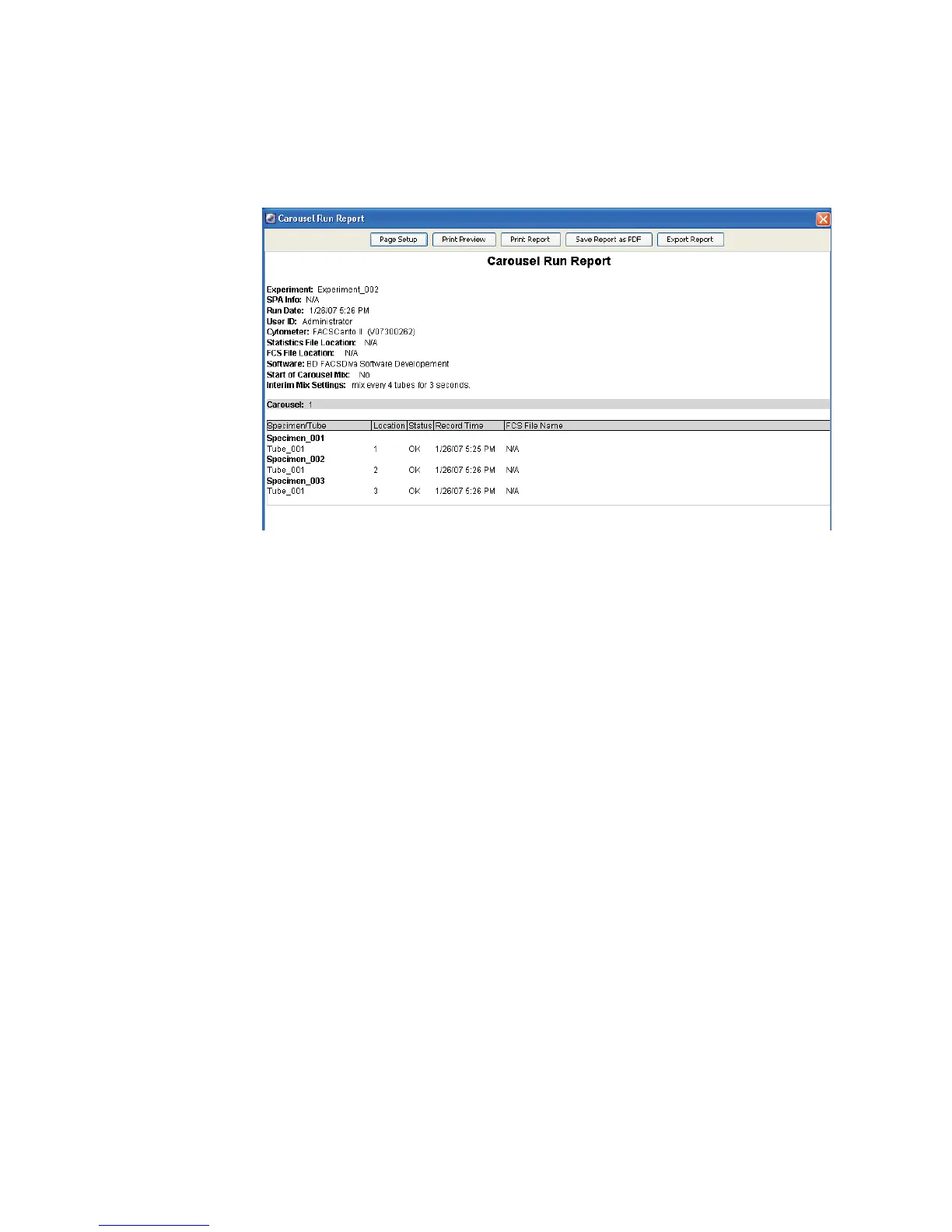
Figure 8-6 Example Carousel Run Report
The report prints automatically if specified in the General tab of the
Carousel tab under the User Preferences. If you selected the automatic
saving preference in the Save Options tab of the Carousel tab, the report is
saved to the designated directory. You can also save the report as a PDF or
export it.
Skipping or Re-Running Samples
When you re-run a sample, existing data is not overwritten.
•If the Export FCS after recording preference is enabled, a new FCS file is
saved as: <Specimen Name>_<TubeName>_<DDMMYYYYHHMMSS>.fcs,
where DDMMYYYY represents the date and HHMMSS represents the time
the new file was saved.
•If the Automatic Saving... preference is enabled for statistics results, a new
row is written to the statistics results file.



 To Next Page