Chapter 5: Cytometer QC and Setup 81
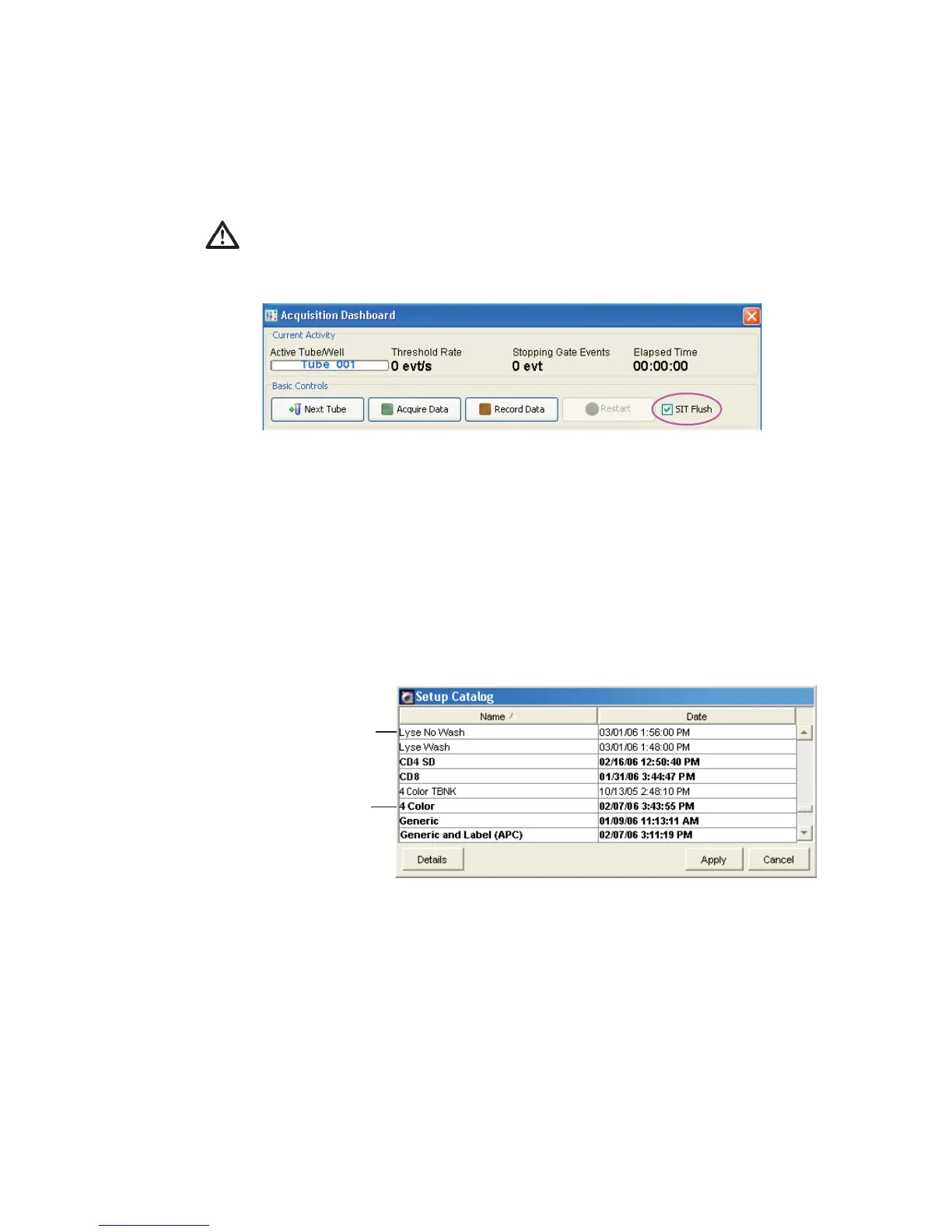
7 In the Acquisition Dashboard, verify the SIT Flush checkbox is selected.
Applying the Setup Results
1 Right-click the experiment-level cytometer settings, and choose Apply
Setup.
2 Select a setup from the Setup Catalog.
BD FACSCanto clinical software generated a Lyse/No Wash and a Lyse/
Wash setup.
NOTICE Entries in bolded text are setups created in BD FACSDiva
software.
3 Click Apply.
BD recommends leaving the SIT Flush option enabled to minimize
carryover between tubes.
BD FACSDiva setup
BD FACSCanto setup



 To Next Page