198 BD FACSCanto II Instructions for Use
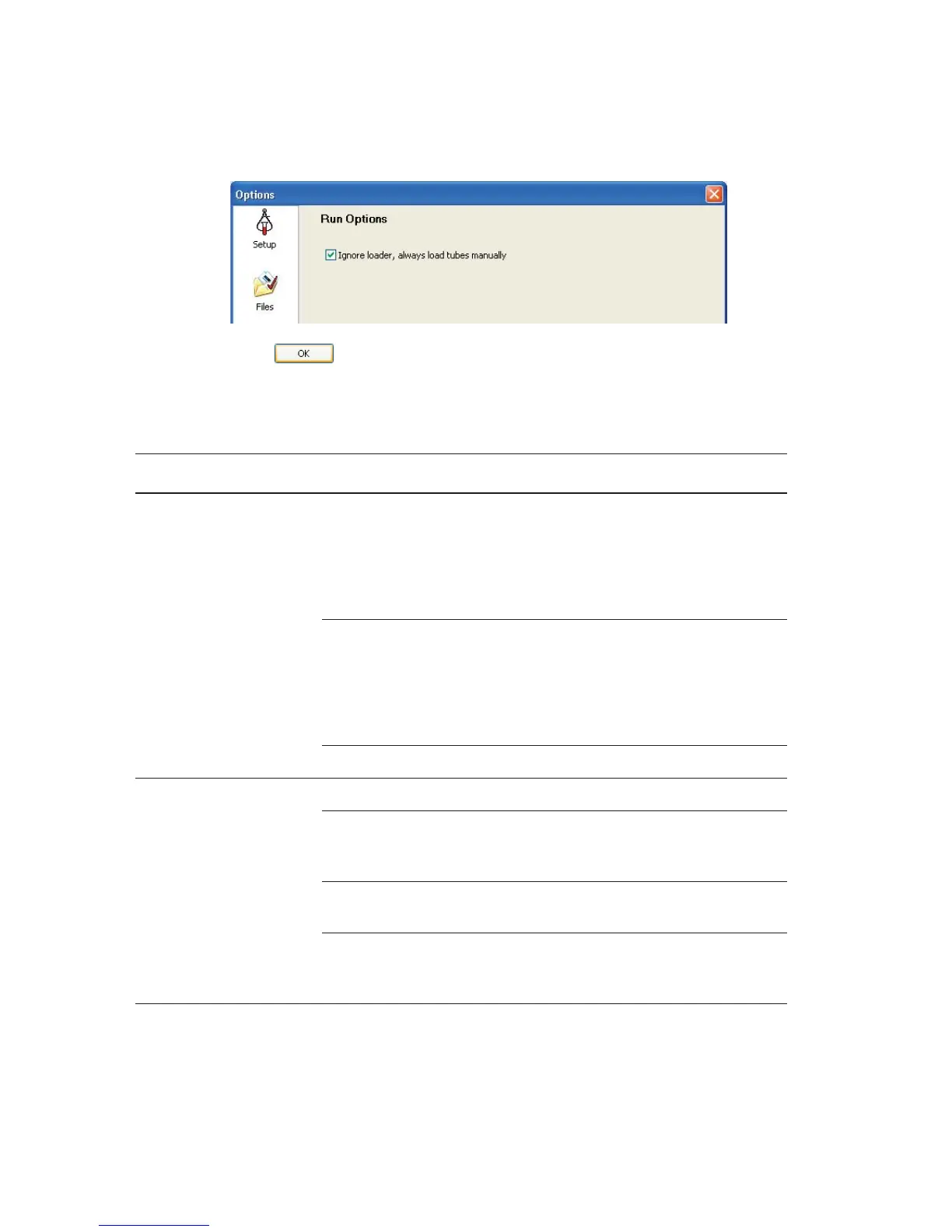
4 Click .
Fluidics Cart Troubleshooting
Observation Possible Causes Recommended Solutions
Water leakage around
fluidics cart base
• Normal condensation
overflow from pressure
relief valve
• Extremely humid climate
1 Turn off the cytometer power.
2 Clean up the water.
3 Empty the condensation trap in
the fluidics cart daily. See
Figure 1-6 on page 22.
Bleeder valve on fluidics cart
filter open
1 Turn off the cytometer power.
2 Clean up the liquid.
3 Check and close all bleeder
valves. See Purging the Fluidics
Filters on page 158.
Broken fluid line Contact BD Biosciences.
Fluidics cart will not
power on, cytometer on
Cart circuit breaker off Switch on the cart circuit breaker.
Auxiliary air supply switch is
on, cart not normally
connected to auxiliary air
Toggle the auxiliary air supply off.
When auxiliary air is on, the cart’s
own air pumps turn off.
Power cord from fluidics cart
to cytometer disconnected
Connect both ends of the cord.
Fuse blown Replace the fluidics cart fuses. See
Replacing the Fluidics Cart Fuses
on page 186.



 To Next Page