172 BD FACSCanto II Instructions for Use
1 Switch off the cytometer power and unplug the AC power cord.
2 Wipe all accessible surfaces with BD FACSClean solution.
3 Wet a fresh cloth with DI water and wipe all bleach-exposed surfaces to
prevent corrosion.
4 Wipe all exposed surfaces with a clean, dry cloth.
Removing Bubbles from the Flow Cell
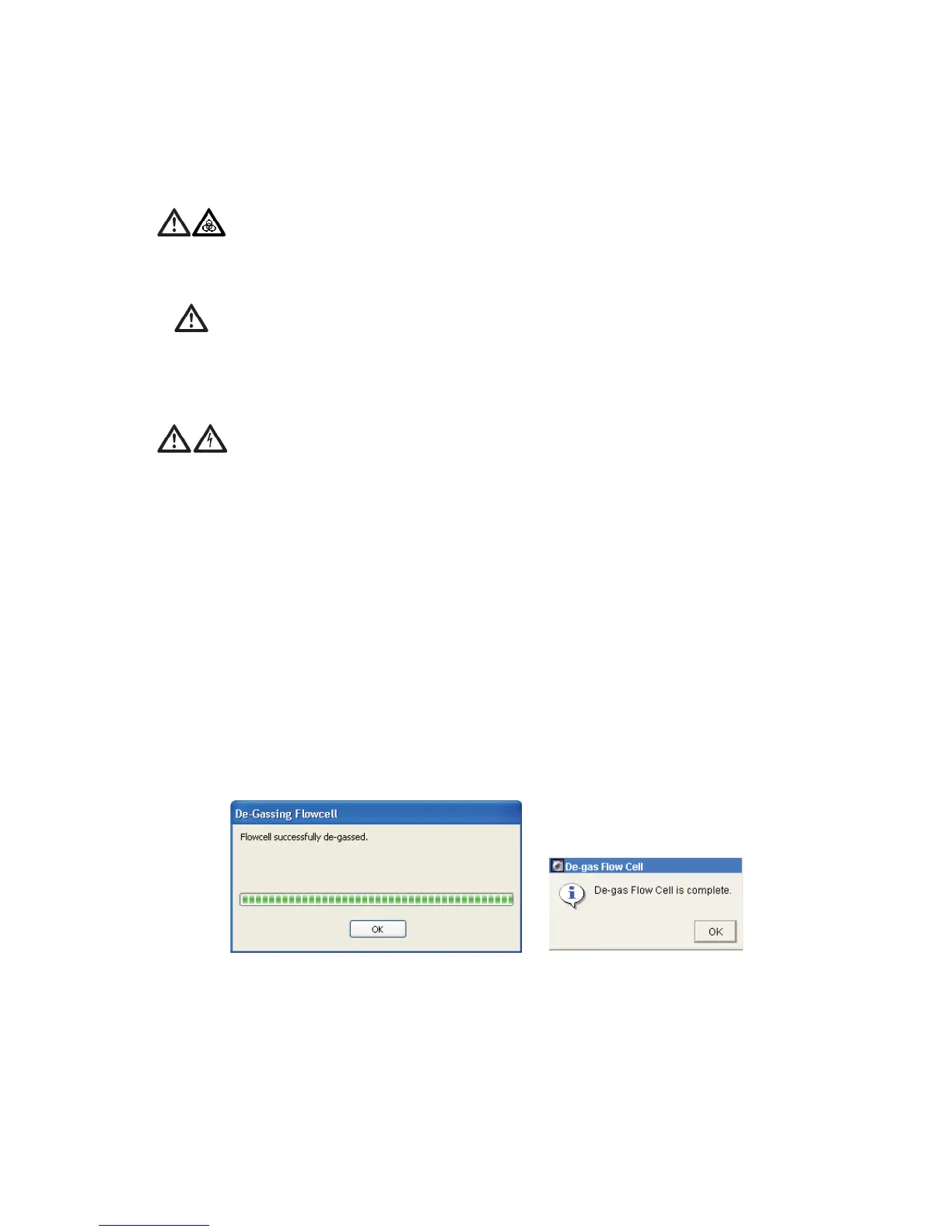
1 Select Cytometer > Cleaning Modes > De-gas Flow Cell.
2 Click OK when the completion message displays.
All cytometer surfaces that come in contact with biological specimens can
transmit potentially fatal disease. Use universal precautions when cleaning
cytometer surfaces. Wear suitable protective clothing and gloves.
To prevent damage, do not use isopropyl alcohol or ethanol on any
cytometer or fluidics cart surface.
To avoid potential shock, always switch off the power and unplug the AC
power cord before you begin cleaning.
BD FACSCanto clinical software
BD FACSDiva software



 To Next Page