Chapter 5: Cytometer QC and Setup 71
Using Cytometer Controls
Cytometer controls are disabled when a worklist is running. You can adjust
controls only during optimization (immediately after Setup), or after pausing
sample acquisition during a worklist run.
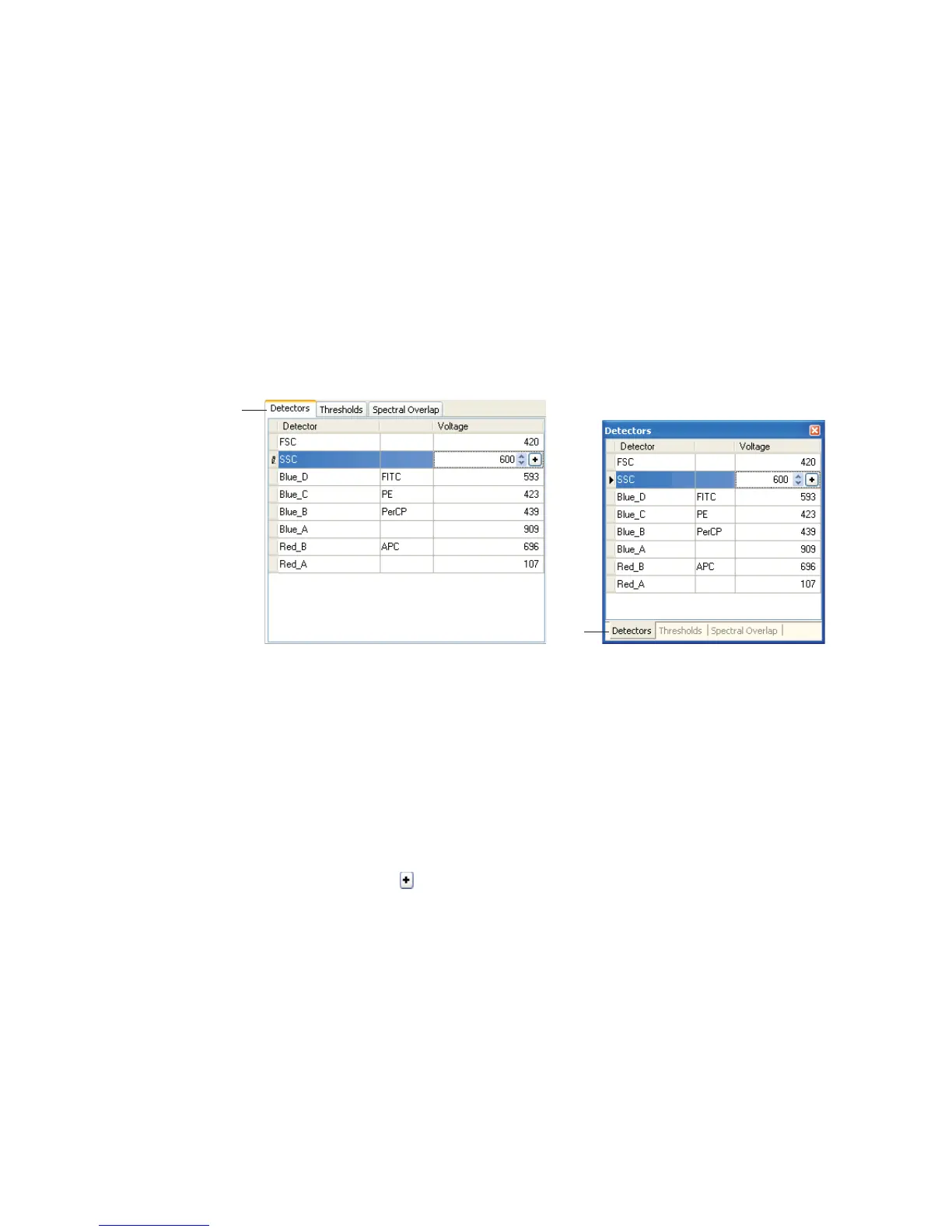
There are three types of cytometer controls: Detectors, Thresholds, and Spectral
Overlap. Click on a tab to access the corresponding controls, or choose an option
from the View menu.
Adjusting Detectors
Adjust the signal for events displayed in plots by changing detector voltages.
Higher voltages amplify the signal. Lower voltages decrease the signal.
BD FACSCanto clinical software automatically recalculates spectral overlap
when you change detector voltages.
To change a setting, click in the field containing the value you want to change. Up
and down arrows and a appear. Change the value as follows:
• highlight the value and type in a new one
• click the up and down arrows
tabs
tabs
after Setup, in Wizard during acquisition



 To Next Page